Creality Laser Engravers Compared (Falcon A1, A1 Pro, Falcon2 Pro S, Falcon2 Pro, T1)
Pick the Creality by the job, never by its place in the range. For engraving and thin plywood the Falcon A1 is enough, on a 305 x 381 mm bed. The A1 Pro doubles optical power to 20W and adds autofocus, a touchscreen and a carriage for an optional IR module that marks bare metal, on a smaller 268 x 358 mm bed. For thick stock, step to the Falcon2 line: the Falcon2 Pro S 40W cuts 20mm basswood in one pass with autofocus on 355 x 390 mm, and the Falcon2 Pro 60W reaches 22mm with a manual focus block on 400 x 400 mm. The Falcon T1 is not the next step up from either. It is a galvo machine with a 175 x 175 mm field, bought for fast marking on metal, glass and stone.
We earn a commission on qualifying purchases through the links here, at no cost to you. It never decides what makes the list.
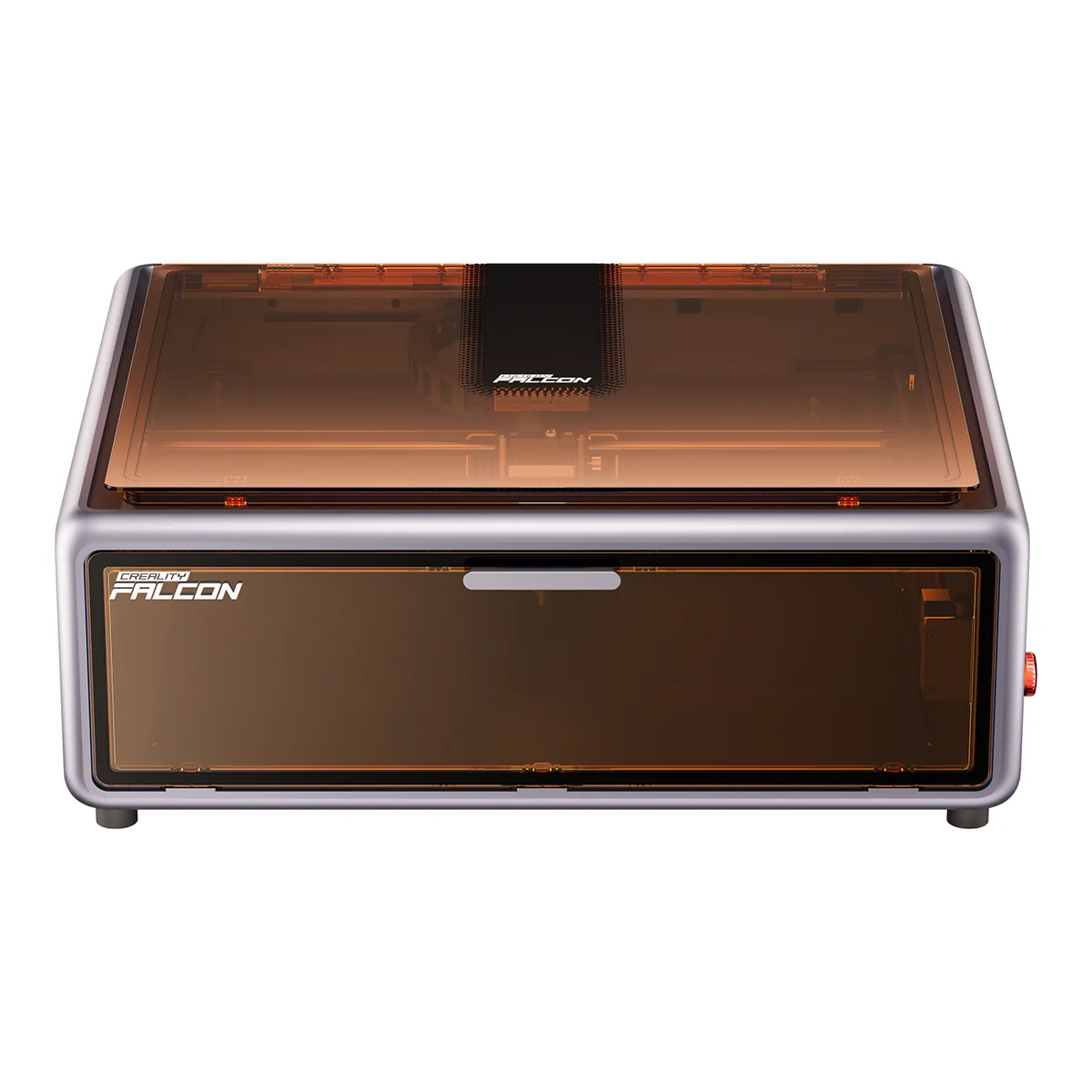
Creality Falcon A1 10W
Stop here if you mostly engrave, cut plywood no thicker than about 6mm, and want the biggest bed below the Falcon2 line.
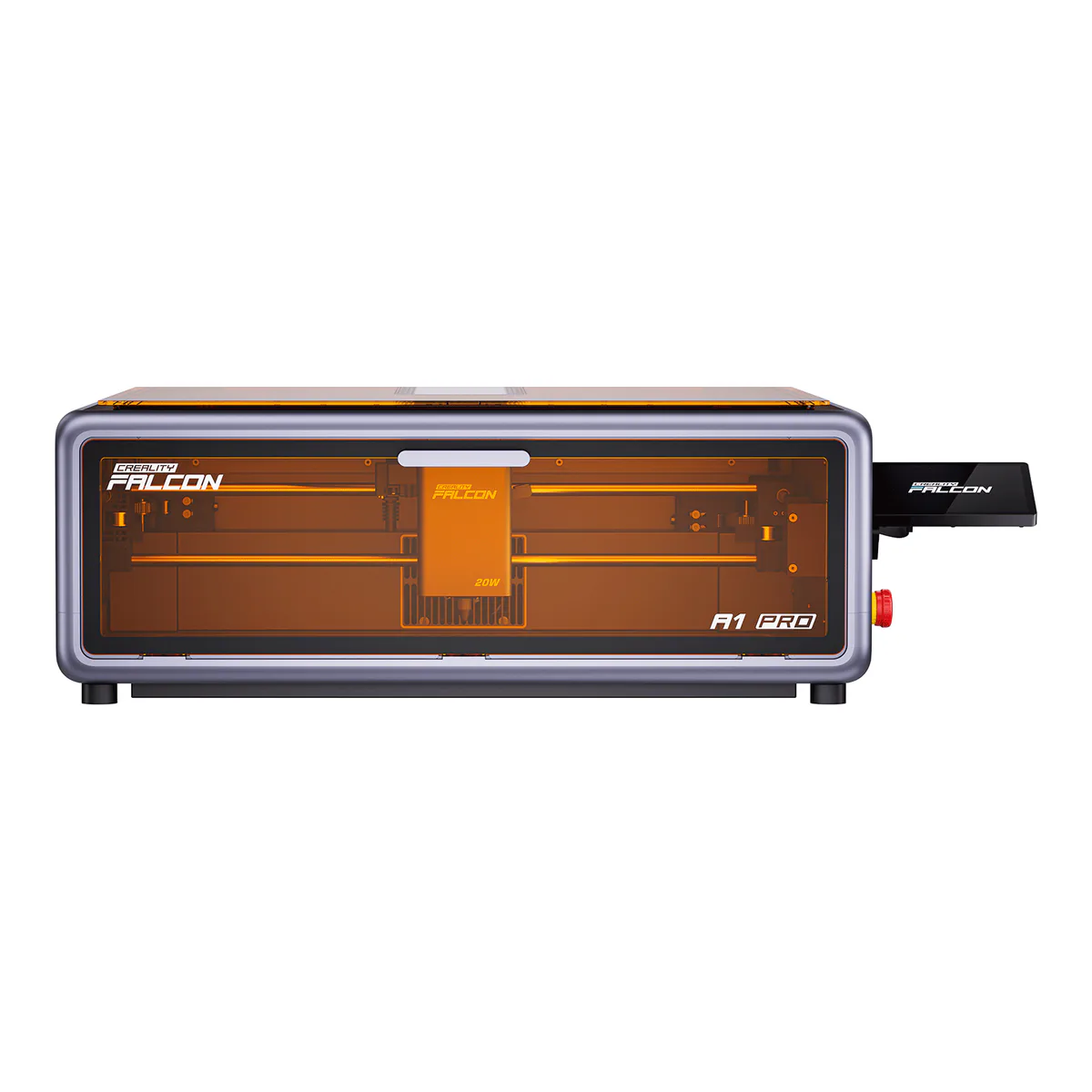
Creality Falcon A1 Pro 20W
Stop here if you want hands-off focus, and metal engraving once you add the IR module, and your work fits a 268 x 358 mm bed. Tom's Hardware counts its weak exhaust fan against it.
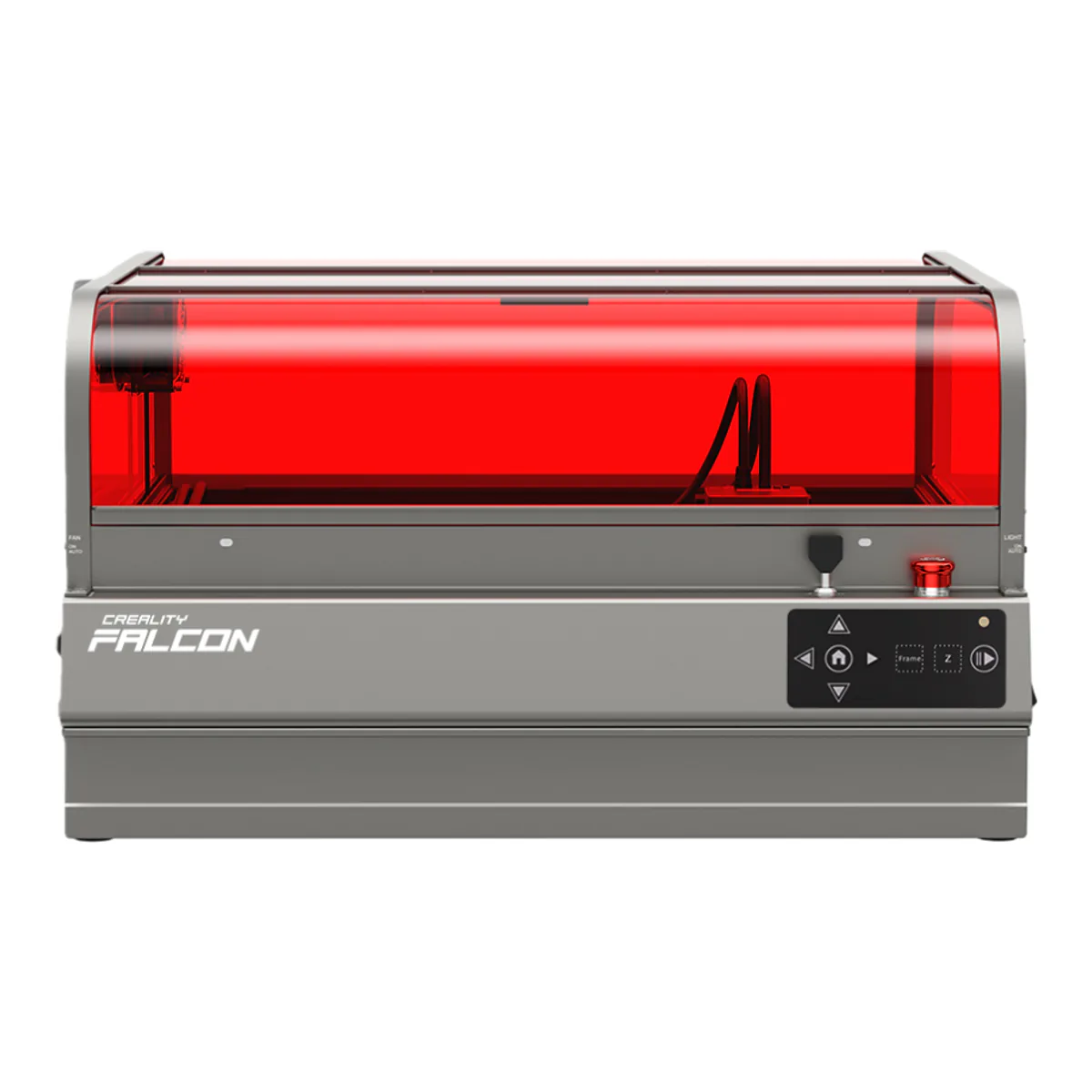
Creality Falcon2 Pro S 40W
Stop here if you cut thick stock, want autofocus, and your sheets fit 355 x 390 mm. Against the Falcon2 Pro 60W it gives up 2mm of basswood and some bed.
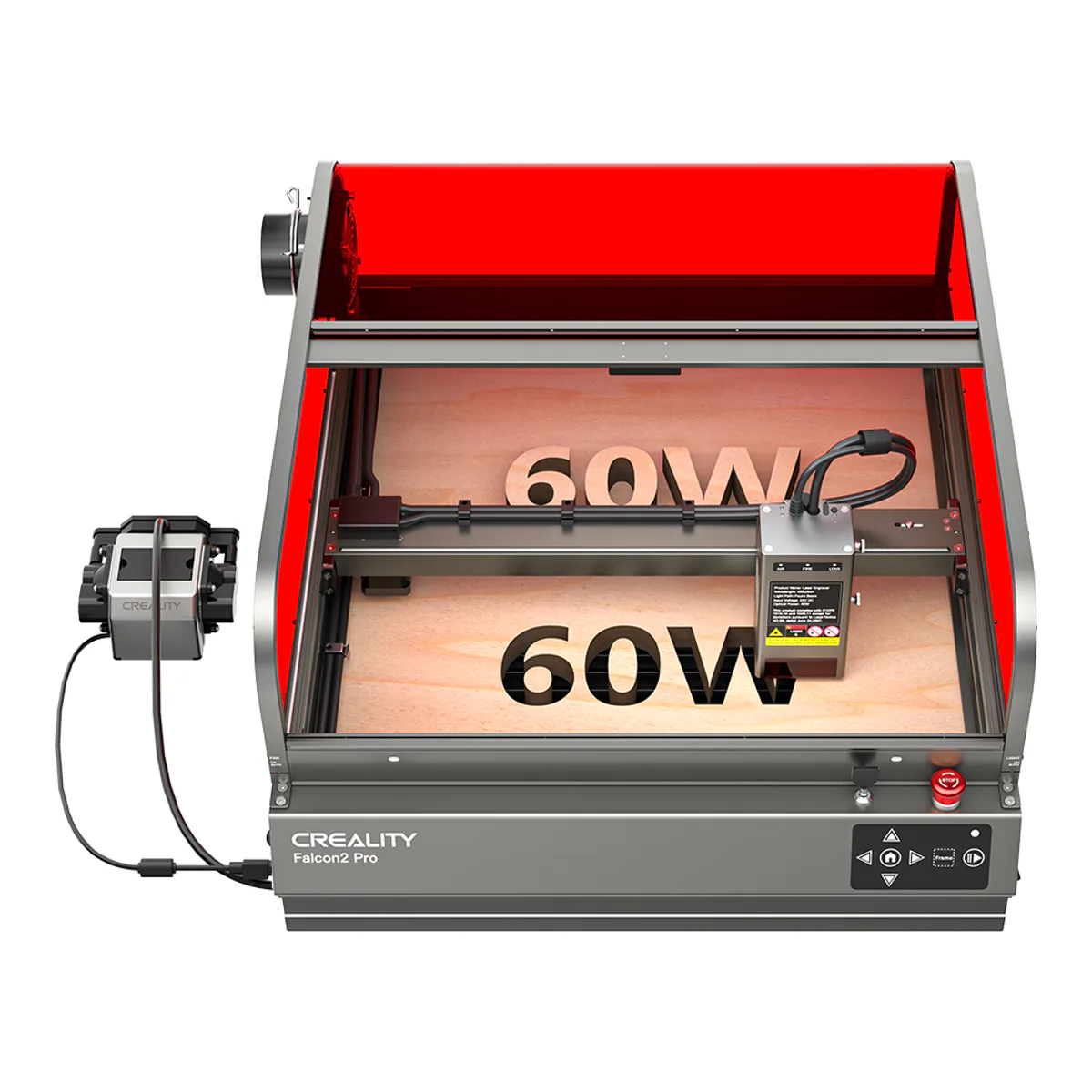
Creality Falcon2 Pro 60W
Stop here if you cut thick hardwood or acrylic, want the biggest bed here, and accept manual focus. Our Falcon2 Pro 60W review covers the panel and camera catches.
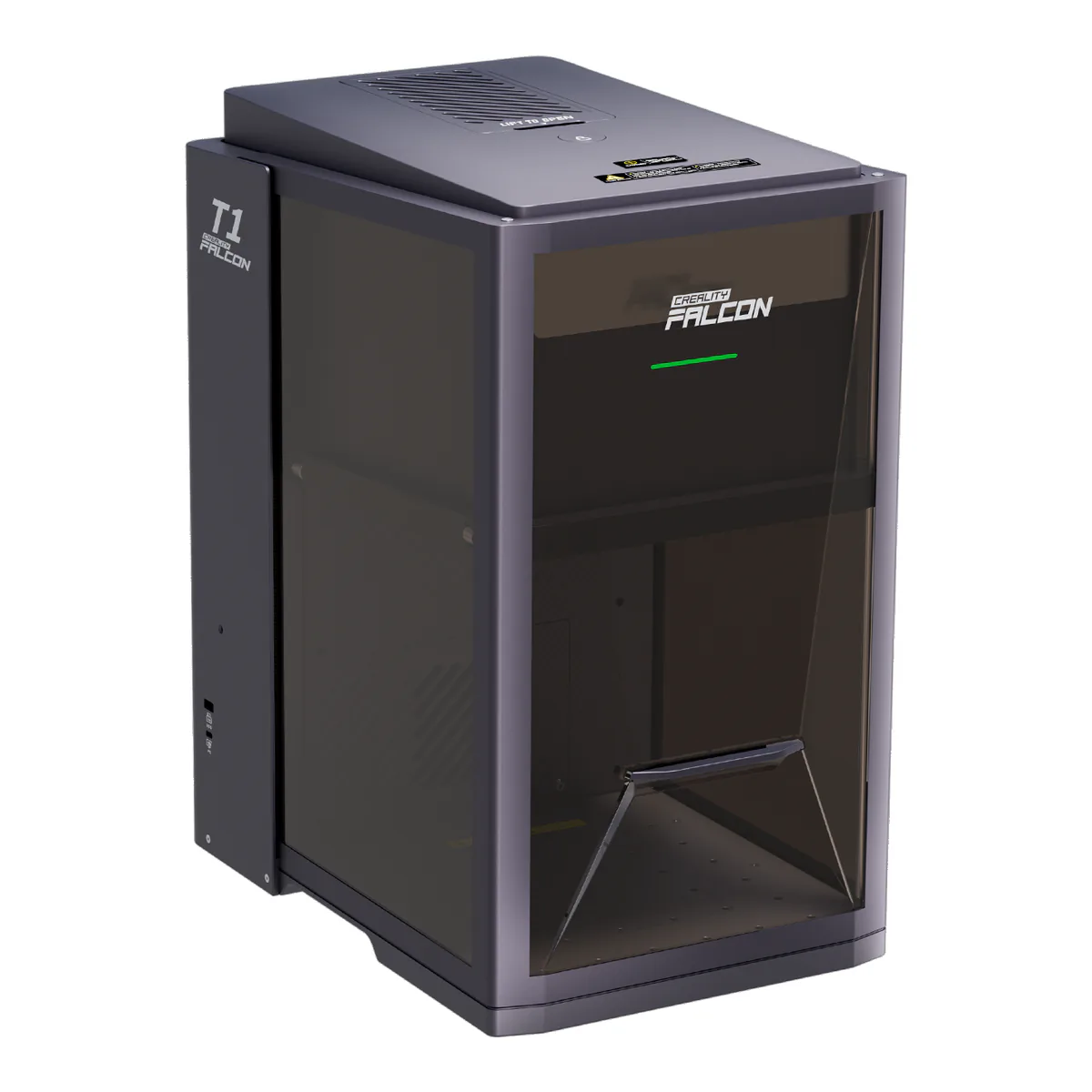
Creality Falcon T1
Stop here if you mark metal, glass, stone or color on stainless, and nothing you make is wider than 175 mm. The listing we link ships with the 20W diode module, so fiber, MOPA and UV are separate modules or separate listings.
| Work area | Motion | Optical power | One-pass cut | Bare metal | Focus and controls | |
|---|---|---|---|---|---|---|
| Creality Falcon A1 10W | 305 x 381 mm | CoreXY gantry, up to 600mm/s | 10W diode | 6mm basswood, 5mm black acrylic | No IR module; painted metal and stainless listed | Focus block, camera, no touchscreen |
| Creality Falcon A1 Pro 20W | 268 x 358 mm | CoreXY gantry, up to 600mm/s | 20W diode; 2W IR module optional | 10mm basswood, 8mm black acrylic | With the optional 2W IR module | Autofocus, touchscreen, app |
| Creality Falcon2 Pro S 40W | 355 x 390 mm | Up to 600mm/s | 40W diode (22W version listed) | 20mm basswood | Not stated | Autofocus, camera positioning |
| Creality Falcon2 Pro 60W | 400 x 400 mm | Gantry | 60W diode, switchable to 40W or 22W | 22mm basswood, 30mm black acrylic | Cuts 0.2mm stainless sheet | Manual focus block, control pad, no screen |
| Creality Falcon T1 | 175 x 175 mm | Galvo, up to 10,000 mm/s | 20W or 40W diode, 20W fiber, 5W UV, 60W MOPA | Not stated | With the 20W fiber or 60W MOPA module | Autofocus, touchscreen, app |
Climb Creality's enclosed range and the bed gets smaller twice. The Falcon A1 engraves over 305 x 381 mm. The A1 Pro above it, with twice the optical power, gives you 268 x 358 mm. And the Falcon T1 at the far end of the range, the machine Creality builds its five-module system around, works inside a 175 x 175 mm field.
None of that is a defect. It is what the five machines are for, and the Creality laser engravers on sale under the Falcon name split cleanly by job once you read the beds next to the power. The Falcon A1 10W and Falcon A1 Pro are compact engravers. The Falcon2 Pro S and Falcon2 Pro 60W are the cutters. The Falcon T1 is a galvo marker that shares a badge with them and little else. Our laser engraver shortlist across every brand is the place to start if Creality itself is still an open question.
Behind the ladder: Creality's own spec tables for the A1, the A1 Pro and the three Falcon2 Pro powers, its two Falcon2 Pro S pages and the spec images on the 40W page, and its Falcon T1 page with the FAQ under it. Then three hands-on reviews by Andrew Sink at Tom's Hardware, of the A1 Pro, the Falcon2 Pro 60W and the T1, plus Maker Hacks' test of the 60W. For our Falcon2 Pro review we read the owner comment under Tom's review and the comments under seven YouTube videos about the 60W, and five commenters say they own a Falcon2 Pro.
Creality laser engravers come in two shapes
Four of the five move a diode head on a gantry, so the bed is the work area and the work area is roughly the size of the box. The T1 does not. Its galvanometer steers the beam from the top center of a tall chamber, and that buys line speeds up to 10,000 mm/s. The field is 175 mm square, in line with the other galvo lasers Tom's Hardware names and smaller than most gantry machines. Tom's also names the catch a gantry never has: because the beam leaves from one point, cuts lean more the farther a part sits from the center, which matters for anything with interlocking joints.
So the first question is not wattage. It is whether you cut sheet goods or mark small objects. Cutters want a gantry. Marking fifty dog tags wants a galvo.
Falcon A1 and A1 Pro: power up, bed down
Creality's own comparison table puts the two side by side. The A1 runs a 10W diode and cuts 6mm basswood or 5mm black acrylic in one pass. The A1 Pro runs 20W and reaches 10mm basswood and 8mm black acrylic. Both are rated to 600mm/s on CoreXY motion and both are Class 1.
What the A1 Pro adds is mostly convenience and safety: a touchscreen, app control with remote monitoring, autofocus that Creality rates under 0.012 in, and flame detection that stops the job and alerts the app. Its tool-free carriage also takes a 2W IR module at 1064nm, and Creality's comparison lists pure metal and plastic for the A1 Pro alone. That module is optional. Tom's Hardware's basic pack came with the 20W diode only, and Creality's own page tells you to check the bundle for which modules it includes.
Then the bed. Creality prints 305 x 381 mm for the A1 and 268 x 358 mm for the A1 Pro, so the higher rung holds less material. Tom's Hardware's A1 Pro still took commonly sold 10 x 10 inch plywood, and found the exhaust fan weak and Creality's small desktop purifier overwhelmed when cutting.
Falcon2 Pro S and Falcon2 Pro: the cutters
This is where thick stock gets cut. Creality's Falcon2 Pro table rates each model through basswood in one pass: 10mm for the 22W, 20mm for the 40W, 22mm for the 60W. The 40W and 60W share one acrylic figure, 30mm. So the jump from 40W to 60W buys 2mm of basswood on Creality's own numbers, and that settles the most typed comparison in this family. Maker Hacks' Chris Garrett, testing the 60W, warned the step up from the 40W "is not as huge as we would like".
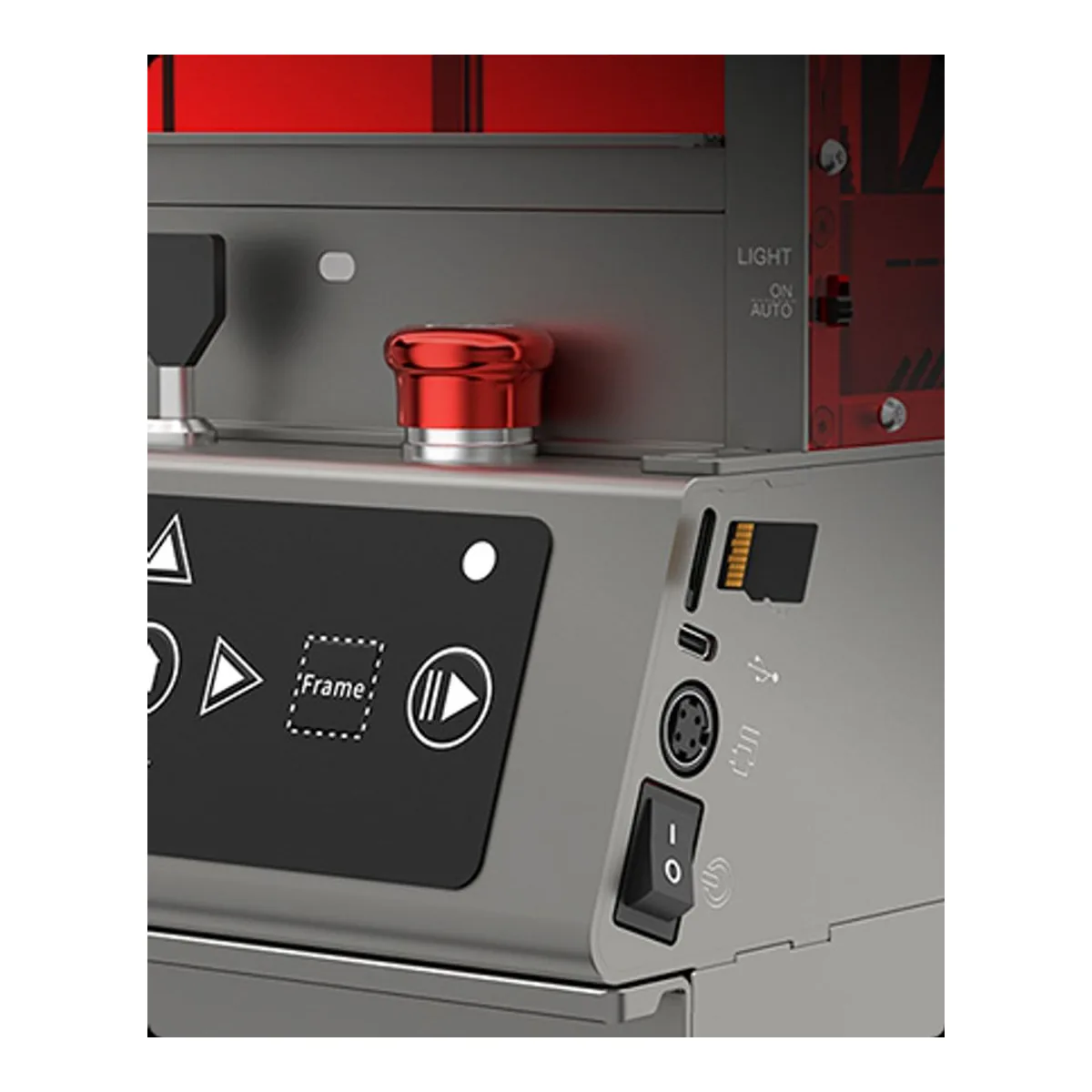
The Falcon2 Pro 60W is the plainest machine here to drive. Tom's Hardware found manual focus on a fixed block, no screen, no built-in Wi-Fi, a camera that needs its own USB connection, and laser light leaking through a cable hole and the thin side panels at full power. Creality gives the 60W a 400 x 400 mm bed, and the 22W and 40W Falcon2 Pro 400 x 415.
The Falcon2 Pro S 40W carries the same 20mm basswood rating as the Falcon2 Pro 40W, from a module Creality says combines eight 5.5W lasers. What it adds is one-click autofocus, printed in the images on its own store page along with a speed of up to 600mm/s, a figure Creality gives for no Falcon2 Pro. Both have a camera for positioning. What the Pro S gives up is bed: 355 x 390 mm against the Falcon2 Pro's 400 x 415 at the same power. If you change stock thickness often, that trade favors the Pro S, because a manual focus block is the chore you repeat on every sheet of a new thickness.
Falcon T1 is a separate tool, not the top rung
The T1 earns its place on speed and on modules. Tom's Hardware engraved a logo on a dog tag with the 20W fiber module in about one second of laser time, at a default 5,000 mm/s, and cut out a 3mm basswood plywood coaster with the 40W diode. Creality matches each module to a job: diode for wood, fiber for metal, MOPA for color on stainless, UV for glass and crystal. Buy the module for the job, since the base listing comes with a diode.
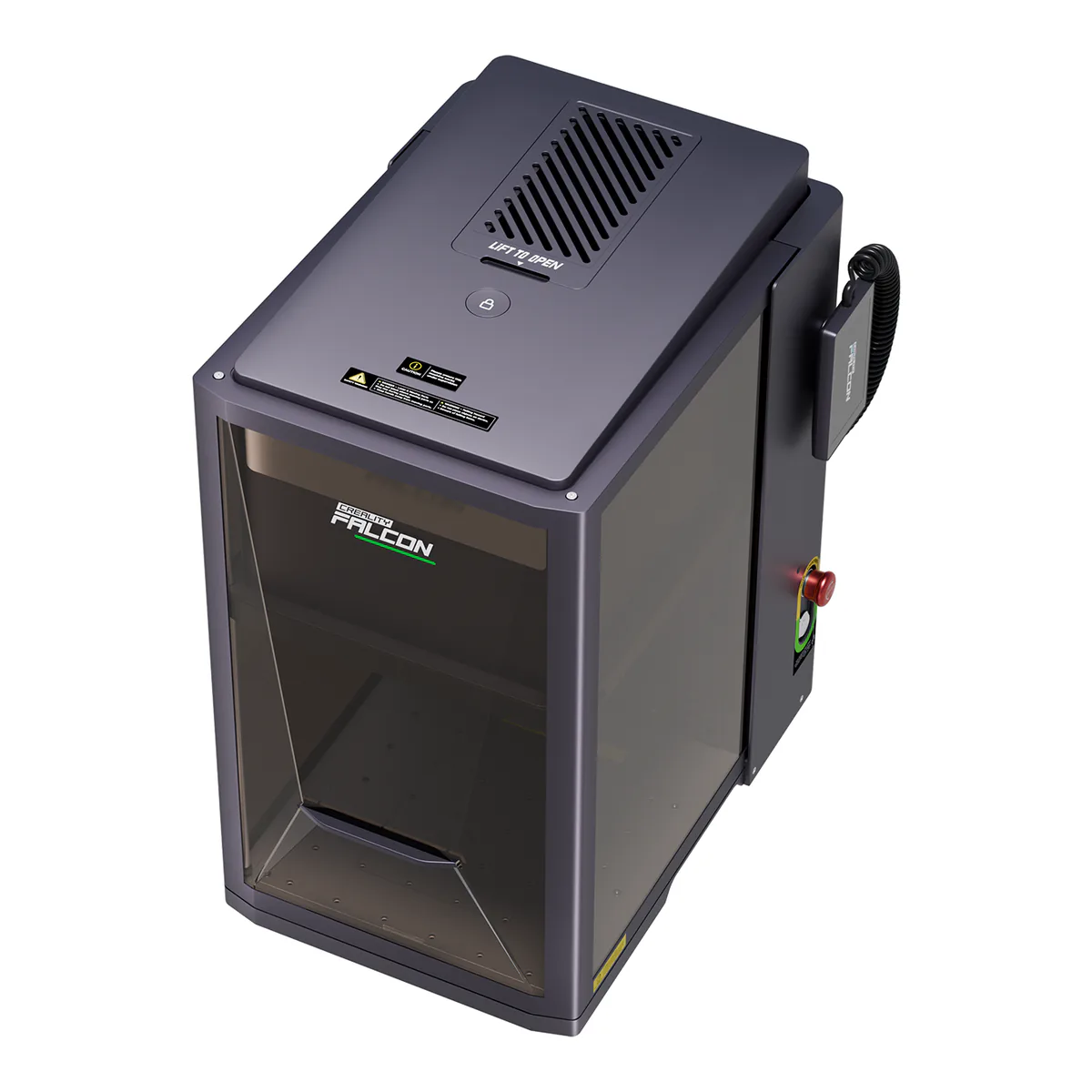
The cautions are specific. The conveyor belt and the rotary both need the lid interlock disabled, and Creality's own page says the machine is not Class 1 in those modes. Tom's says to treat it then as an exposed Class 4 laser, with goggles and ventilation. Swapping to the UV module meant changing the field lens and two calibrations, about 30 minutes in Tom's test. The review unit's chuck rotary never connected, which Creality later suggested was shipping damage, and support meant a late evening call to a team in China. Tom's called it "a risky day-one purchase" for anyone who needs the UV or MOPA module.
Creality's FAQ still describes the 60W MOPA module as coming, while Amazon already lists T1 machines fitted with the UV and with the MOPA module.
Which Creality laser to stop at
Start from the thickest thing you cut and the widest thing you make.
- Under 6mm, engraving first: the Falcon A1, and its 305 x 381 mm bed.
- Up to 10mm, or bare metal on a gantry with the IR module: the A1 Pro, if 268 x 358 mm is enough.
- Thick hardwood and acrylic: the Falcon2 Pro S 40W for autofocus, or the Falcon2 Pro 60W for the last 2mm of basswood and the bigger bed.
- Small parts in volume, metal, glass: the Falcon T1 with the matching module, and only once that module is in stock.
The Falcon2 Pro 60W also carries the wood slot on our laser shortlist, and our Falcon2 Pro 60W review goes through its panels, camera and owner reports in detail.
What we would check next
Three gaps sit in Creality's own documents. The Falcon2 Pro S page rates its basswood cut and says only that it "Handles colorful acrylic with ease", with no acrylic thickness. The A1 Pro's IR module ships in some bundles and not others. And the T1's MOPA and UV modules have only just reached listings, after the one independent review was written, so nobody we read has tested color marking on the retail module.