Canon SELPHY CP1500 review: the 4x6 printer that travels
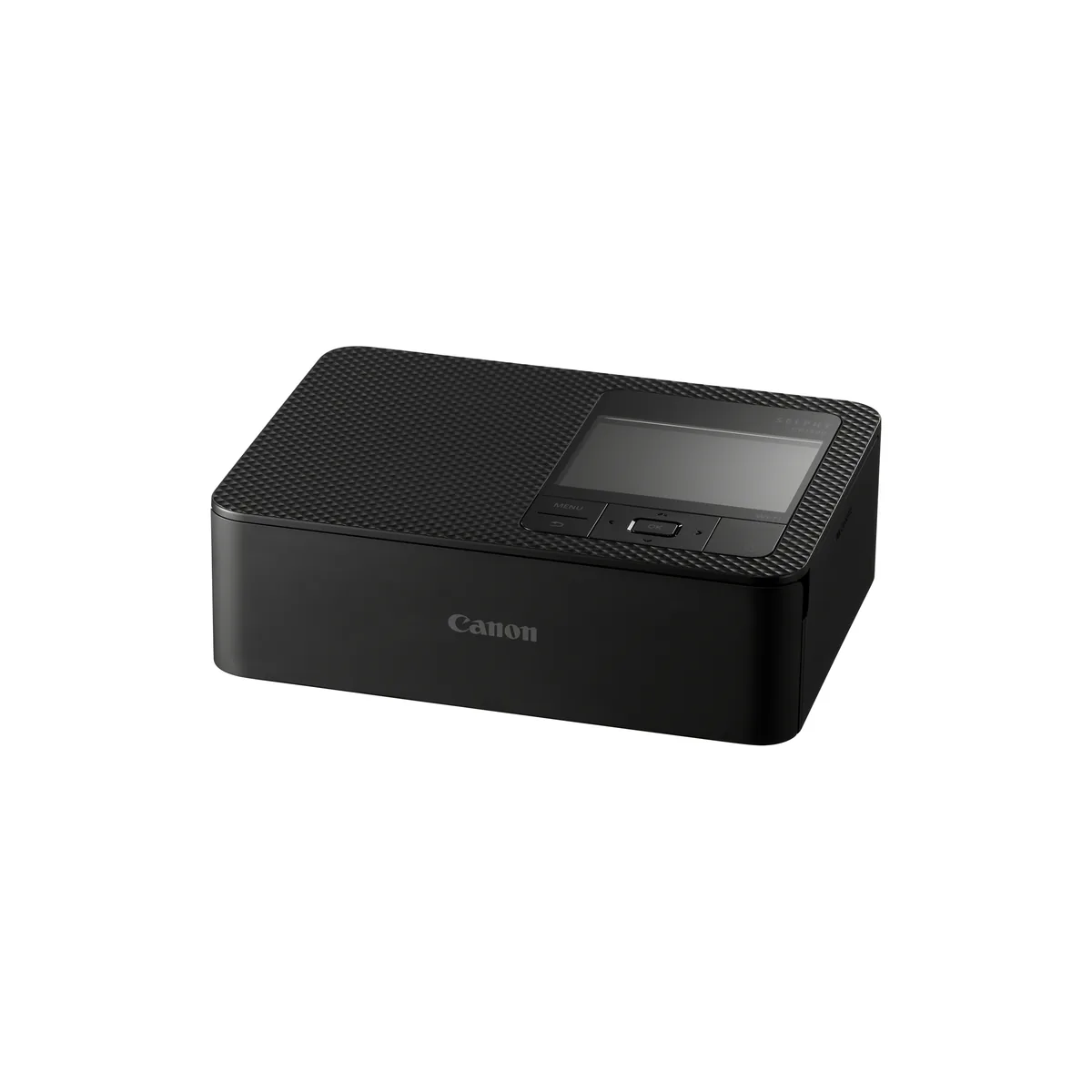
A small dye sublimation printer that turns phone and card photos into laminated 4x6 prints in under a minute, and the right buy if you have the patience for its wireless setup. Skip it if you print anything larger than a postcard, or need reliable printing from a PC.
- Dye-sublimation thermal print method (with overcoating), at 300 x 300 dpi
- Postcard size print in approx. 41 sec, card size in approx. 23 sec
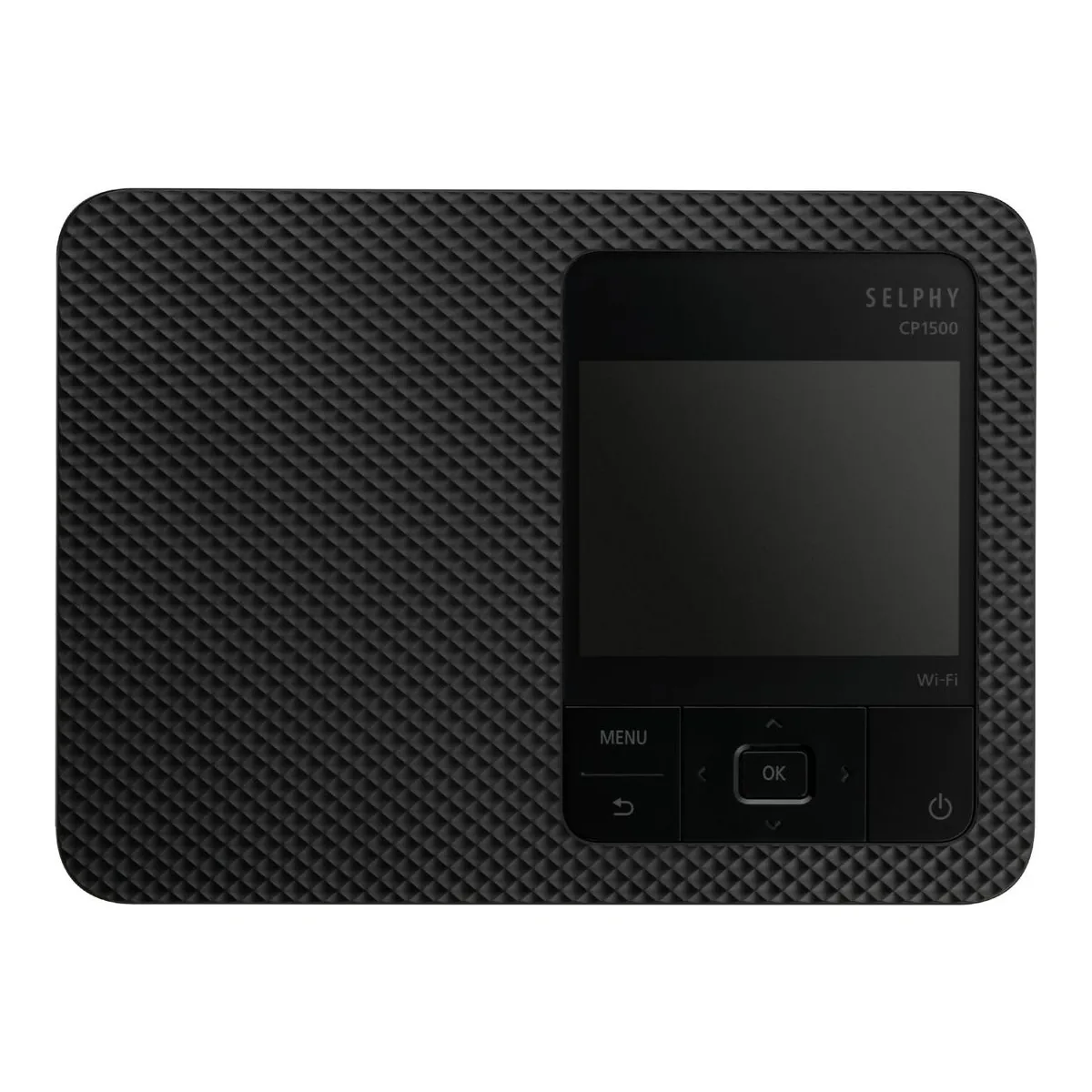
- 3.5" TFT LCD colour monitor
- Prints direct from an SD card or a USB Type-C drive
- Approx. 850g (printer only)
- Optional NB-CP2LI battery pack, up to 70 postcard-size prints per charge
We earn a commission on qualifying purchases through the links here, at no cost to you. It never decides what makes the list.
The Canon SELPHY CP1500 makes nothing larger than a postcard, and that limit is the point of it. It is a dedicated 4x6 printer that takes a photo off your phone, an SD card or a USB-C drive and hands back a laminated print in under a minute, with no liquid ink to dry out between sessions. If you already own a printer for documents and only want your phone pictures on paper, this is the machine for that one job.
We read Canon's specification page, hands-on tests from Digital Camera World and Trusted Reviews, and about 60 people commenting under SELPHY videos, owners and would-be buyers alike, read individually. It holds the 4x6 slot on our photo printer picks, and the short version is that the prints look great and the connecting is where people struggle.
What the Canon SELPHY CP1500 photo printer actually is
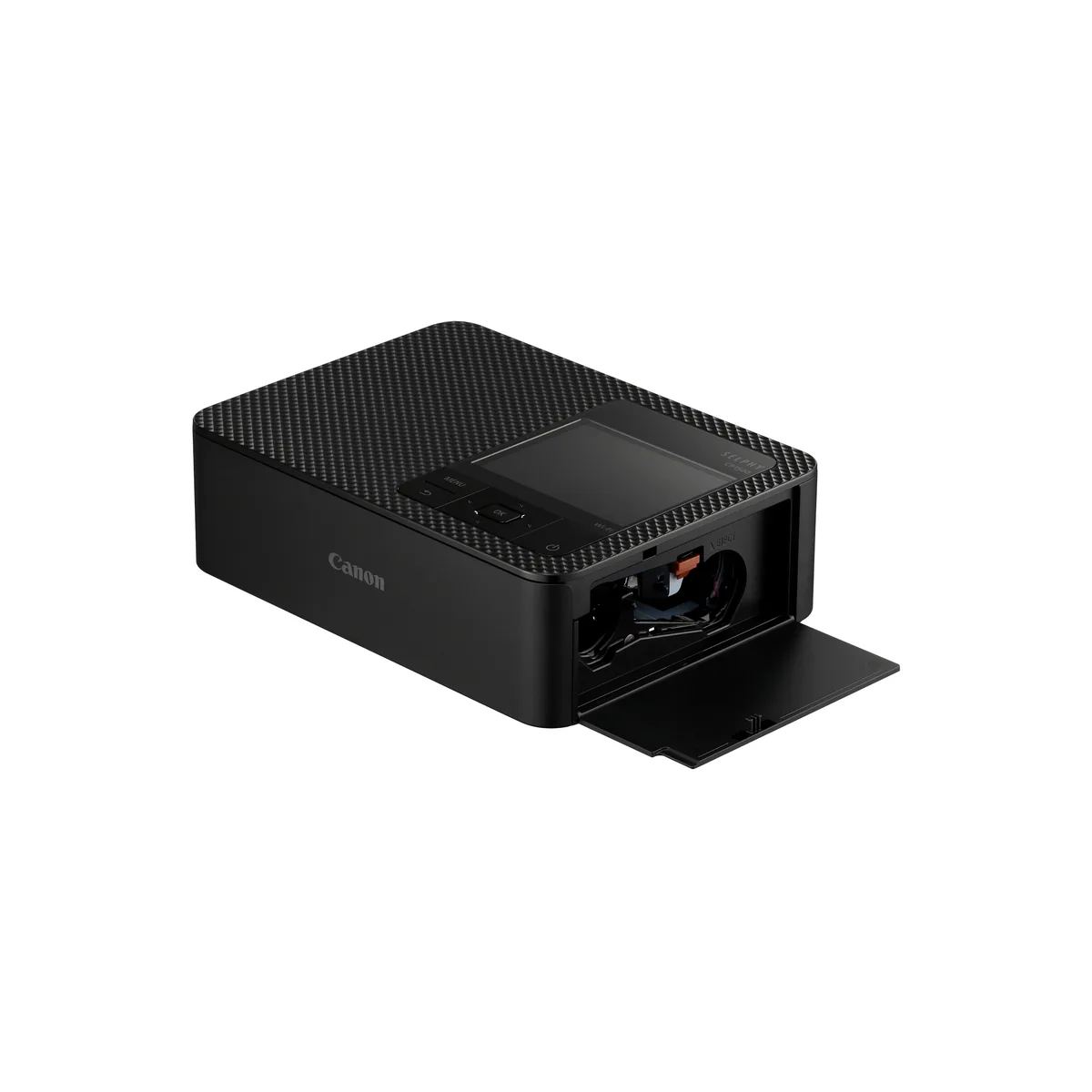
A dye sublimation printer, which is a different animal from the inkjets most people picture. Color does not come from liquid ink. It comes off a ribbon in three heat passes, laying yellow first, then magenta, then cyan, and a fourth pass adds a clear overcoat that Digital Camera World credits for the laminated, water resistant finish. Canon rates it at 300 x 300 dpi with 256 shades per color. The ribbon and the paper are sold as a matched set, so a print costs whatever the set costs divided across its sheet count, and you cannot run plain paper through it at all.
The prints look great, within one limit
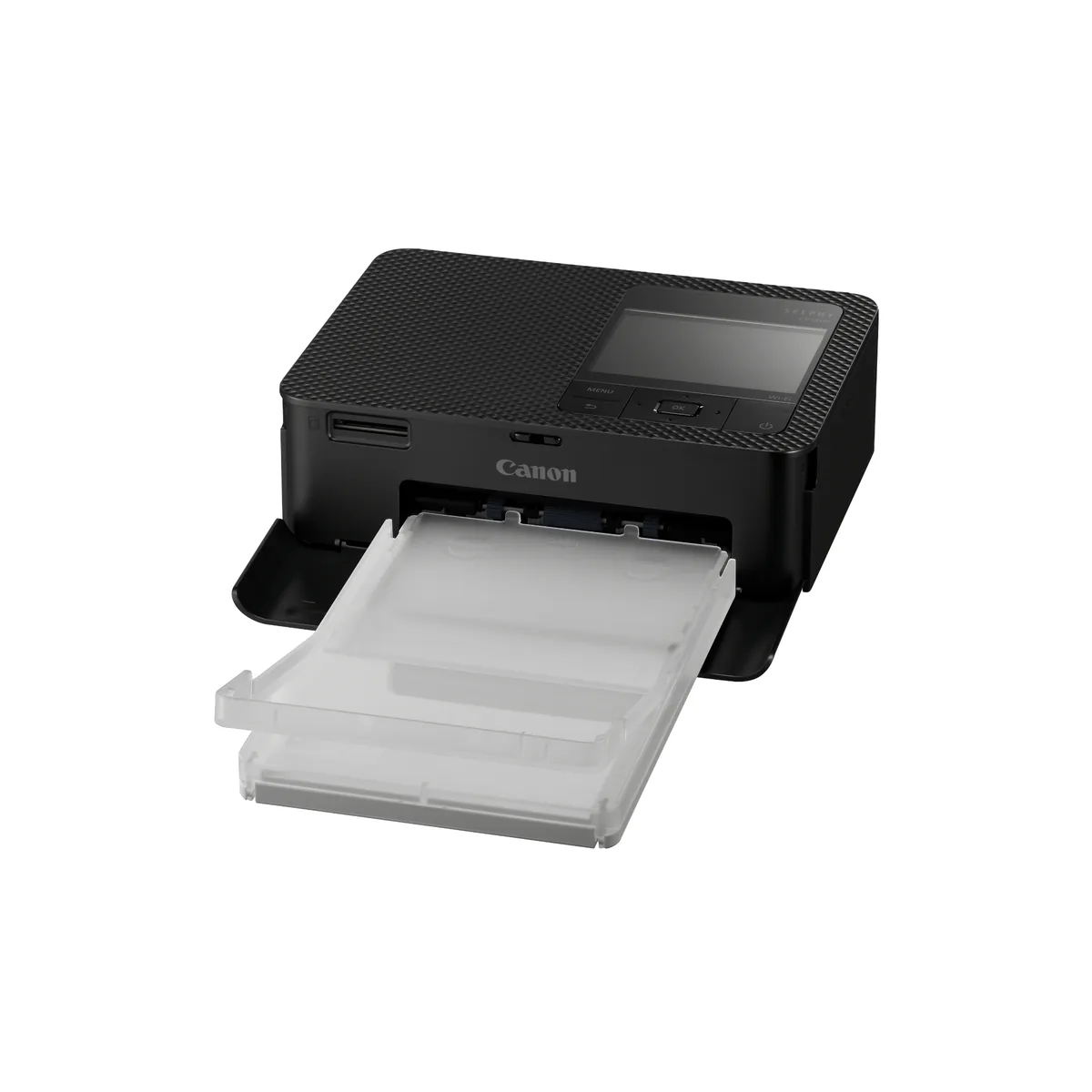
The output is the easy part to recommend. Trusted Reviews noted a slight softness at color boundaries and greens that lacked the intensity of a good inkjet, but for faces and everyday snapshots the dye sublimation look is clean, and the overcoat makes a print feel finished rather than damp. Canon quotes a 100 year album life for the results. The catch is size: postcard at 100 x 148 mm borderless, a credit card format, and 50 x 50 mm square stickers, with nothing above that. A postcard sheet even pokes out the back as it prints, so the machine wants a little clearance behind it.
How fast it prints
Fast enough that speed is not the thing to worry about. Canon rates a postcard at approximately 41 seconds, measured from the start of yellow printing to the sheet ejecting, and a card size print at about 23 seconds. Trusted Reviews timed a real postcard at 59 seconds counting from the moment they tapped Print, which is the more honest figure for a buyer because it includes the processing before the paper moves. Either way you wait under a minute per photo.
The connection is where owners struggle
This is the part the owner record flags hardest. Of the roughly 60 people counted, six describe trouble pairing a phone or joining the printer's Wi-Fi, one owner describing it in these words: "it works one time and then I can't get it to recognize my phone." Printing over the SELPHY CP1500 wireless link runs through Canon's SELPHY Photo Layout app, and when it connects it is quick, but the first-time setup and reconnecting after a gap are the recurring friction. A habit owners repeat: print from an SD card or a USB-C drive when the phone will not cooperate, since both slots sit on the printer itself.
The SELPHY CP1500 battery, and running it away from a socket
The SELPHY CP1500 battery is the feature that makes it portable, and it is sold separately. Canon's figure is up to 70 postcard prints per charge on the NB-CP2LI pack, or 54 on the NB-CP2LH. By default the printer runs only on its wall adapter, a chunky external brick, because it cannot be powered or charged over USB-C. So the real picture is a printer that travels well once you buy the battery and sits on a shelf until you do.
Two faults to know before you buy
Two problems recur across the owner comments and the tests. Three owners report a fixed, dark line near the short edge of every print, always in the same place, which points at the hardware and not the photo. And printing from a computer is unsettled: Canon's page says you can, Trusted Reviews found no PC drivers, and four owners describe failing to print from a PC, three of them on Windows 11. If a desktop is your main store of photos, treat PC printing as unproven and plan to feed the SELPHY from a phone or a card.
SELPHY CP1500 vs CP1300
The selphy cp1500 vs cp1300 upgrade is modest, and it matters mainly if you already own the older one. The CP1500 takes the same ink and paper as the CP1300, prints a 6x4 a touch faster, at about 41 seconds against the CP1300's 47, and adds the USB-C port. What it leaves alone: the 3.5 inch screen is still fixed where the CP1300's tilted, it is still not a touchscreen, and there is still no Bluetooth. If your CP1300 works, the CP1500 is a convenience update, not a replacement to rush.
Skip the SELPHY CP1500 if you ever print bigger than a postcard, if plain paper documents are in the mix, or if you want reliable phone pairing with no patience for setup. For a letter or A3 sized photo, step up to the Epson EcoTank that anchors the shelf. But if you want a small, good looking machine for phone photos and can live with its wireless quirks, the SELPHY is an easy one to live with. The rest of the photo and sublimation printer shelf sorts by the largest sheet you print.
A closer look at the Canon SELPHY CP1500
Made up your mind?