Best photo printer: 13x19 pigment down to a 4x6 dock
The best photo printer depends on the largest print you make and the ink behind it. Epson and Canon, from 13x19 pigment to a 4x6 dye sub printer.
We earn a commission on qualifying purchases through the links here, at no cost to you. It never decides what makes the list.
The picks
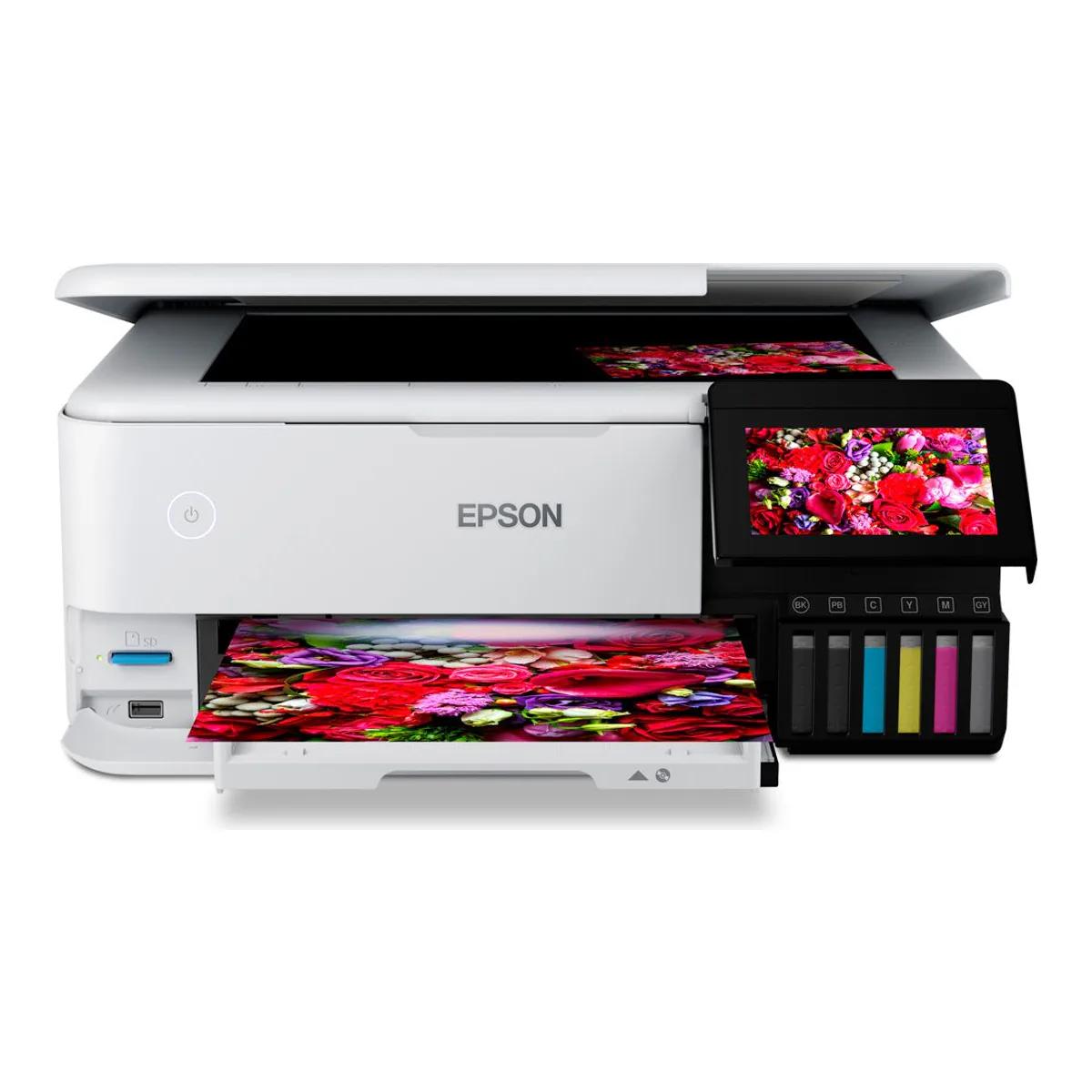
Best photo printer overall
Epson EcoTank Photo ET-8550
Borderless to 13 x 19 inches from six refillable Claria ET inks, with a flatbed scanner on top.
- The EcoTank Photo ET-8550, model C11CJ21201, is the wide-format model in the line, printing borderless up to 13" x 19" (A3+)
- 6-color Claria ET Premium ink system, with Black, Photo Black, Cyan, Magenta, Yellow and Gray, refilled from bottles rather than cartridges
- Maximum print resolution 5760 x 1440 dpi, with ISO print speeds of 16.0 ppm black and 12.0 ppm color
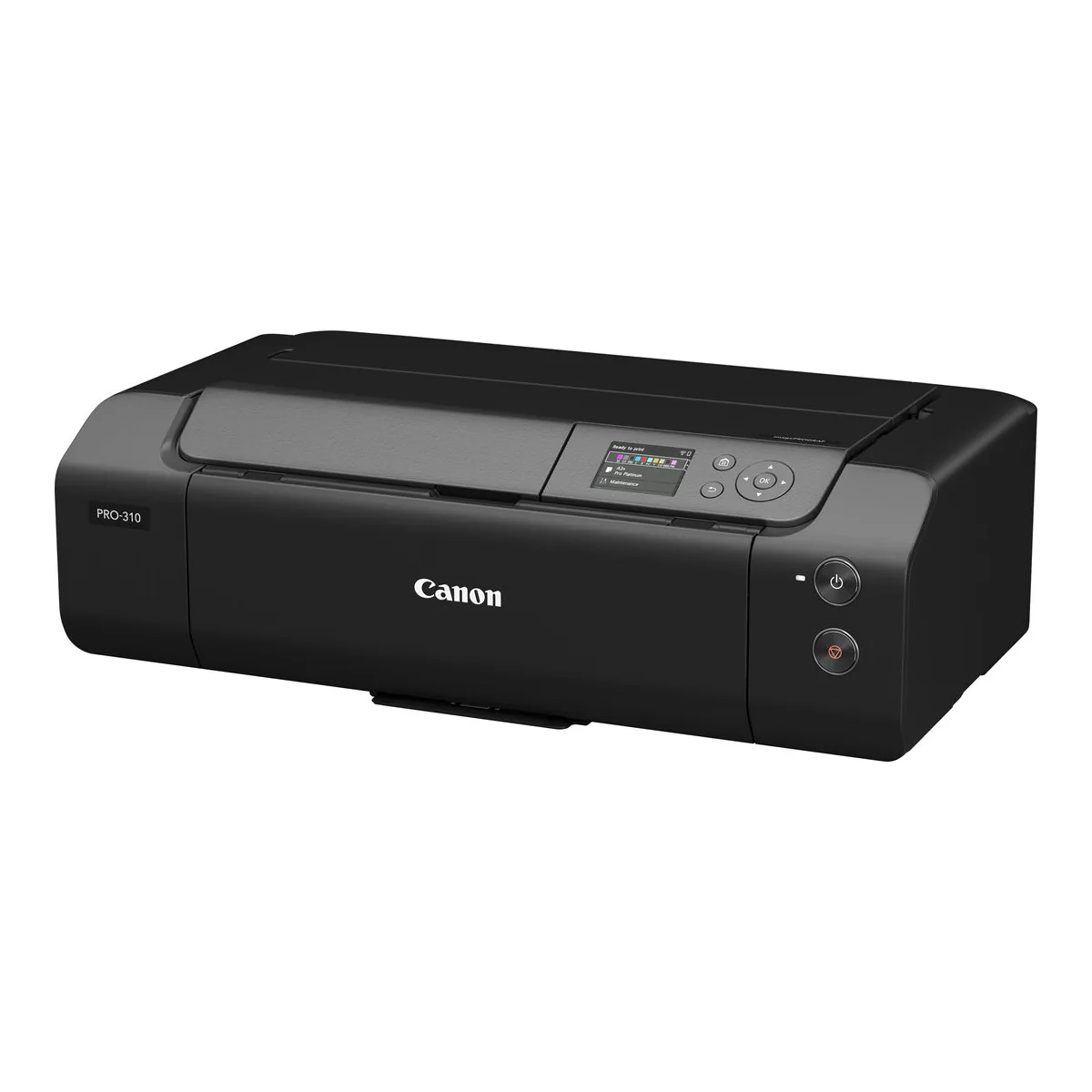
Best photo printer for photographers
Canon imagePROGRAF PRO-310
Nine pigment inks plus a Chroma Optimizer, borderless to 13 x 19, and a one sheet rear feed for art paper.
- 9 Colour Plus Chroma Optimizer, LUCIA PRO II Pigment-based Ink System
- PFI-5100 Inks: 14.4 ml (each)
- Borderless Photo Printing (3.5" x 5" to 13" x 19")
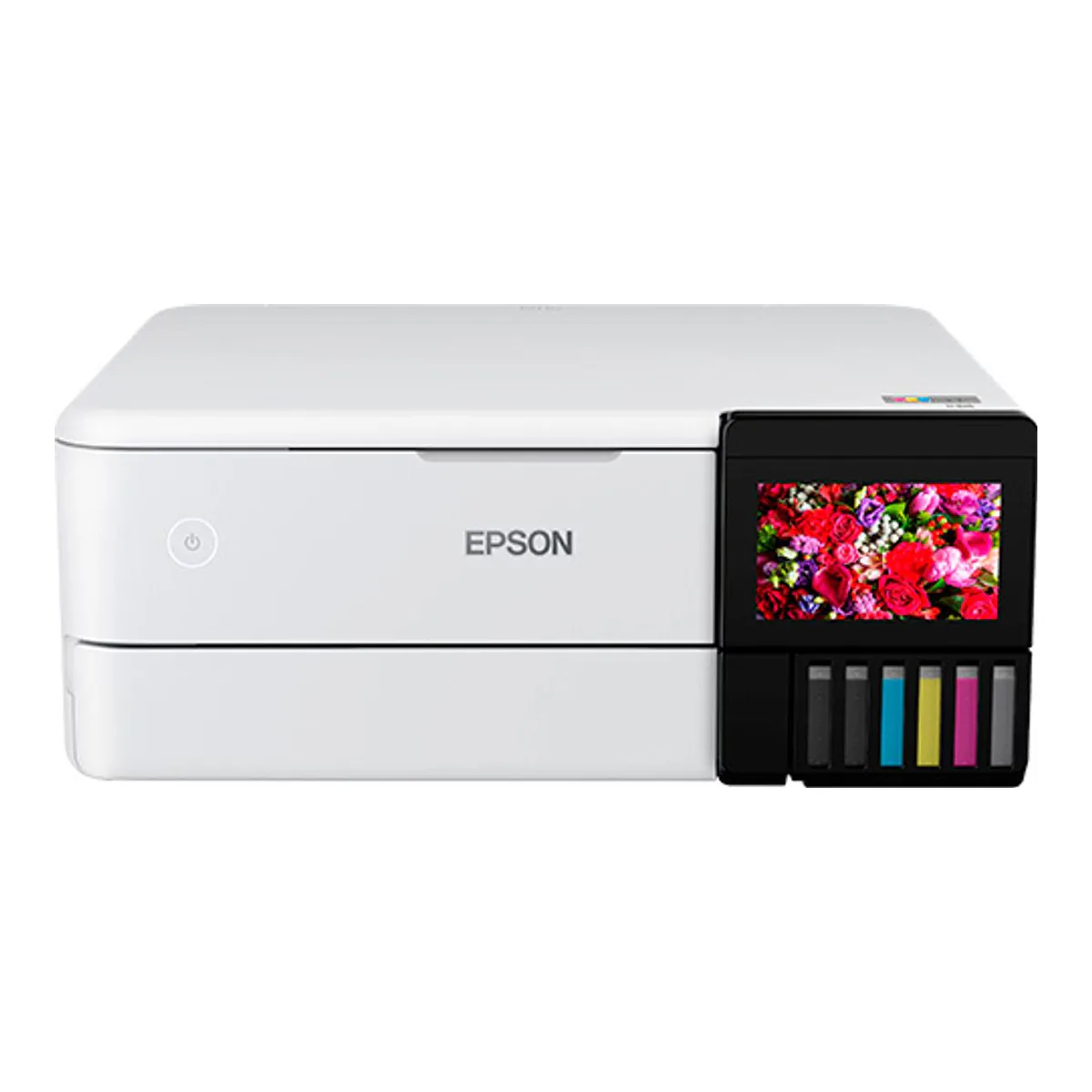
Best photo printer for home
Epson EcoTank Photo ET-8500
The same six ink engine as the ET-8550 in a letter size body that also scans and copies.
- The EcoTank Photo ET-8500, model C11CJ20201, is the letter-size model in the line, with a maximum paper size of 8.5" x 14" (Legal)
- 6-color Claria ET Premium ink system (BK, PB, C, M, Y, Gy), refilled from 552 bottles rather than cartridges
- Maximum print resolution 5760 x 1440 dpi, with ISO print speeds of 16.0 ppm black and 12.0 ppm color
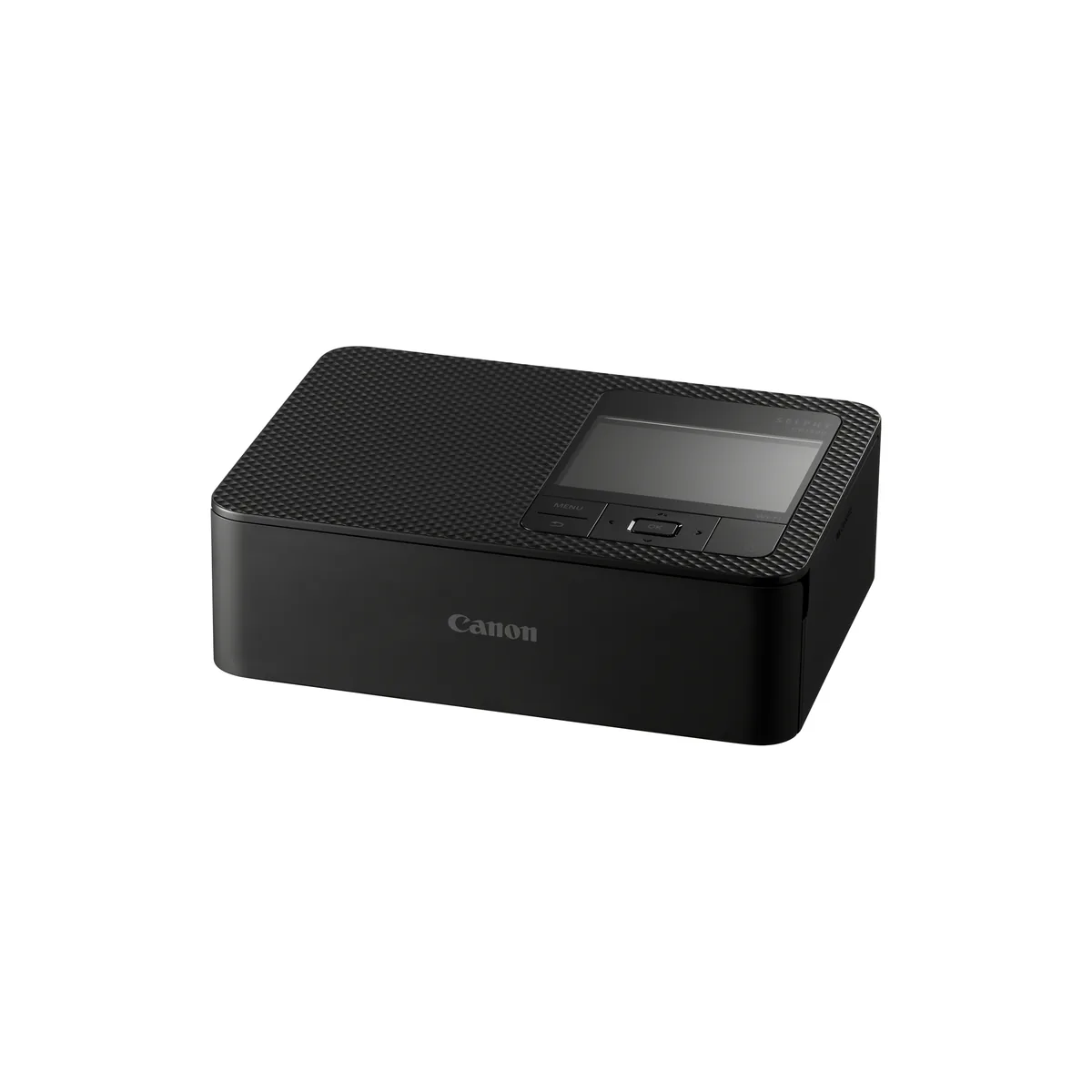
Best 4x6 photo printer
Canon SELPHY CP1500
Dye sublimation with an overcoat, postcard size borderless, printing from Wi-Fi, an SD card or USB-C.
- Dye-sublimation thermal print method (with overcoating), at 300 x 300 dpi
- Postcard size print in approx. 41 sec, card size in approx. 23 sec
- 3.5" TFT LCD colour monitor
Best photo printer for iPhone
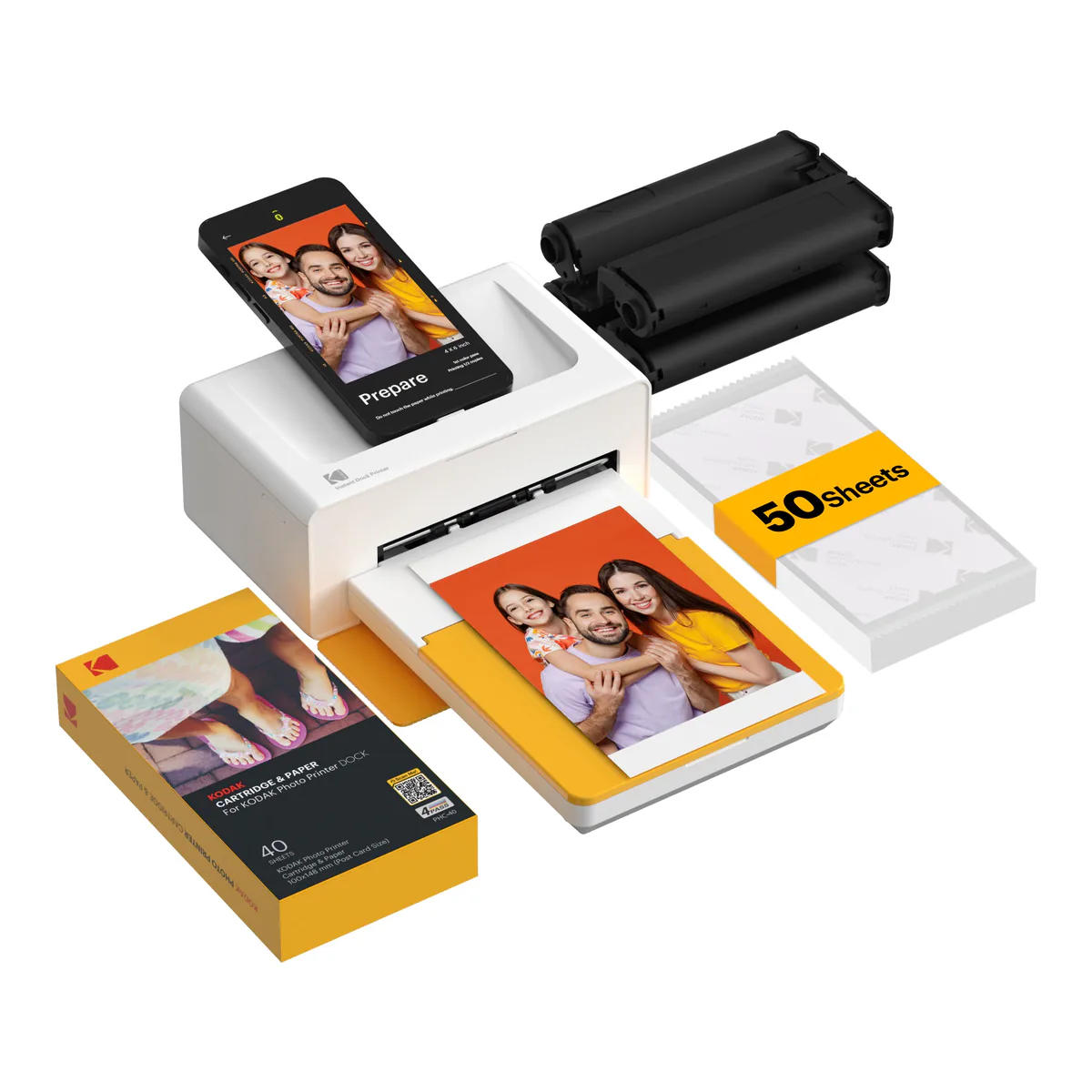
KODAK Dock Plus
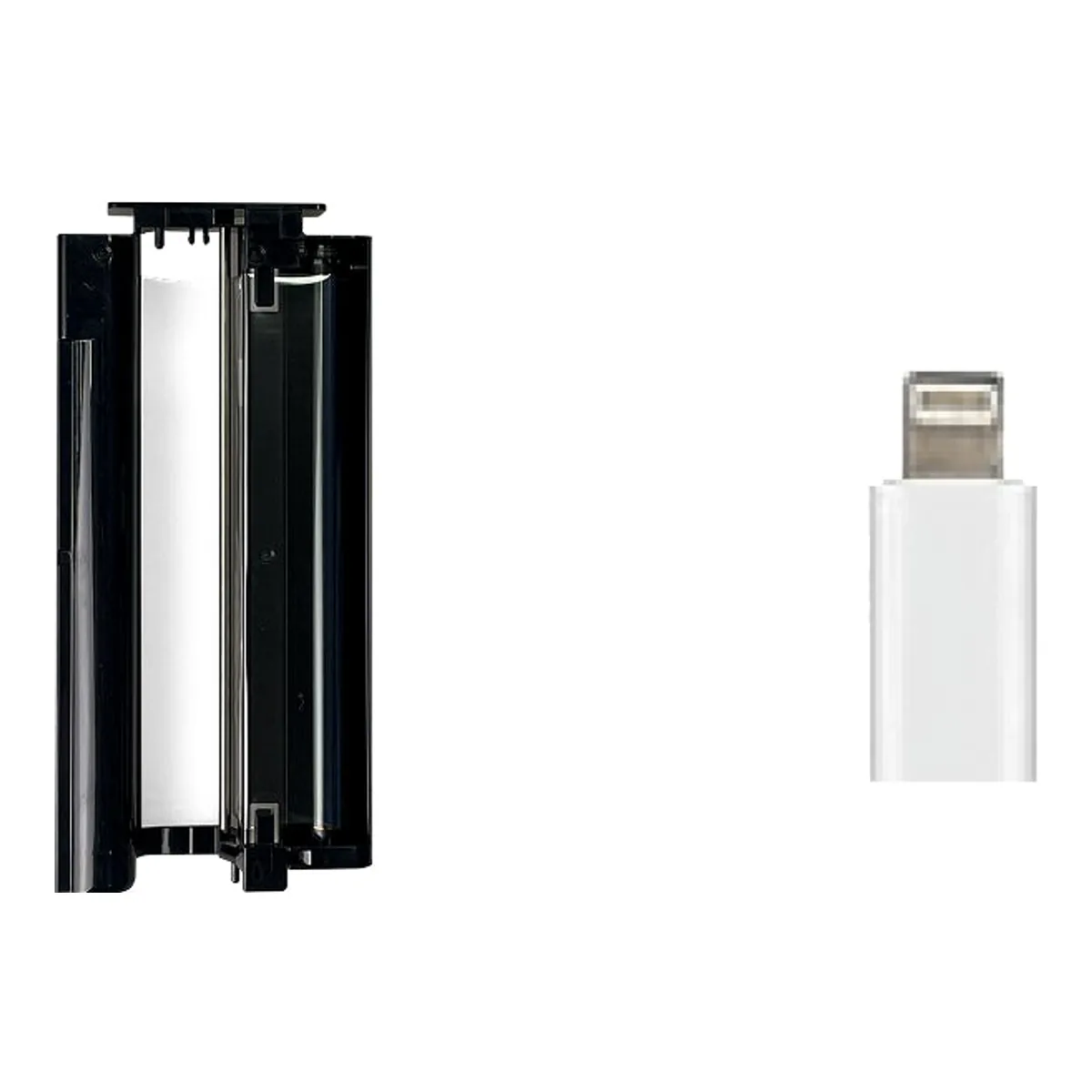
A 4x6 dye sublimation printer the phone docks onto, with a Lightning adapter in the box and Bluetooth as well.
- 4PASS dye sublimation at 300 x 300 dpi, 4x6 inch prints
- Connection: Bluetooth, USB-C (Lightning pin adapter included)
- Dock your phone to print and charge
The largest sheet you will ever print decides this shelf before anything else does, because it sorts the best photo printer for you into one of three different machines. Two of the five here print 13 x 19 inches. One stops at legal paper and scans. Two make nothing larger than a postcard, and that limit is why you buy them.
Ink type decides the rest. The best photo printer for photographers, the best photo printer for home and the best 4x6 photo printer each run a different ink chemistry, and the best photo printer for iPhone takes a Lightning iPhone docked on top.
What the picks rest on
Epson's own specification sheets for both EcoTanks, Canon's specification pages for the two Canons and Kodak's own store page for the Dock Plus. The hands-on reviews are from PCMag, RTINGS, Photo Review, Northlight Images, Digital Camera World and Trusted Reviews, plus T3's explainer on the Kodak and two owners' own write-ups of it. The YouTube owner evidence counts 17 owners of a PRO-310, about 51 who own an ET-8500 and about 60 who own a SELPHY CP1500.
Five photo printers, side by side
| Spec | Epson ET-8550 | Canon PRO-310 | Epson ET-8500 | Canon SELPHY CP1500 | KODAK Dock Plus |
|---|---|---|---|---|---|
| Largest print | 13" x 19" (A3+) | 13" x 19" (A3+) | 8.5" x 14" (Legal) | Postcard, 100 x 148 mm | 4x6 inches |
| Ink type | Dye, plus a pigment black for text | Pigment | Dye, plus a pigment black for text | Dye sublimation | 4PASS dye sublimation |
| Inks | Six Claria ET | Nine plus Chroma Optimizer | Six Claria ET | Ribbon cassette | Cartridge with a laminating layer |
| Ink system | Refillable tanks, 552 bottles | PFI-5100 cartridges, 14.4 ml | Refillable tanks, 552 bottles | Paired ink and paper sets | PHC-80 cartridge and paper refill |
| Scanner | Flatbed | None | Flatbed | Not stated | Not stated |
Basis: manufacturer documentation. The ink type for both EcoTanks comes from Photo Review and Northlight Images, since Epson's sheet names the inks without saying which are pigment. Neither the SELPHY's nor the Kodak's documentation says anything about a scanner, so those cells say that and stop short of a no. RTINGS states the PRO-310 has none.
Best photo printer overall: Epson EcoTank Photo ET-8550
The one here that prints a 13 x 19 inch sheet borderless, scans on a flatbed, and refills its six Claria ET inks from 552 bottles, with no cartridges. Photo Black and Gray sit beside the four process colors, the rear straight path takes media up to 1.3 mm thick, and a disc tray prints CDs and DVDs.
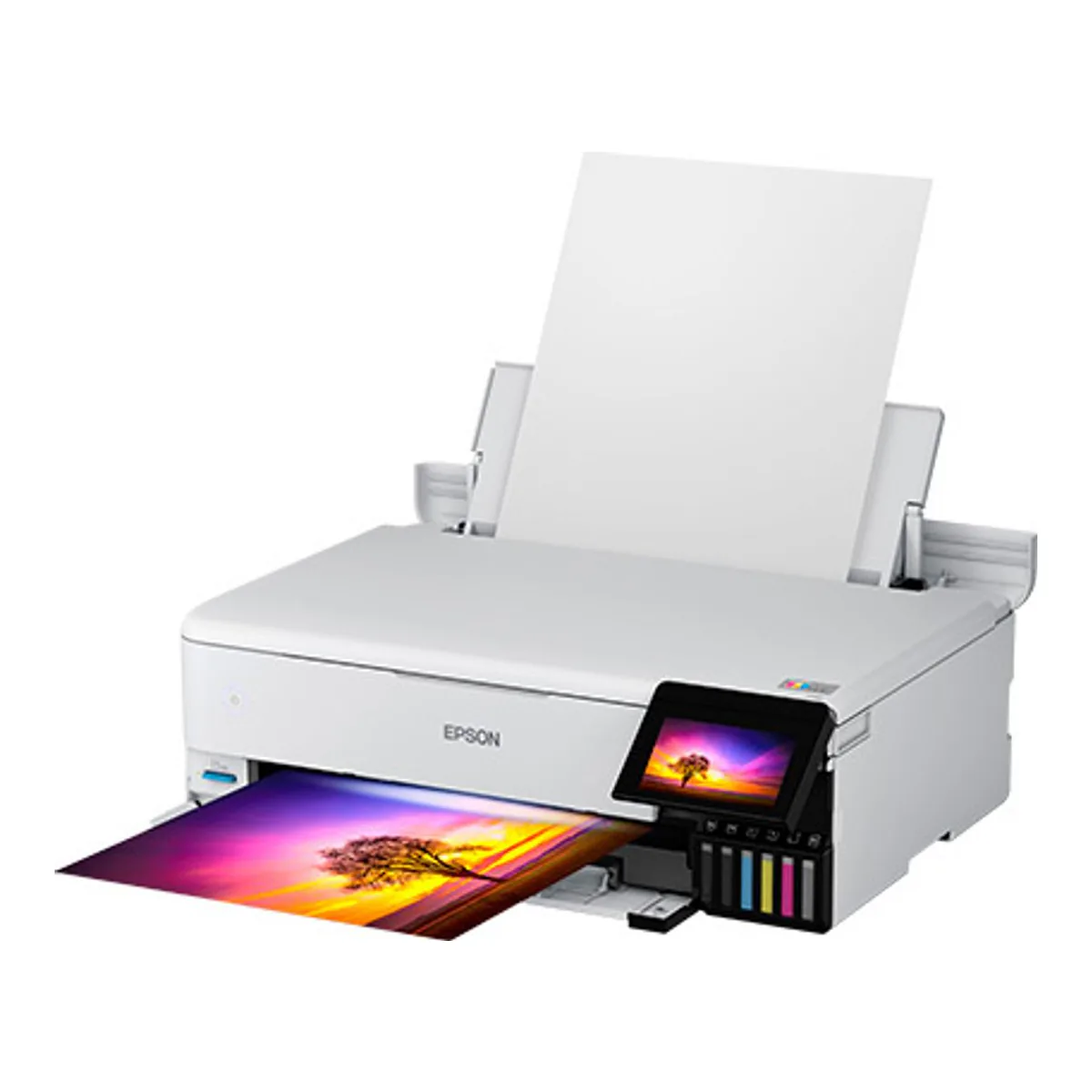
It is large, at 24.5 lb for the printer alone.
PCMag objects to the scanner, not the photos: the photo EcoTanks lack "an ADF, limiting scanning and copying to one page at a time". There is a full ET-8550 review with the paper path and the running costs.
Skip it if you print documents in stacks, or if your desk cannot give up a printing footprint of 20.6 x 29.8 inches.
Best photo printer for photographers: Canon imagePROGRAF PRO-310
Pigment, not dye. Canon's LUCIA PRO II set is nine colors plus a Chroma Optimizer, ten cartridges in all, and it prints borderless from 3.5 x 5 up to 13 x 19 inches. Heavy art paper goes through a manual feed at the back, one sheet at a time, from 0.1 to 0.6 mm thick, and Canon rates it for long paper up to 1.8 m.
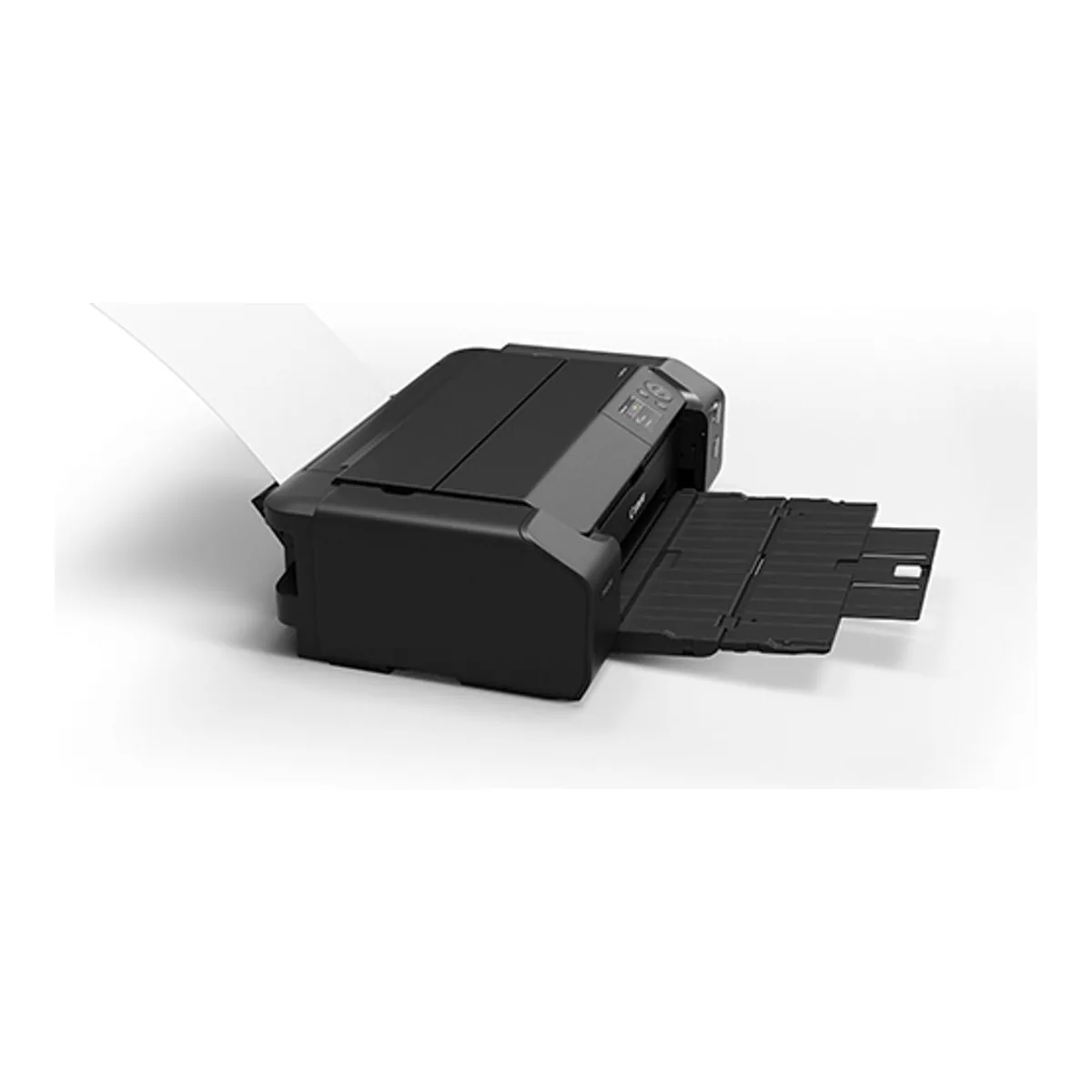
Of the 17 owners in the comments, 8 praise the print quality, one of them in the words "The colors are accurate, and the images are tack sharp". The cost is the cartridge. Digital Camera World notes they have "a relatively low capacity of 14.4ml compared with the 80ml cartridges of the Pro-1100", and of six commenters who do not own one and raise ink cost, four say it puts them off. Northlight Images notes it has no maintenance tank at all: waste ink collects internally, in a part that "is not a user serviceable part".
Skip it if you print in volume or need copies too. RTINGS notes there is no scanner either, and it manages one document page per minute.
Best photo printer for home: Epson EcoTank Photo ET-8500
The ET-8550's engine in a letter size body. Epson's two sheets match on the inks, the 552 bottles, the 5760 x 1440 dpi resolution and the rear straight path. What changes is a largest print of 8.5 x 14 inches (Legal), a scanner that tops out at 8.5 x 11.7, and 18.5 lb in place of 24.5.
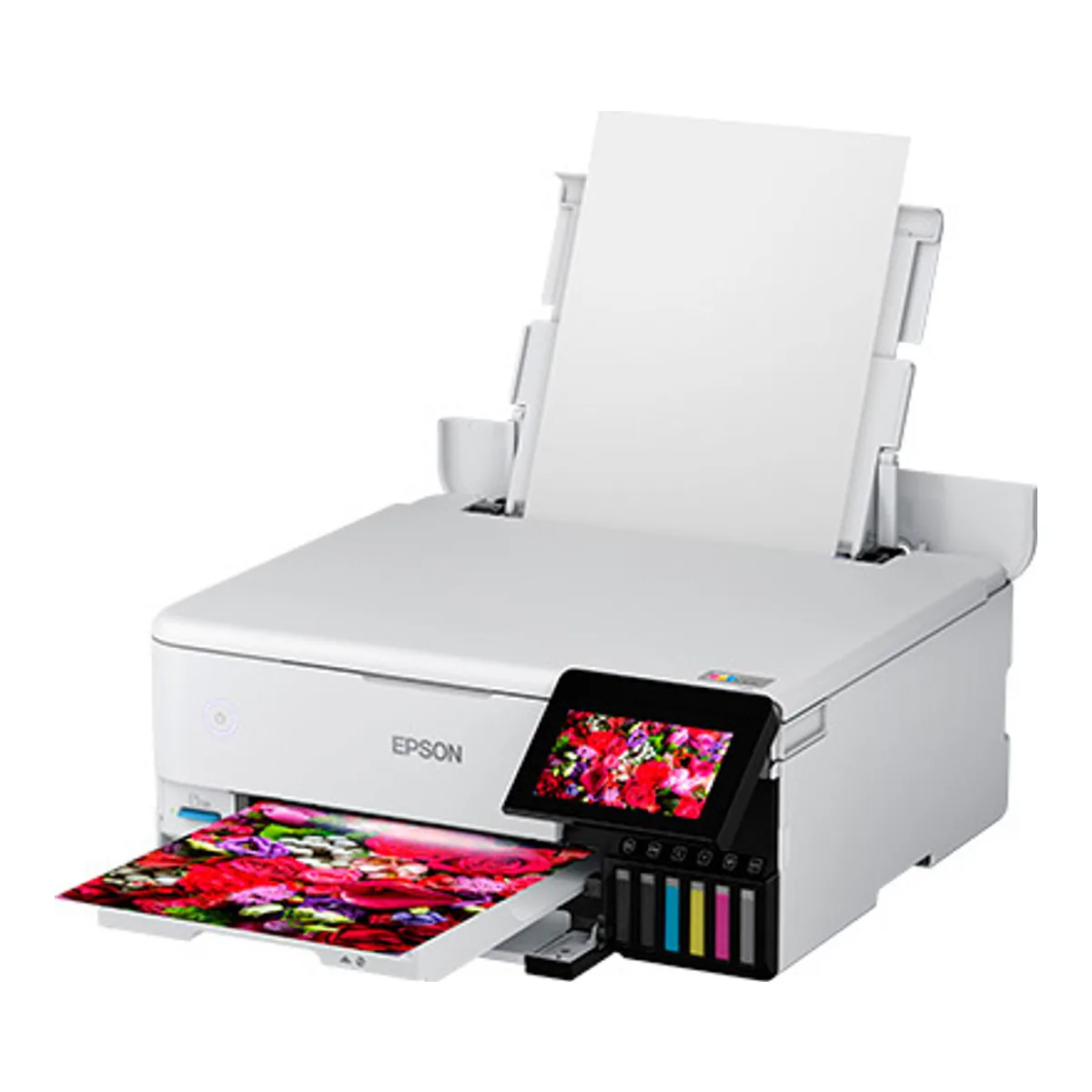
Epson quotes 15 seconds for a 4 x 6 in Draft Mode. PCMag's unit "took an average of 58 seconds per image" on its test snapshots. Among the owners, 6 report roller marks on their prints, one in the words "I bought it but I have roller marks on all the photos", though four of the six tie it to heavy card or baryta paper. Four more owners are confused about which tray the paper feeds from.
Skip it if anything you print is wider than legal paper, or if you scan multipage documents, since like the ET-8550 its flatbed has no feeder.
Best 4x6 photo printer: Canon SELPHY CP1500
Dye sublimation with an overcoat, which is a different process from both EcoTanks: the color comes off a ribbon cassette that is sold paired with its paper. It prints postcard size borderless at 100 x 148 mm, plus card size and square labels, and takes a job over Wi-Fi, from an SD card or from a USB-C drive.
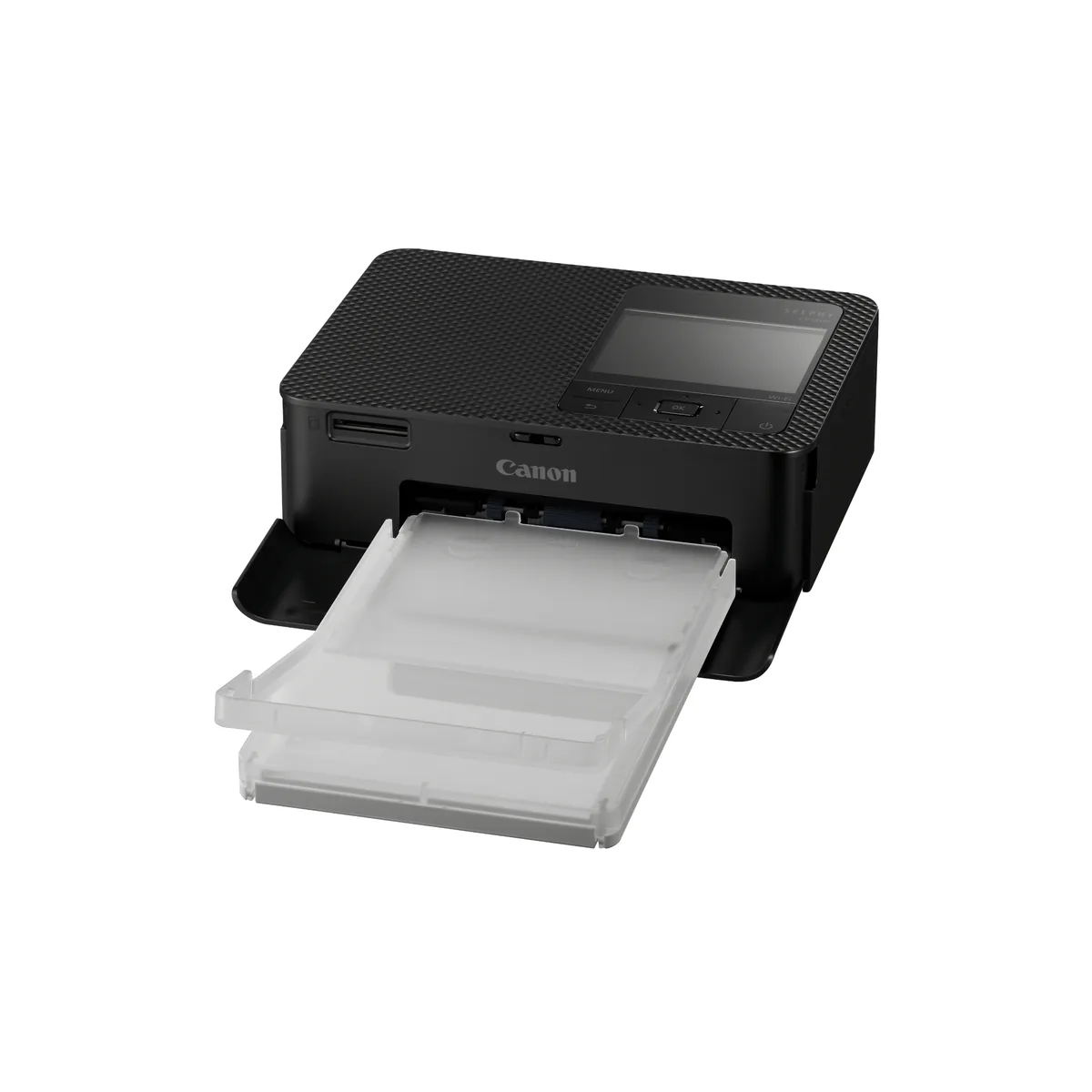
Canon rates a postcard at approx. 41 sec, measured "from start of yellow printing to ejection of paper". Trusted Reviews timed its own at 59 seconds from tapping Print. The owner complaint that recurs most is the connection: 6 owners report trouble pairing a phone or joining Wi-Fi, one of them in the words "it works one time and then I can't get it to recognize my phone". Three report a fixed line near the short edge of every print. The battery that makes it portable, rated for up to 70 postcard prints a charge, is sold separately.
Skip it if you need anything past postcard size. Trusted Reviews: "no larger formats are available, and it won't print on plain paper". Printing from a computer is unsettled: Canon's page promises it, Trusted Reviews found no PC drivers, and 4 owners report trouble printing from a PC, three of them on Windows 11. Plan on printing from a phone or a card.
Best photo printer for iPhone: KODAK Dock Plus
The phone is the connection. The Dock Plus has one pin in a well on top, which Kodak lists as USB-C, and a Lightning pin adapter in the box for a Lightning iPhone. Kodak's documentation does not say whether a USB-C iPhone docks directly, and Bluetooth covers any iOS or Android phone through Kodak's app. Kodak's pitch is that you dock the phone to print and to charge it. Prints are 4PASS dye sublimation at 300 x 300 dpi, laminated in a process Kodak says leaves them fingerprint-proof and water-resistant.
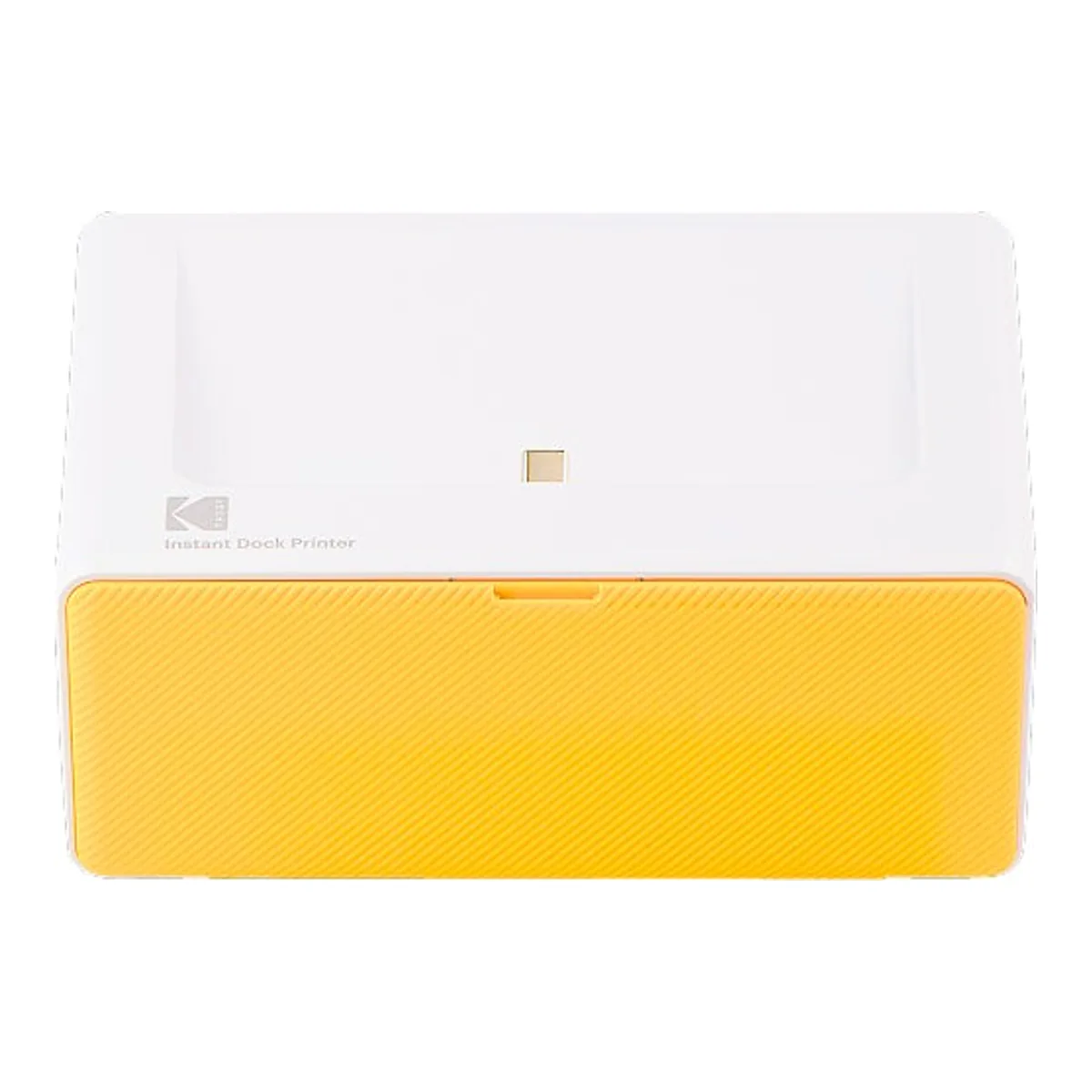
The catch is the shape of a phone photo. One owner's write-up: phones shoot "in the 4:3 ratio. The PD460 crops the left and right sides off the photo", so you pinch it to fit in the app or lose the edges. It has no battery, so it runs only while connected to wall power, per a second owner. The SELPHY above travels. The Kodak lives on a shelf.
Skip it if the photos you print live on a computer. The first owner again: "There's no way to print from your desktop computer."
Dye, pigment or dye sublimation
Three chemistries, and the word photo in a listing title names none of them.
Both EcoTanks here run dye inks plus a pigment black for text, which Northlight Images calls "a hybrid ink set". The PRO-310 is pigment throughout. The SELPHY uses no liquid ink at all: dye sublimation transfers color from a ribbon, and each ink set is matched to a paper pack, so the cost of a print is the cost of the set. The Kodak works the same way, with a laminating pass on top.
Ink system is the other half of the running cost. An EcoTank refills from a bottle into a tank, a PRO-310 swaps one of ten cartridges, and the SELPHY and the Kodak each swap a cassette. The bigger the print you make most often, the more that difference matters.
The largest print a photo printer makes also sets its footprint. Epson's own two sheets show it: the same engine weighs 18.5 lb built for legal paper and 24.5 lb built for 13 x 19, while a SELPHY is approx. 850g. The rest of the shelf sits on the photo and sublimation printers page.