xTool M2 10W review: a first laser that still needs a window
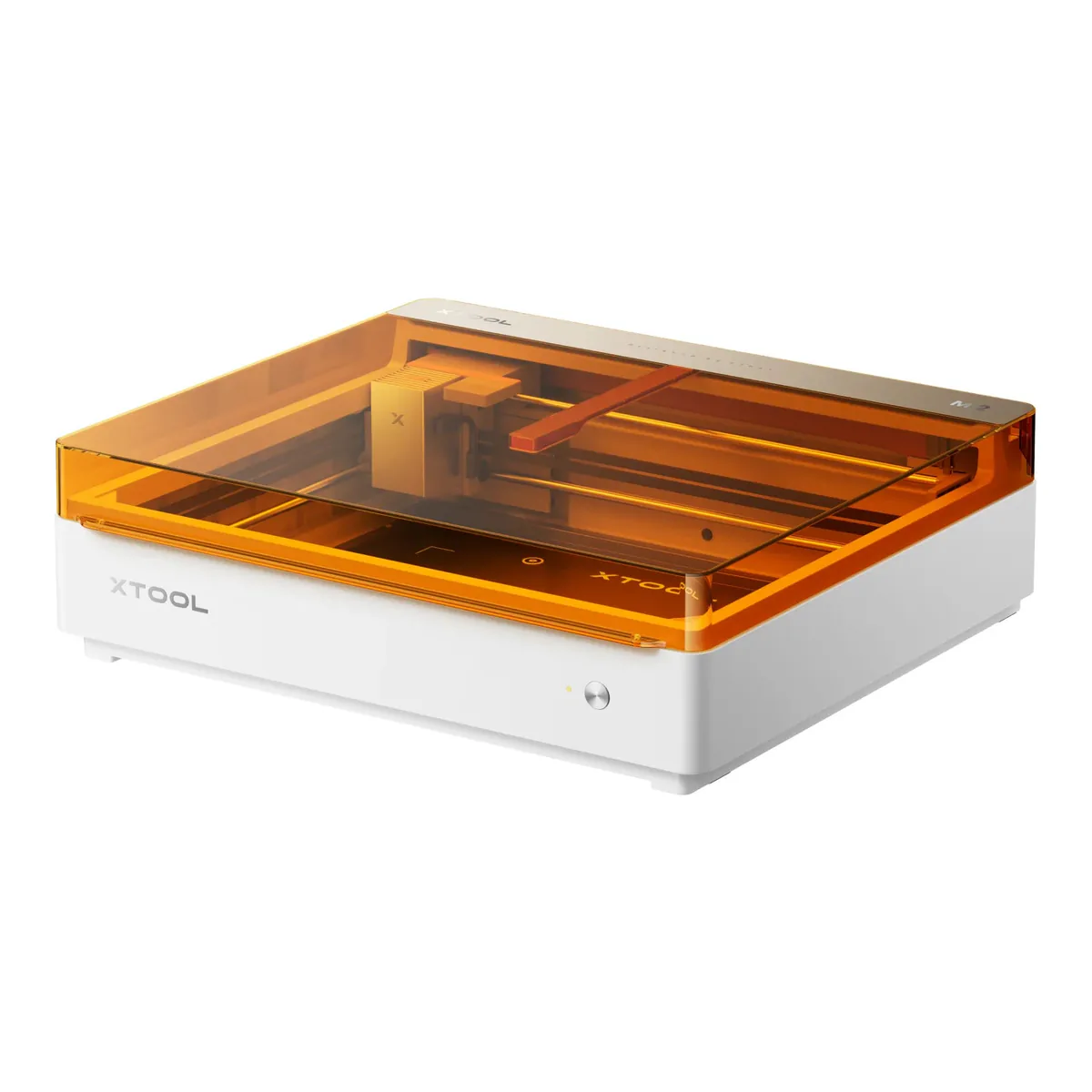
The easiest enclosed diode laser to start on: Class 1 with the lid shut, two cameras for placement, air assist and an exhaust fan built in. It cuts thin stock only, runs on xTool Studio rather than LightBurn, and its smoke has to go outdoors or into a purifier you buy separately.
- Working area 16.7 x 12.5 in (426 mm x 320 mm)
- Cuts basswood 8 mm and black acrylic 3 mm in one pass at 10W
- Class 1 Laser Safety (TÜV SÜD Certified)
- Built-in air pump and exhaust fan, with a smoke exhaust pipe in the box
- Max. speed 600 mm/s
- CMYK inkjet, 3W IR and rotary modules sold separately
We earn a commission on qualifying purchases through the links here, at no cost to you. It never decides what makes the list.
Skip the xTool M2 10W if the room you have in mind has no window and no purifier coming with it. xTool's own safety page is flat about the exhaust hose: it must never vent straight into the room. Nearly everything else about this enclosed diode laser engraver is built for somebody who has never run one. The box cannot solve venting for you.
For this xTool M2 10W review we read xTool's product pages, user guide and safety documents, hands-on reviews from Tom's Hardware, FauxHammer and Silhouette School, and YouTube comments, where 12 commenters own an M2 by their own words or footage. None of them says which wattage, and at least two use the inkjet module, so they own a bundle and not this listing. It is the laser engraver for beginners on our laser engraver picks. xTool sells the xTool M2 20W as the same machine with a 20W head.
Work area, and the cameras over it
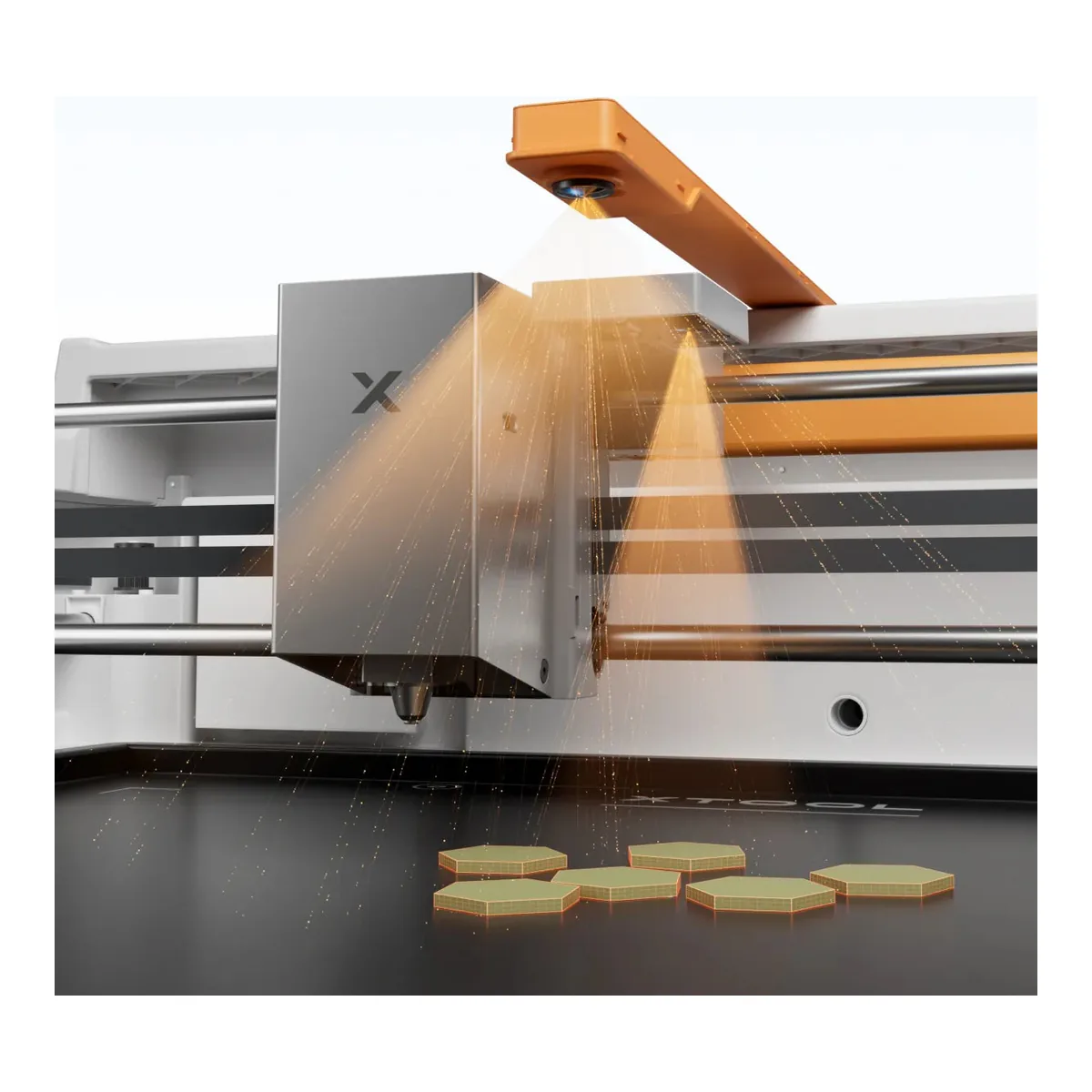
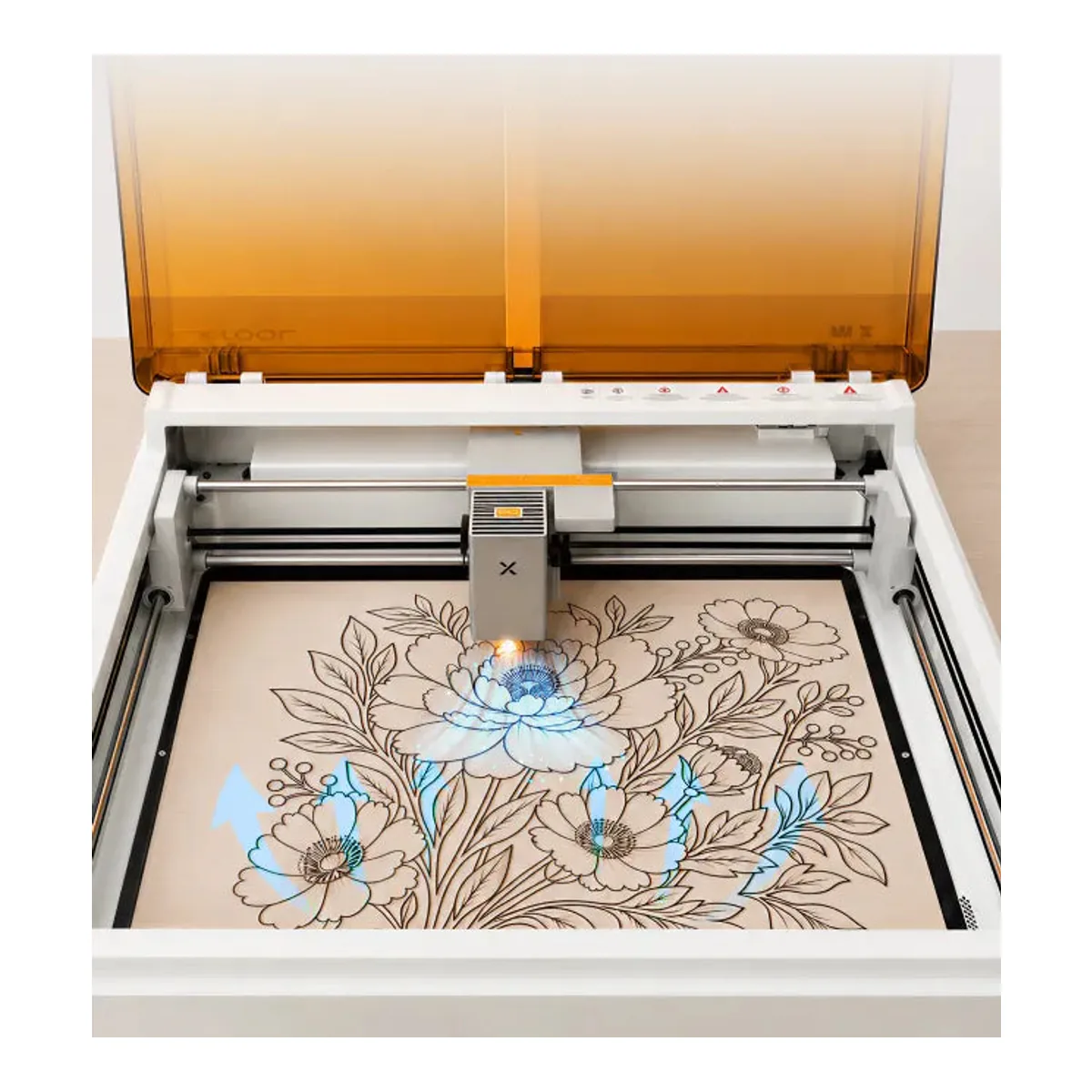
A 426 x 320 mm bed, on either wattage, with two cameras over it: one overhead and one close-range camera beside the laser head. FauxHammer puts the head camera's alignment at around 0.2mm. Tom's Hardware found a third camera, devoted to flame detection, that "paused a job I was working on, with a loud beep" a couple of times. Checking and resuming did no harm to the finished piece. Setup starts on a cable: Tom's notes the first connection has to be USB, with Wi-Fi only after that.
That placement accuracy is most of why a first timer gets a clean result.
What the xTool M2 10W cuts
Thin stock. xTool rates the 10W head at 8 mm of basswood and 3 mm of black acrylic in one pass, with a top speed of 600 mm/s, and Tom's found xTool's 3 mm birch ply "pretty quick to cut cleanly, even with a 10W diode laser". If thicker cuts are the point, Tom's own suggestion is an xTool S1 with a 40W diode head, which Tom's says works faster and cuts deeper.
Bare metal is a separate module
xTool lists stainless steel, aluminum and plated metal as engravable, and its own material cheat sheet then says the diode head struggles on stainless steel. For marking metal it points to the 3W infrared module at 1064 nm, which is a separate purchase. Cutting metal is another class of machine again, the territory of xTool's MetalFab laser welders.
The enclosure, and what it holds
Class 1, TÜV SÜD certified, and per Tom's it will not run unless the lid is shut. Inside, xTool's safety documentation says, sits a Class 4 laser, with interlocks on the lid and the baseplate.
FauxHammer points out there is no key or security fob to stop someone who should not be using it from starting a job, which matters in a house with children in it.
Fume extraction
An exhaust fan and an air assist pump are built in, and a smoke exhaust pipe and clamp come in the box. Tom's pushed the hose out of a window and found it "evacuating smoke made when cutting materials quickly and effectively", with xTool Studio setting the fan speed on its own. It takes no other air pump: xTool says there is no external air port to connect one to. Silhouette School adds that most M2 bundles ship without filtration.
What this listing is, and what it is not
xTool sells the M2 in six configurations and calls it Color Craft, which is the confusing part. This ASIN is the 10W Standalone: the machine and the 10W diode head. The CMYK inkjet module that does the color, the 3W IR head and the rotary are all sold separately, and Silhouette School's summary of the base configuration is that it buys the laser alone, with no color printing.
Software is xTool's too. FauxHammer is blunt that LightBurn is not supported, then calls xTool Studio "a huge strength" for anyone learning. Two of Tom's cons are a cutting base that is nothing more than a flat metal tray and "Provided magnetic material standoff clamps are flimsy". FauxHammer's version is shorter: "The material clips are rubbish".
What owners report
Three of the 12 say the M2 is their first laser and are pleased with it. One wrote that they had bought it about three weeks earlier and that it was their first laser, another that "the learning curve was quite small in comparison to other cutting machines".
Two more are struggling. One cannot get sticker cuts to come out clean ("I can not seem to get mine to cut well"), and one, also new to lasers, is stuck on the print function, which on this Standalone listing is an add-on anyway. The unhappiest owner is two months in: "I have had mine for 2 months and have had many problems however the xTool support has been great." That comment does not say whether the problems were fixed. One M2 is still in its box, and no two owners name the same problem.
Keeping it running
Scraps fall into the base, and FauxHammer found it held by four screws, so emptying it means unscrewing it. There is no drawer to slide out. xTool's quick start guide lists the exhaust fan among the parts to clean, and the hose route is the other thing to settle before the first job: a window, or a purifier on the end of that pipe. The rest of the shelf, including the fiber and CO2 machines that do what a diode cannot, is on the laser engravers and cutters page.
A closer look at the xTool M2 10W

Made up your mind?