ChargePoint Home Flex review: 50 amps, hardwired only
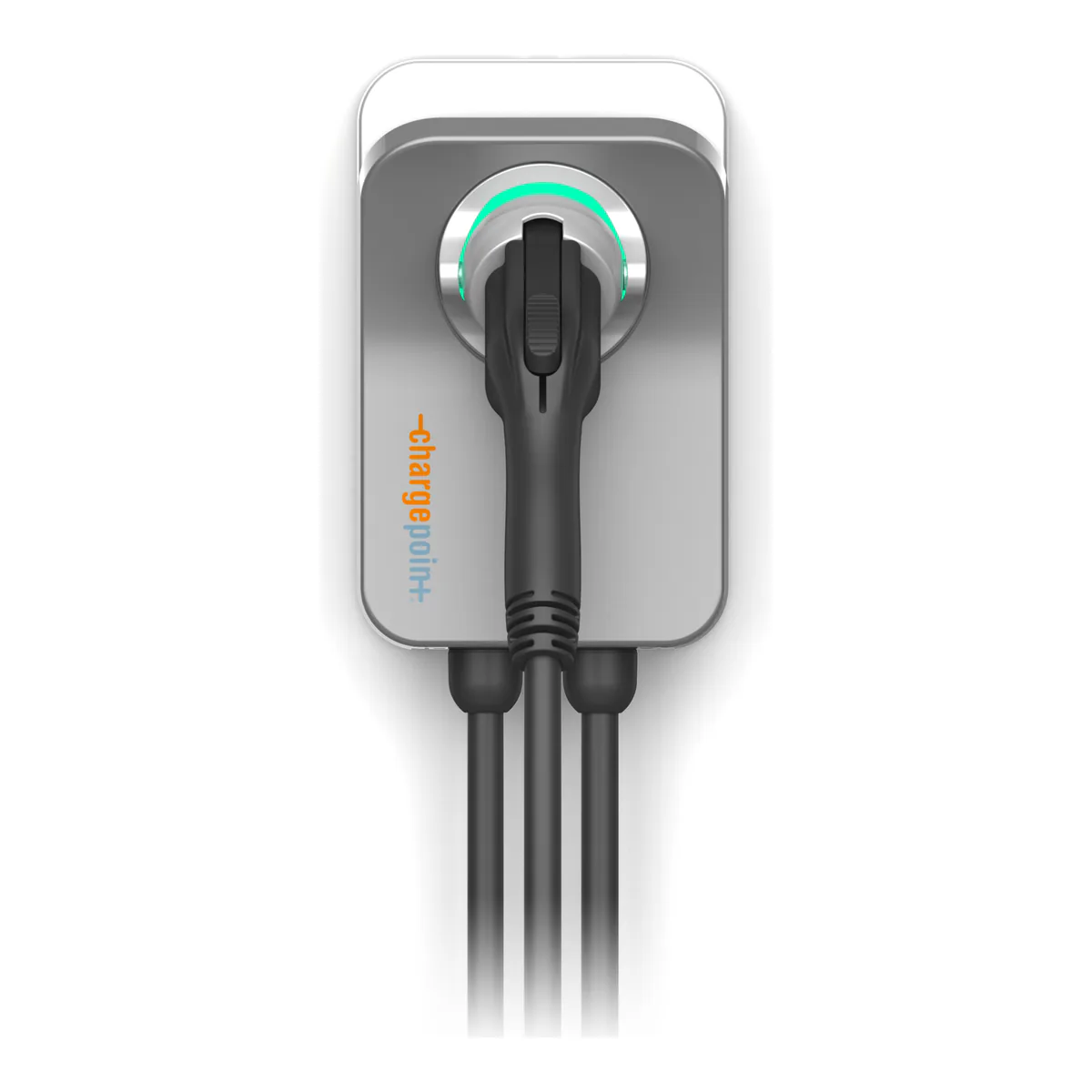
The Level 2 charger to hardwire if you want the full 50 amps and a utility that recognizes the brand. Skip it if you want a charger that needs no app at all, two cars sharing one circuit, or a warranty that covers the labor of swapping a failed unit.
- Level 2 EV charger with a J1772 connector, also sold in a NACS version
- Hardwired, six settings from 16 to 50 amps on a 20 to 80 amp breaker
- 23 ft cable, Type 3R enclosure, UL listed and ENERGY STAR certified
- WiFi and Bluetooth, set up and scheduled through the ChargePoint app
- Three year limited parts exchange warranty
We earn a commission on qualifying purchases through the links here, at no cost to you. It never decides what makes the list.
If your garage already has a NEMA 14-50 outlet, this is the wrong ChargePoint Home Flex. The hardwired version, order code CPH50-HARDWIRE-L23-K, exists for the buyer who is paying an electrician anyway and wants every amp the unit can give: 50 amps on a 70 or 80 amp breaker, where the plug-in build stops at 40. Hardwired, it fits any breaker from 20 to 80 amps, which is more panels than any plug-in charger can reach. The price of that flexibility is an app you have to keep working, and keeping it working is the most common owner complaint.
It holds the home slot on our Level 2 EV charger picks, and the counted evidence here is 34 YouTube commenters who say they own one, four independent outlets, and ChargePoint's datasheet and installation guide.
Home Flex breaker size for each amp setting
A breaker rated at 125 percent of the charging current, on its own dedicated circuit. You pick the current in the app during setup, and ChargePoint's installation table pairs each one with its breaker:
| Charging current | Breaker | Power | Range added per hour |
|---|---|---|---|
| 16 A | 20 A | 3.8 kW | 12 mi |
| 24 A | 30 A | 5.8 kW | 18 mi |
| 32 A | 40 A | 7.7 kW | 25 mi |
| 40 A | 50 A | 9.6 kW | 30 mi |
| 48 A | 60 A | 11.5 kW | 36 mi |
| 50 A | 70 or 80 A | 12 kW | 37 mi |
Basis: ChargePoint's installation FAQ. The range column is its own estimate.
Read the bottom two rows before you pay for the 50. Going from 48 to 50 amps adds one mile of range an hour and moves you from a 60 amp breaker to a 70 or 80. On most panels, 48 A is where the money stops buying anything. Our 40 against 48 amp comparison works through whether a car can even take the higher figure.
The wide range is the Home Flex's real advantage. An older house with a 40 amp spare slot and a new one with room for 60 get the same box, set differently.
Plug-in or hardwired, and why the plug stops at 40
ChargePoint limits the NEMA 14-50 and 6-50 builds to 32 or 40 amps of output, on a 40 or 50 amp circuit (in Canada, only the 50). Those are the only two settings that work through a plug. Everything else, 20 and 30 amp circuits included, needs this hardwired unit.
GFCI settles it on some installs. The Home Flex carries its own 20 mA ground fault protection, and ChargePoint warns that an external GFCI breaker may conflict with it. It tells electricians to use a non-GFCI breaker when hardwiring, and to hardwire where local code demands a GFCI for an outlet. One owner running the plug version on a GFCI protected 14-50 reports a breaker that "randomly shuts off when it is not charging", and asks whether hardwiring would fix it. ChargePoint's guidance points the same way: hardwired, on a non-GFCI breaker. Our hardwired against plug-in page covers the rest of that trade.
Wire, knockout and the install details
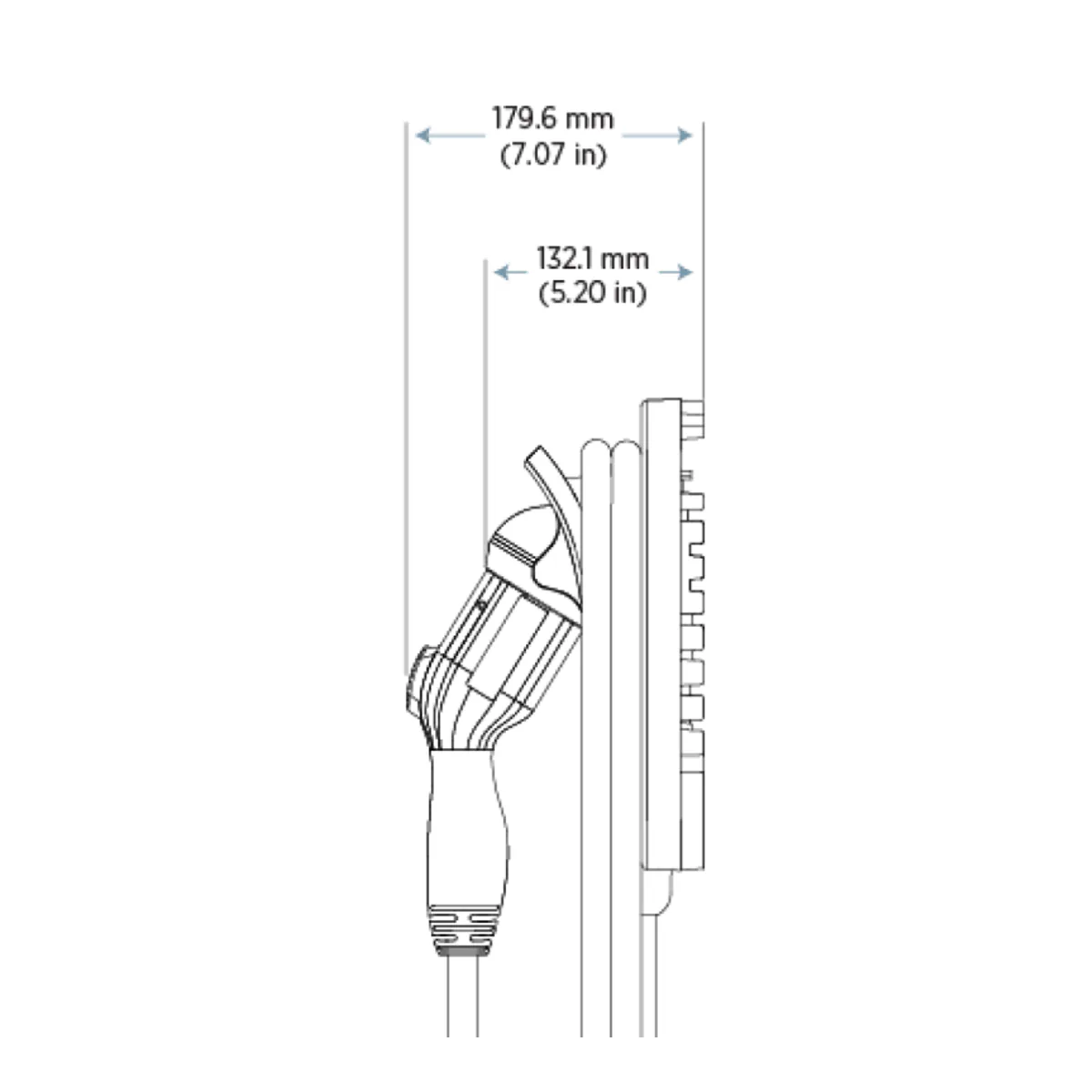
Three wires, L1, L2 and ground, with no neutral, in copper rated to 90°C. The field terminal takes 6 AWG at most, entering through a 3/4 inch knockout on the bottom or back. Two commenters under the review videos ask how that terminal squares with the 60 and 80 amp circuits at the top of the table, which makes it the question to put to your electrician before you order. The unit weighs 13.8 lb, and it stands 7.07 inches off the wall with the handle docked.
J1772 or NACS
The ChargePoint Home Flex NACS build and the J1772 one share a body. J1772 suits a non-Tesla EV with a J1772 port, though a growing number of new non-Tesla models ship with NACS, so check your own port. The NACS handle adds a button that opens a Tesla's charge port door. ChargePoint also sells a conversion kit that swaps a J1772 unit's cable for a NACS one, so the connector is not a decision you are locked into the day the electrician leaves.
Cable, holster and cold weather
23 feet of cable, two short of the Emporia's 25. Reviewers single out the holster. InsideEVs calls it one of the best on any EV charger, a lit dock that swivels, and Car and Driver likes the notch for wrapping the cord. After 14 hours in a commercial freezer at minus 18°F, the cable stayed pliable in Tom Moloughney's test, reported by EnergySage, and one owner says it stays flexible at minus 18, unit unstated.
ChargePoint's datasheet gives the operating range as minus 22°F to 122°F. The installation guide prints a lower floor, and at the 50 A setting a lower ceiling of 113°F. The datasheet is the newer of the two.
Outdoor rating: Type 3R, not NEMA 4
The enclosure is Type 3R under UL 50E, which is rated for rain and sleet. EnergySage points out the gap to the NEMA 4 rating on some competitors, which guards against sustained, direct water, and Car and Driver lists the same thing among its drawbacks. Under an eave or in a garage it will not matter. On an exposed wall that takes wind-driven rain, the enclosure rating is the single spec that argues for something else.
The app, the Wi-Fi and the 16 amp default
Until you activate it in the ChargePoint app, the Home Flex charges at 16 amps. Without Wi-Fi, an electrician can set the amperage over Bluetooth, and it charges at that rate from then on, per ChargePoint's FAQ, though one reviewer found no way to start it without the app and a connection. What needs the connection is scheduling, cost tracking and the utility programs, and those are the features this brand sells on. Car and Driver found its cost tracking the most detailed of the chargers it tested, down to the local utility's rate plans.
The connection is also where owners run into trouble. Of the 34, six report Wi-Fi that dropped or failed, seven report the app or its scheduling misbehaving, and two report the unit falling back to 16 amps after a reset or account change. "The app is great. The charging hardware is fine. The wifi electronics are not good," writes one owner whose two earlier units each lasted 11 to 12 months. Another is on a fourth unit after three replacements.
Read those counts with the skew in mind. Two of the videos they sit under are titled against the product and draw complaints, and ten describe it as trouble free or say they are satisfied, one hardwired to a 60 amp breaker and pulling "over 11kw". Four of the 34 got theirs through their utility.
One station, one account. ChargePoint supports activation under a single driver account, and a household with two Home Flex units reports needing two accounts. Reviewers also note it has no power sharing, so two chargers means two full circuits.
The warranty covers parts, not the electrician
Three years, parts exchange. ChargePoint repairs or replaces a faulty unit at its choice, and you ship it back under an RMA. It does not pay for the labor to uninstall the old unit or install the replacement, the replacement may be reconditioned, and the coverage applies to a single family residence. Five owners describe poor support, and three say that once the warranty ends, the answer is to buy another.
For a hardwired unit, that labor is an electrician's visit each way. Read that clause before you compare warranty lengths.
ChargePoint Home Flex vs Emporia
The Emporia is the charger reviewers set against it, and Car and Driver's best overall pick is an Emporia. Ours runs 48 amps on a 25 foot cable, and our Emporia review has the detail. Choose the Home Flex for the 50 amp top end, the six step breaker range for an odd panel, the holster, and a utility program that names it. Choose the Emporia if 48 amps is enough, since at 48 both want the same 60 amp breaker, which leaves the Home Flex's 50 amp step as the only top end difference. MotorTrend's comparison goes further and calls the Home Flex's only edge over the Autel MaxiCharger aesthetic. On measured charging, Car and Driver found no difference across the units it tested, averaging roughly 5 to 8 percent charging losses.
The other name in that test is Tesla's Universal Wall Connector, which carries a built-in adapter to switch between J1772 and NACS plugs. For a house with one Tesla and one other EV, that adapter makes it the charger to look at before either of these.
What to check before you order one
Ask the electrician three things. Which of the six settings your panel can spare a breaker for. Whether the run to the garage needs heavier wire than the 6 AWG terminal accepts. And whether code where you live requires GFCI protection on the circuit, because that answer decides whether a plug-in unit is even an option. Then check whether your utility offers a program that names the Home Flex, which is how four of the 34 owners got theirs.
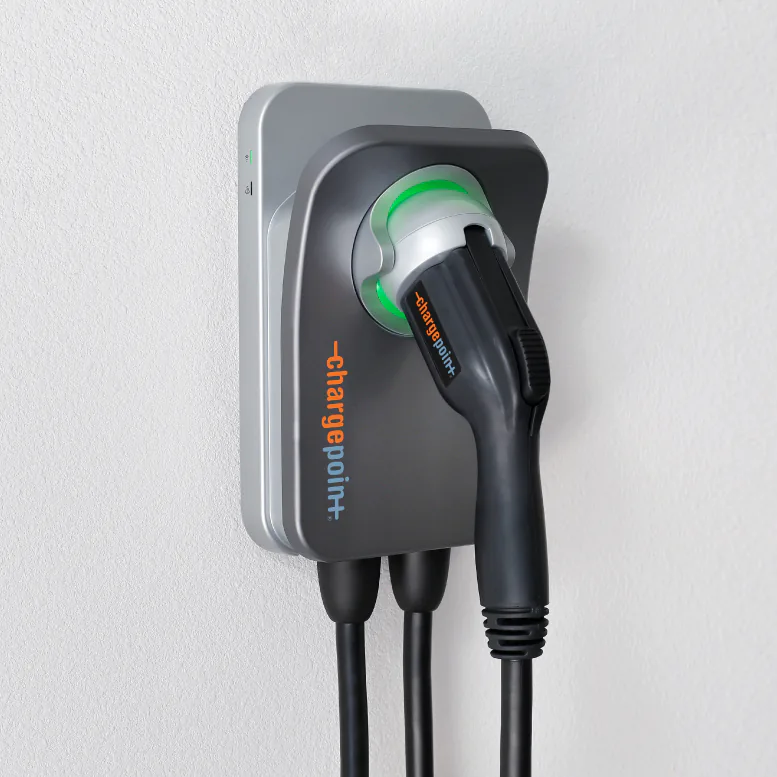
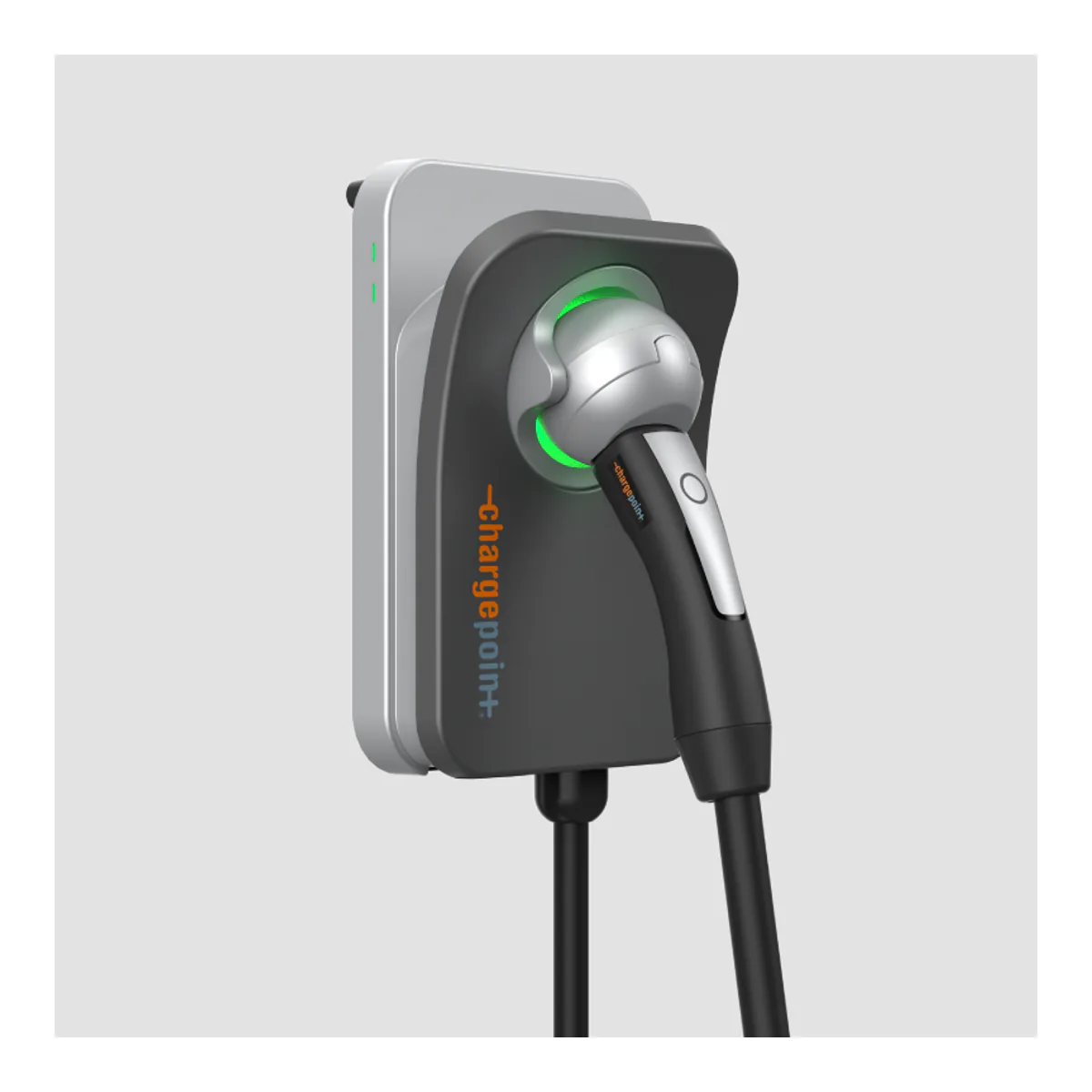
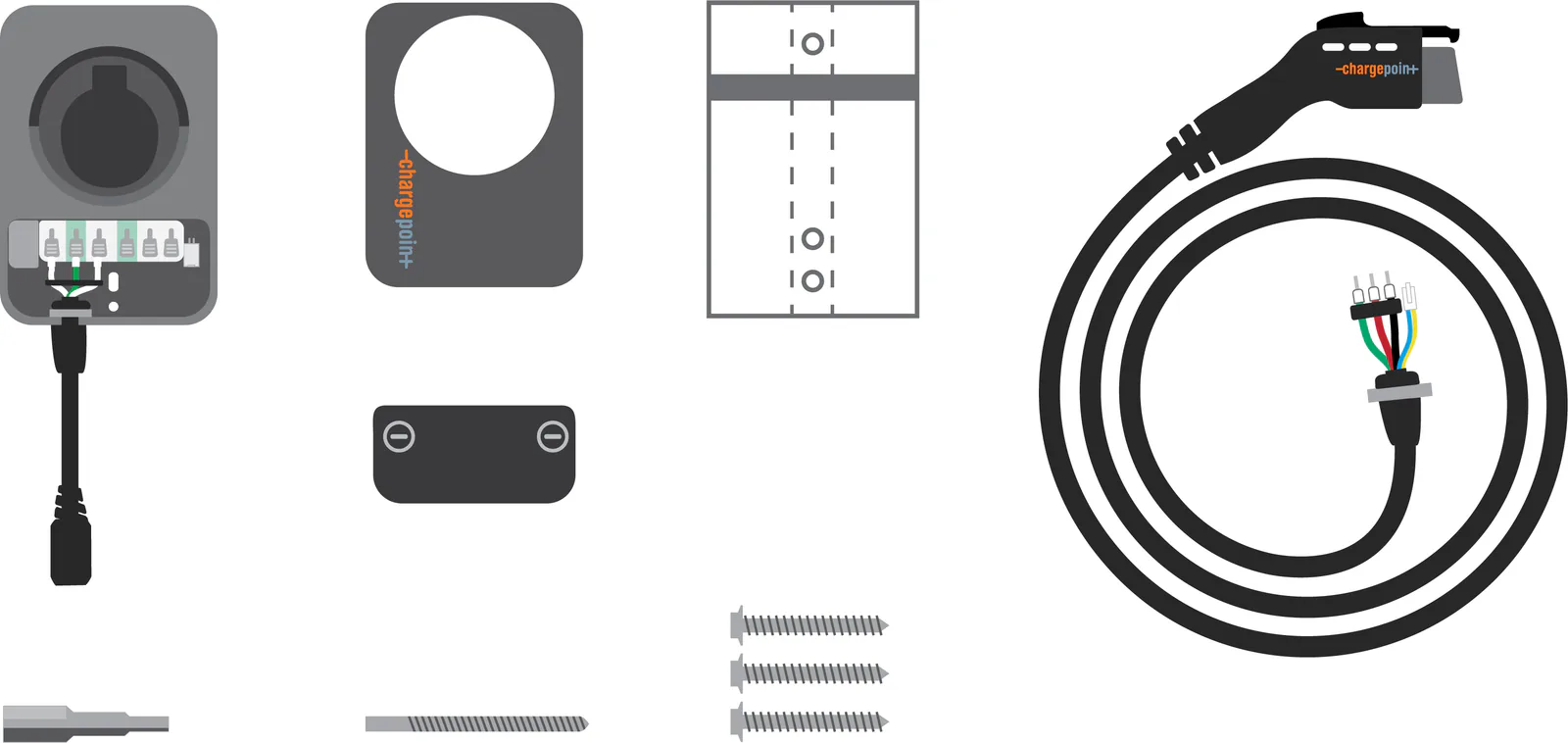
A closer look at the ChargePoint Home Flex
Questions people actually ask
- What size breaker does the ChargePoint Home Flex need?
- 125 percent of the charging current. 16 A charging needs a 20 A breaker, 32 A needs 40, 40 A needs 50, 48 A needs 60, and the full 50 A needs a 70 or 80 A breaker, per ChargePoint's installation table.
- Can the plug-in Home Flex charge at 48 or 50 amps?
- No. ChargePoint limits the NEMA 14-50 and 6-50 models to 32 or 40 A output. Every other setting, including 48 and 50 A, needs the hardwired unit.
- Does the ChargePoint Home Flex work without Wi-Fi?
- It charges at its 16 A default until it is activated in the app. Without Wi-Fi, ChargePoint says an electrician can set the amperage over Bluetooth, and it charges at that rate after that.
- Is the ChargePoint Home Flex rated for outdoor use?
- Yes, as a Type 3R enclosure. That covers rain and sleet, and it is a lower rating than the NEMA 4 some competing chargers carry.
Made up your mind?