Hisense L9Q review: the bright room UST
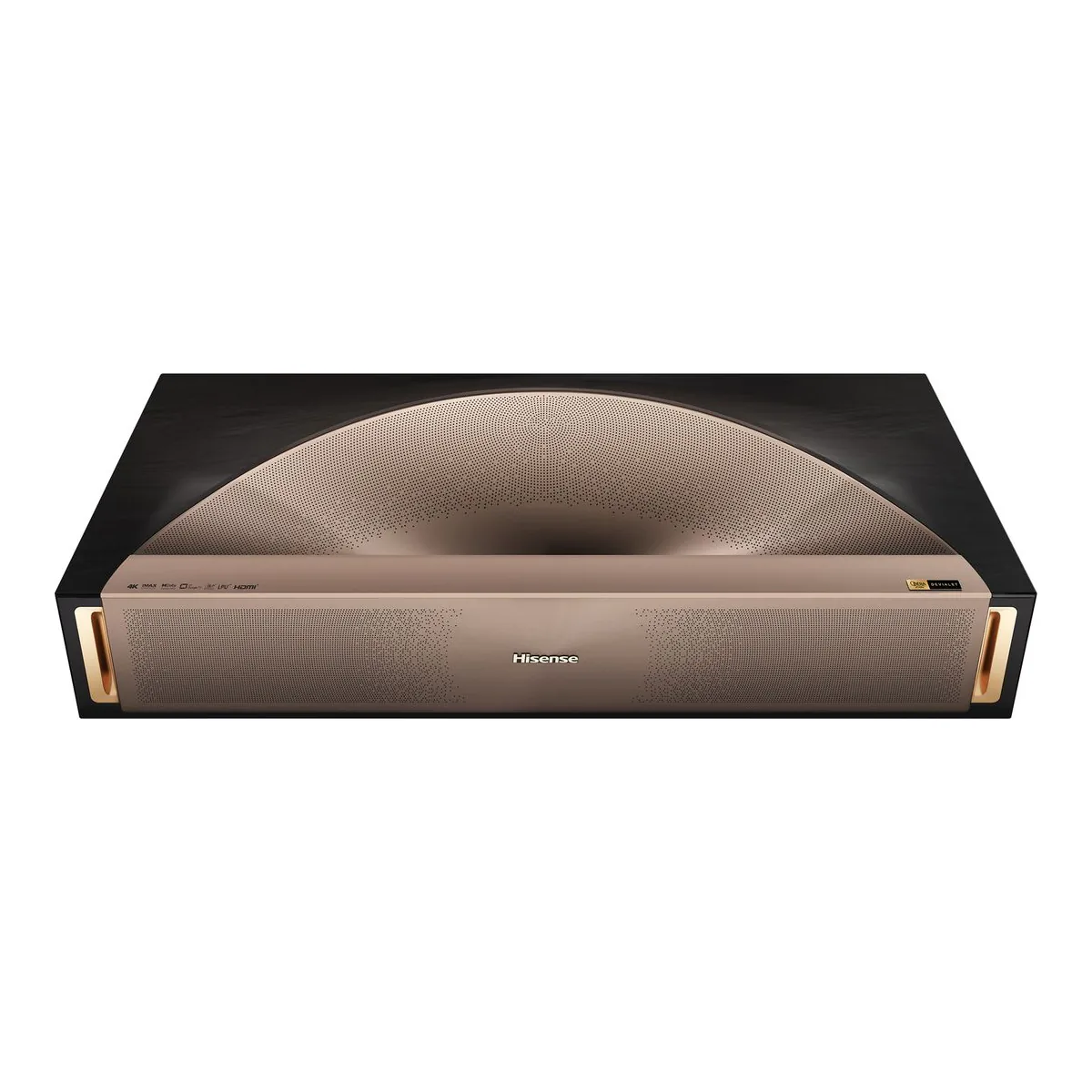
The brightest ultra short throw projector on our shelf, reaching its 5,000 lumen rating only at laser level 10, in its brightest modes, with Devialet 6.2.2 sound and four HDMI inputs, for a living room that never goes dark. Skip it if you watch with the lights off, or if DLP rainbows bother you: three instrumented reviewers saw them.
- 5000 ANSI Lumens brightness from a red, green and blue triple laser light source
- 0.18 throw ratio, 80 to 200 inch image
- Dolby Vision, HDR10+, HDR10 and HLG
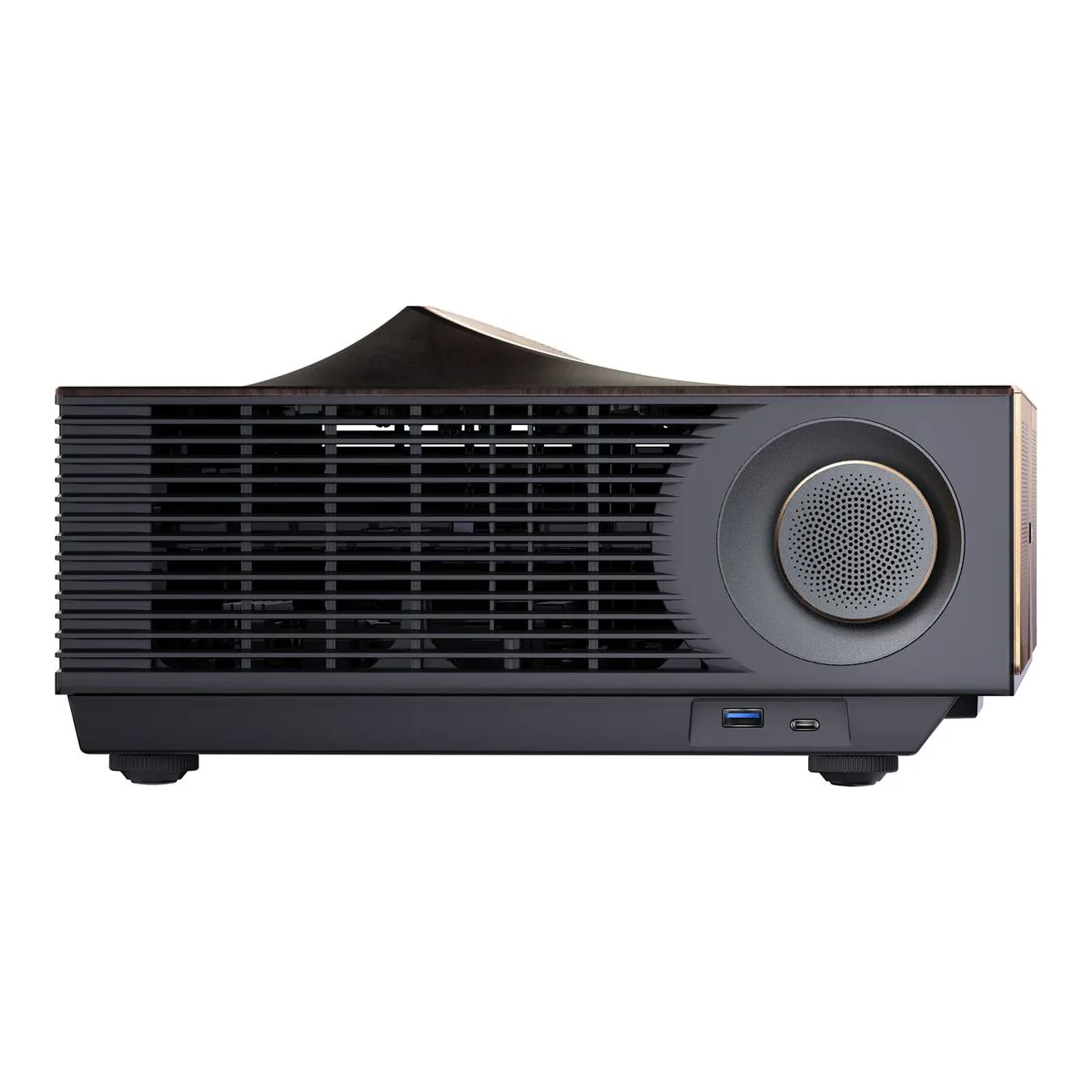
- 2x HDMI 2.1 (ALLM) and 2x HDMI 2.0, with eARC on HDMI port 3
- Sound by Devialet, 6.2.2 channel, 116W, Dolby Atmos and DTS:X
- Laser life 25,000+ hours
We earn a commission on qualifying purchases through the links here, at no cost to you. It never decides what makes the list.
Five thousand lumens. Hisense rates the Hisense L9Q at 5,000 ANSI lumens from a red, green and blue triple laser, and the labs got near it only at laser level 10, in its brightest modes. What that number does not buy is a better picture in a dark room. It buys a picture that survives lamps and daylight.
So buy it for a living room where the blinds stay open and the picture is 100 inches or bigger. Our ultra short throw projector shortlist ranks it first, and if you watch with the lights off, the PX3-PRO below is the better buy. Four people who say they own or owned one turned up in the YouTube comments under one review, one roundup and a Hisense promo video, and their reports sit beside four instrumented reviews and Hisense's spec sheet (how we count).
Hisense L9Q throw distance for 100 inches
At a 0.18 throw ratio, Hisense's chart, calculated with Hisense screen dimensions and allowing a 5% deviation, puts a 100 inch picture 5.4 inches from the wall, measured from the back of the projector and counting 30 mm of screen depth. An 80 inch picture needs 2.2 inches and a 200 inch one 21.1, so under 100 inches is barely practical.
Placement is touchy that close.
ProjectorCentral found setup quick and straightforward on four leveling feet. Secrets found the slightest shift knocks the image out of square, and leveling took a while. Auto Screen Fit uses built in cameras to frame the picture, but it is a software fix: TechRadar says it reduces the actual resolution, and PCMag advises avoiding digital geometry adjustments because they can introduce artifacts. One owner writes "Auto alignment never worked for me", and a buyer on Hisense's store always ends up correcting keystone by hand. Square it with the feet and the console instead.
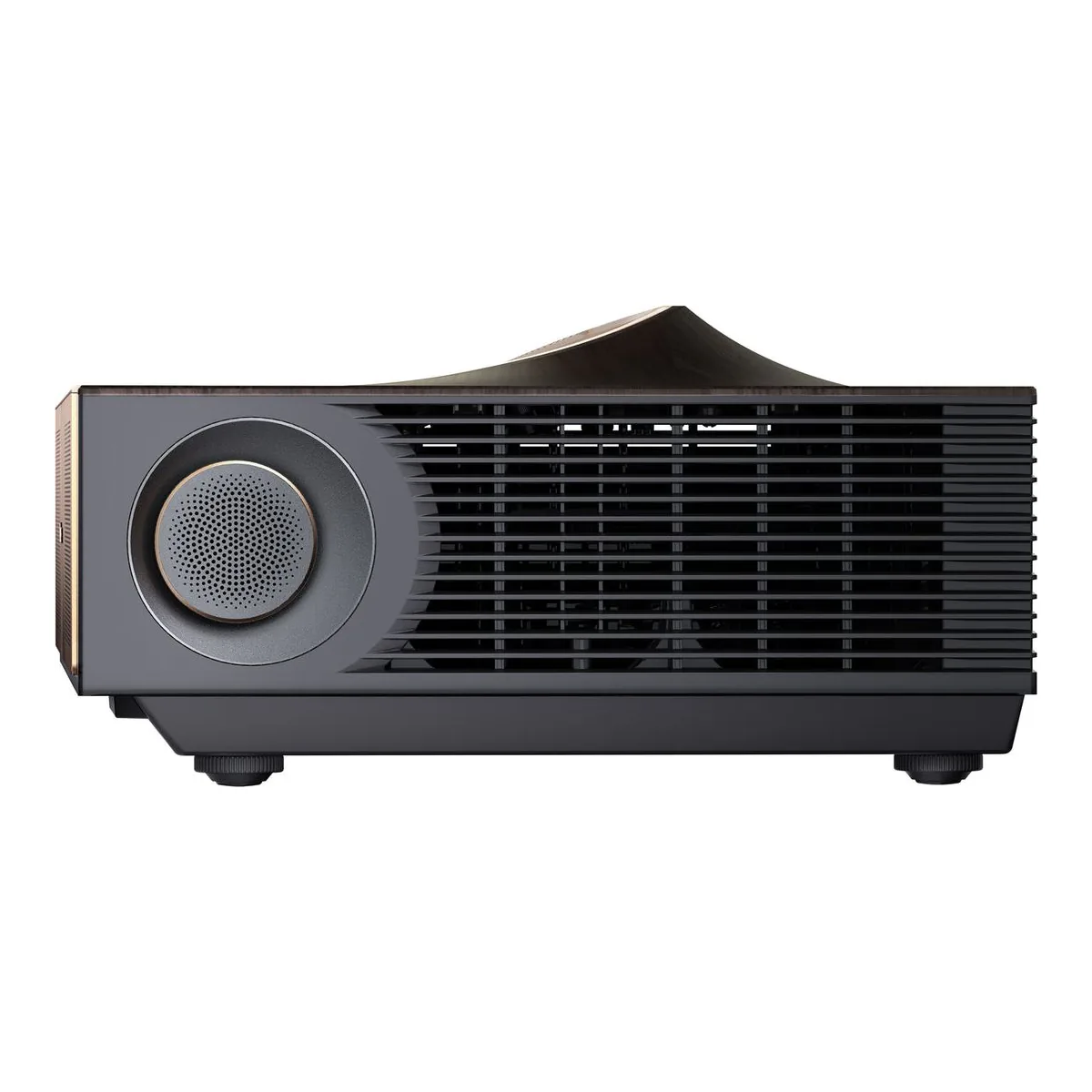
Sensors on top dim the picture when someone leans into the beam and switch it off after 5 seconds. With small children in the room, that store buyer wants it instant.
Brightness, and what the last lumens cost
Know which light you are getting. At laser level 10, ProjectorCentral read 5,185 lumens in Vivid and 5061 in IMAX Mode. ProjectorReviews needed Brightness Enhancement on Ultra as well to reach 4989, close to the rating, and judged it "not worth the image-quality sacrifice".
At accurate settings the labs part ways. ProjectorCentral measured 4,652 in Filmmaker Mode, still at laser level 10. ProjectorReviews read 3201 in Filmmaker and 3150 in Theater at the factory laser level of 8 with the enhancer off. That 45 percent gap is two labs on different screens at different laser levels, not a measured gain from the laser setting. For a bright room, plan on the lower figure. ProjectorReviews found the L9Q significantly brighter than the PX3-PRO, which helps wherever ambient light is above average, and Secrets warns the Brightness Enhancer impacts the color temperature, so set it before any calibration.
Contrast measured 3,900:1 at ProjectorCentral and roughly 3223:1 at ProjectorReviews, against Hisense's 5,000:1. ProjectorCentral reached the rating only with the Brightness Enhancer on, where the image turns "heavily green-biased". Good blacks for one DLP chip, and short of the box.
One owner, writing in German and so possibly on a European build, finds the laser level greyed out at 8 of 10, the factory setting ProjectorReviews measured at, and says HDR from Netflix forces a Dolby Vision style mode they cannot leave for the standard picture settings.
Rainbows on a triple laser UST projector
One 0.47 inch DLP chip, shifted to 4K, and that chip is the source of the artifact the instrumented reviews keep raising, though no owner in our count names it. PCMag saw rainbows "often enough to be bothersome" on a white screen and fewer on an ALR one, ProjectorReviews saw some, and ProjectorCentral called them very mild.
One owner returned theirs over color fringing, a separate artifact that ProjectorReviews found only at the extreme edges from two feet away.
If you already know you see DLP rainbows, buy from a seller that takes returns.
Lag at 4K and 60Hz depends on who measured it and in which mode: 17.6 ms on PCMag's tester, about 28 ms at ProjectorReviews, and 35 ms at ProjectorCentral with DLP Turbo Mode and High Refresh Rate Mode on. ProjectorReviews has read reports that later firmware gets it under 18 ms. At 1080p and 240Hz PCMag read 4.6 ms, and 240Hz needs the HDMI input set to Enhanced Pro.
Devialet audio out, and the noise in
Hisense sells the L9Q laser TV with ten speakers in a 6.2.2 layout at 116W, Dolby Atmos and DTS:X. ProjectorCentral thinks it could rival some soundbars without replacing a real system.
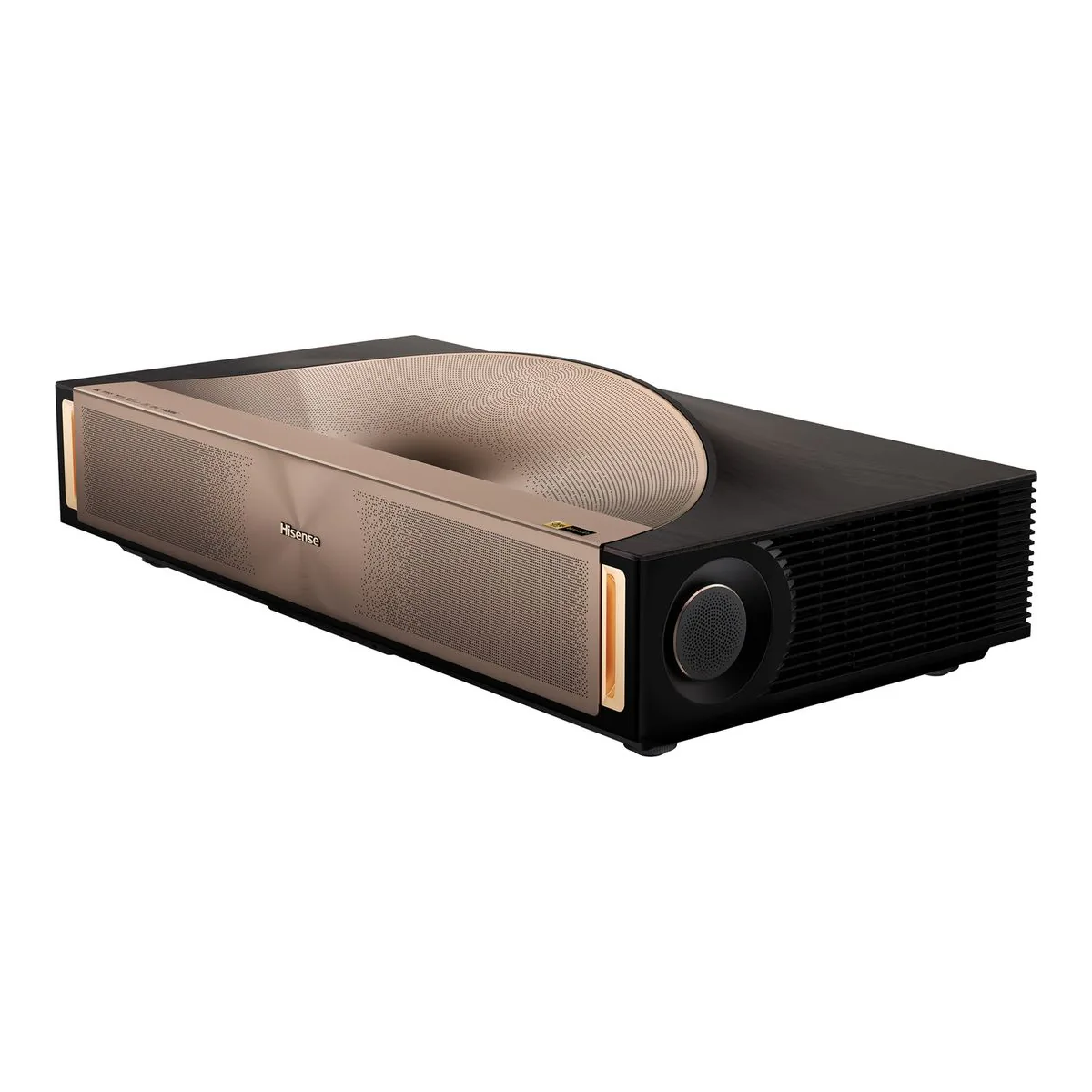
For that system there is eARC on HDMI 3, which Hisense's sheet and ProjectorCentral list as an HDMI 2.0 port, so a console belongs on HDMI 1 or 2.
The optical out cannot carry the immersive formats, ProjectorReviews notes, so Atmos or DTS:X to a receiver has to go over eARC.
The second return was about sound going the other way: a noise like "coil wine or fan blade hitting a wire" after 30 minutes, disturbing in quiet scenes. One report. ProjectorCentral measured the fan at 35.1 dBA at its loudest from about three feet, a level reading that says nothing about a whine.
Hisense L9Q vs PX3-PRO
Brightness splits them, and contrast does not: ProjectorReviews measured the two alike. TechRadar tells a dark room buyer to take the PX3-PRO and put the difference into a screen and speakers. Our L9Q against PX3-PRO comparison runs the rest. Against the AWOL Vision Aetherion Max, the L9Q's case is the Devialet system and its own light.
Which Hisense ALR screen fits
This listing is the projector alone. The box holds the projector, a power cord, a remote, a quick start guide and a cleaning kit, with the manual online. Hisense sells its ALR screen in bundles with the projector at 100, 110, 120, 139 and 150 inches. Pick the size off the throw chart above before you order, because at a 0.18 throw a few inches of console depth decide whether 120 fits your wall.
A closer look at the Hisense L9Q
Made up your mind?