Bambu Lab P1S review: reliable, enclosed, and loud
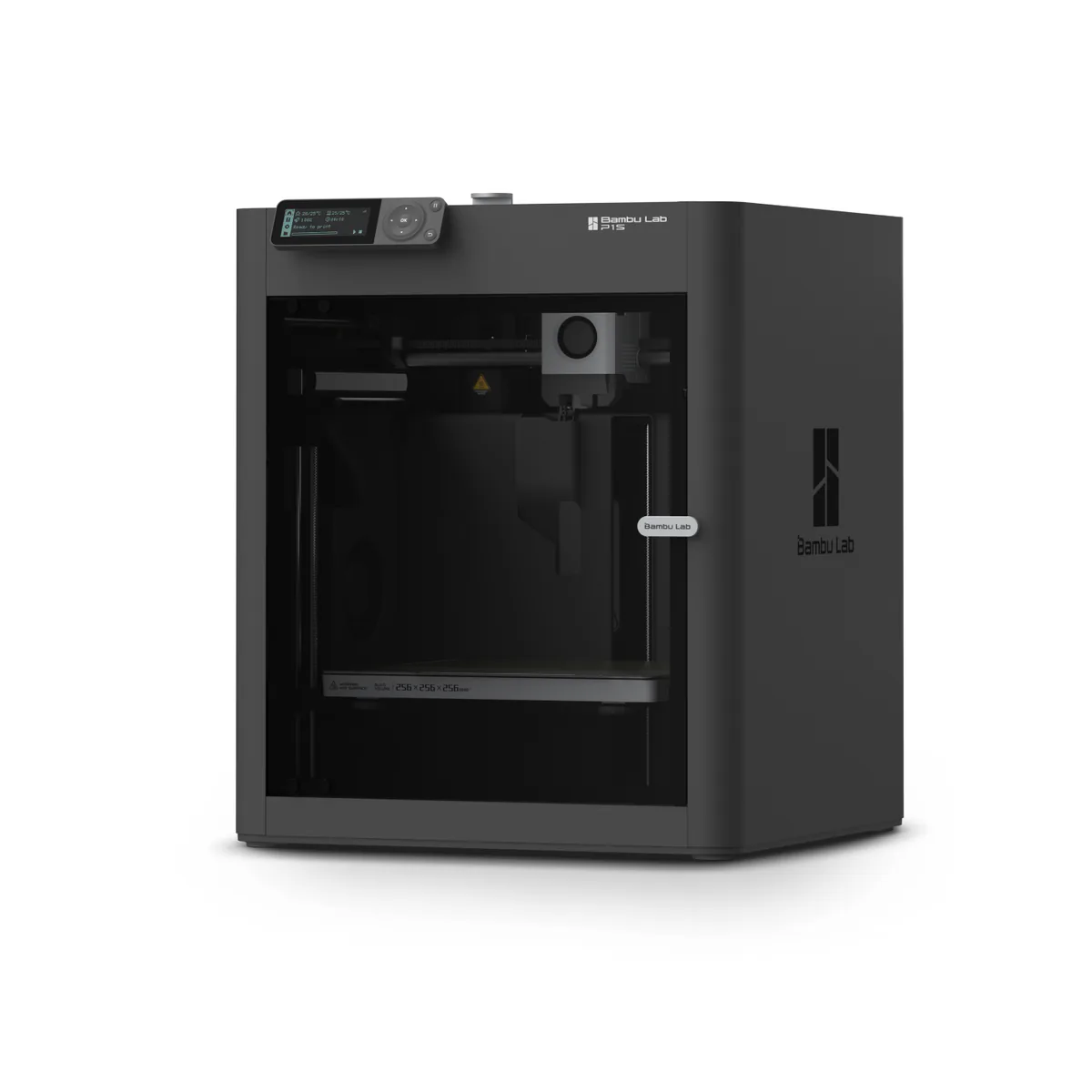
The enclosed CoreXY to buy for a first printer that just prints, as long as it will not live in a bedroom. Skip it if you print large ASA parts that want a hot chamber, or you expect to swap nozzles in a minute.
- Build volume 256 x 256 x 256 mm
- Fully enclosed CoreXY, up to 20000 mm/s² acceleration
- All-metal hot end up to 300°C, direct-drive extruder, 0.4 mm stainless steel nozzle
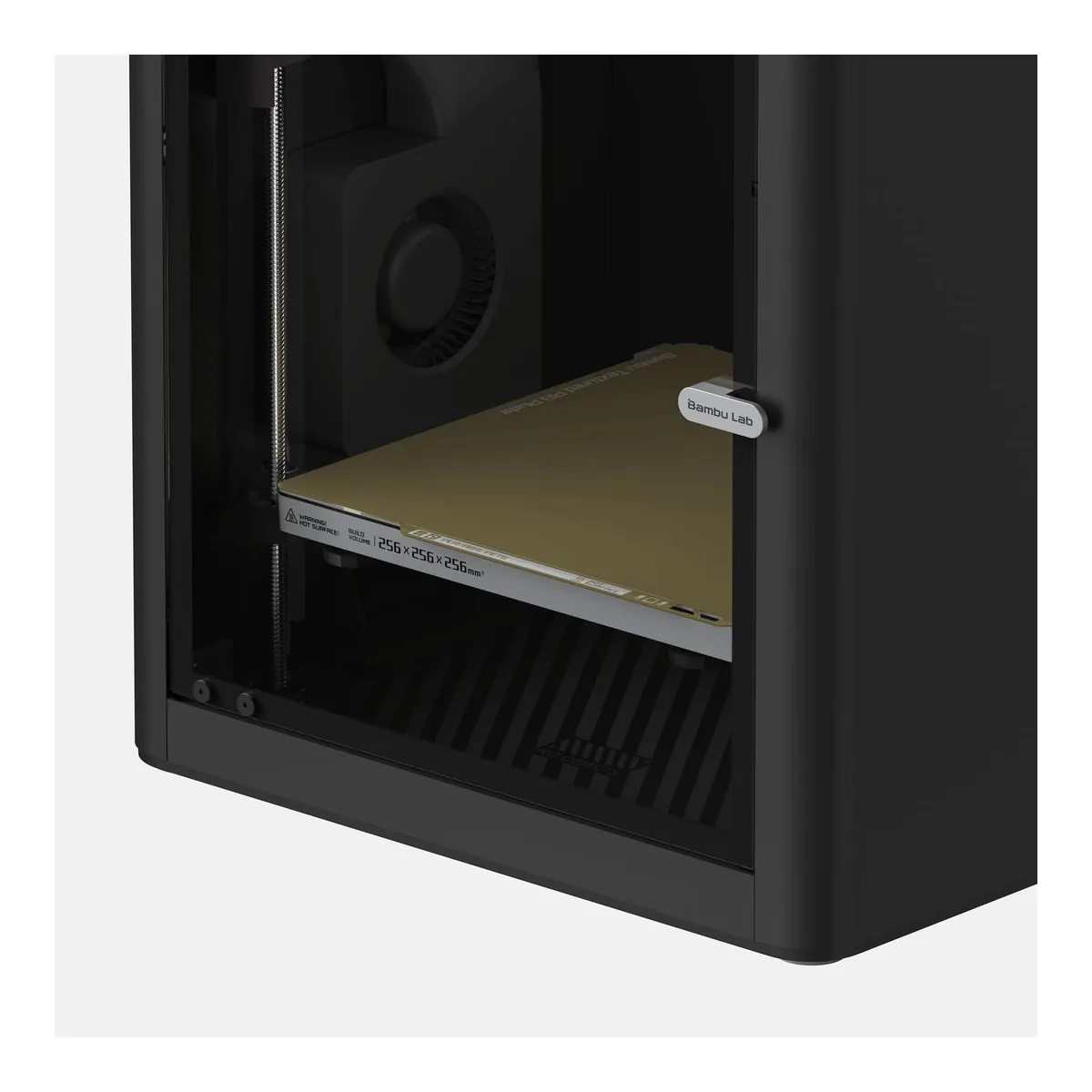
- Build plate up to 100°C, dual-sided textured PEI plate
- Up to 16 colors with Bambu Lab AMS, sold separately
- Max toolhead speed 500 mm/s
We earn a commission on qualifying purchases through the links here, at no cost to you. It never decides what makes the list.
Bambu retired the P1P and kept the P1S on sale, which settles most of what a Bambu Lab P1S review has to answer. The P2S is the newer model, the P1S sits one tier below it and stays in production, and for a first enclosed printer the two do the same core job: you click print and the part comes out, without the weekend of tuning an Ender 3 asks for.
It holds the beginner slot on our 3D printer picks. Twenty-nine people who comment under P1S videos say they own one, and we read them one at a time against Bambu's spec sheet, its wiki, and published tests from Tom's Hardware and AppleInsider.
P1S or P2S?
Get the P2S if you want the touchscreen, the hardened steel hotend, and a chamber that prints low temperature filament with the door shut. The P1S is the pick when none of those three settle it for you.
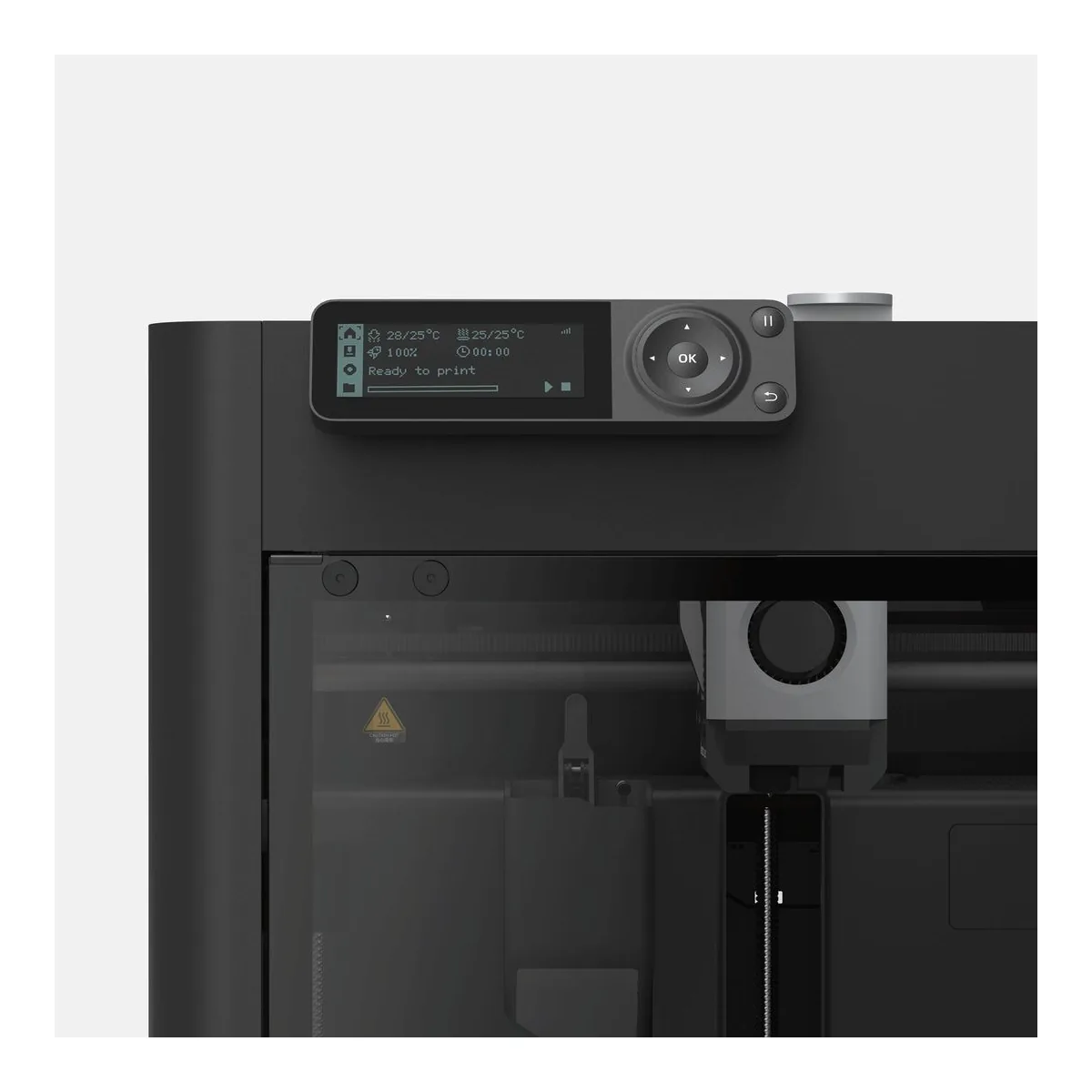
Bambu's own P2S page names what the newer printer adds, and each item is the mirror of a P1S limit: a 5-inch touchscreen where the P1S has a 2.7-inch 192x64 monochrome panel, a hardened steel nozzle and extruder gear by default, and more extrusion force. Both are a 256 x 256 x 256 mm enclosed CoreXY with a direct drive extruder and an all-metal hotend rated to 300C, on Bambu's spec pages. If you print PLA, PETG and the occasional ABS part, the older machine does that identically. What 58 P2S owners report is the page to read if any of those three upgrades decides it.
Base printer or the P1S AMS Combo?
Buy the base printer if you print one color at a time, and the P1S AMS Combo only if you will actually feed it four. This ASIN is the printer alone: Bambu's store lists the P1S, the P1S AMS Combo and the P1S AMS 2 Pro Combo as separate options, so the AMS is not in this box.
The AMS perches on the glass top, as Tom's Hardware describes it, holds four spools, and takes the printer up to 16-color work across units. It is useful, but it adds cost in time and filament. Several commenters reached the same conclusion out loud, that they did not need multicolor and would take the regular version. The base printer is the honest default here.
Is the Bambu Lab P1S still worth it?
Yes, for a first enclosed printer, and the owner record is why. Three of the twenty-nine counted owners describe a first printer that pleased them, including one who was 72 and had only seen a 3D printer on video, set it up, and printed a toy boat Bambu had bundled. Bambu's store claims a 15-minute setup and a two-year warranty, and nothing in the owner comments contradicts the first number.
The counter-case is in the same corpus. Four of those twenty-nine report an early fault: one unit arrived defective and was replaced, one whose cutter handle and hall sensor failed after 13 hours, one that would not read its AMS, and one with problems inside a week. It is a minority, but it is the minority to know about before you buy: a printer that arrives broken is a two-week support thread whatever the brand.
What it prints, and the PLA catch
The P1S prints the whole everyday range, with one counter-intuitive exception. Bambu's datasheet calls PLA, PETG, TPU, ABS, ASA, PVA and PET ideal, PA and PC capable, and carbon or glass fiber reinforced filament not recommended; Bambu's FAQ adds that fiber-filled needs a hotend and extruder upgrade first. The enclosure is why the harder materials behave.
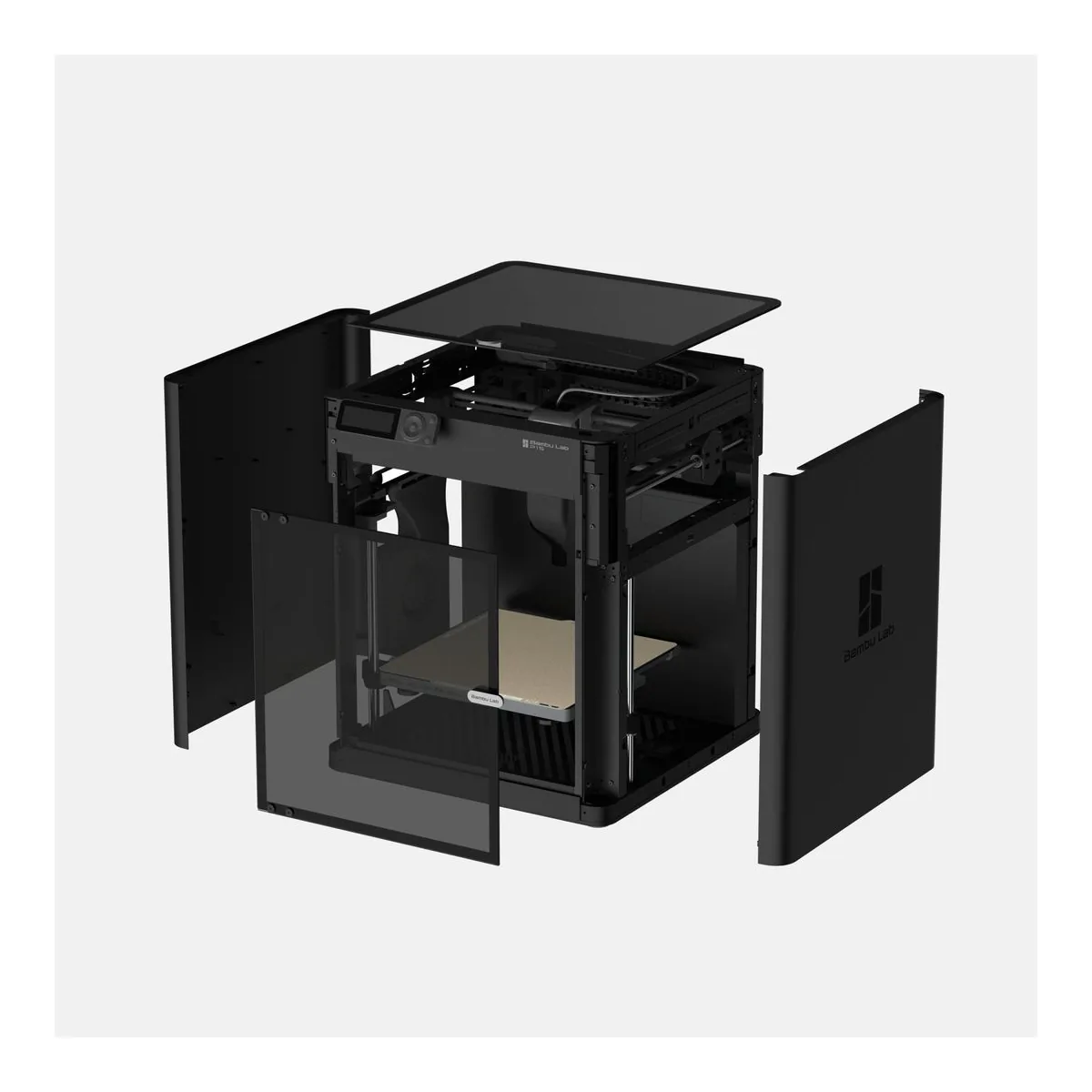
The catch is PLA, of all things. Bambu's wiki tells P1S owners to run PLA with the front door open or the top cover off and the bed at 55C, because the sealed chamber traps enough heat to soften PLA before it prints. An open-frame printer never has that problem. Note also that the chamber is passive: the datasheet lists a regulator fan and closed loop control, not a heater, so big ASA parts that want an actively hot chamber are the X1C's job rather than this printer's.
Noise
It is loud. Two commenters say so in as many words, and Tom's Hardware lists noise among its cons. AppleInsider measured its own review unit at no more than 55 decibels, the only noise number in the tests we read, and Bambu publishes none.
Skip it for a bedroom or a shared office, or plan to put a door between you and it.
What breaks, and the nozzle you cannot just swap
The nozzle is not a quick-change part. Tom's Hardware found that replacing it means swapping the entire hotend, with several screws, plugs and delicate thermistor wires to disconnect, where a cheaper open printer unscrews a nozzle in a minute. Bambu effectively concedes the point by advertising a quick-swap hotend with no wiring to disconnect on the P2S, which is the thing the P1S makes you work for.
If this is your first enclosed printer and it will not sit where quiet matters, the P1S is the safe call, and the rest of the FDM 3D printer shelf is where to look only if you print in four colors most days or need a build volume this one cannot reach.
A closer look at the Bambu Lab P1S
Made up your mind?