Best 3D printer: five FDM machines, from first print to ASA
The best 3D printer is the one whose chamber matches your filament. Five FDM picks from Bambu Lab, Snapmaker, Sovol and QIDI, one per kind of buyer.
We earn a commission on qualifying purchases through the links here, at no cost to you. It never decides what makes the list.
The picks
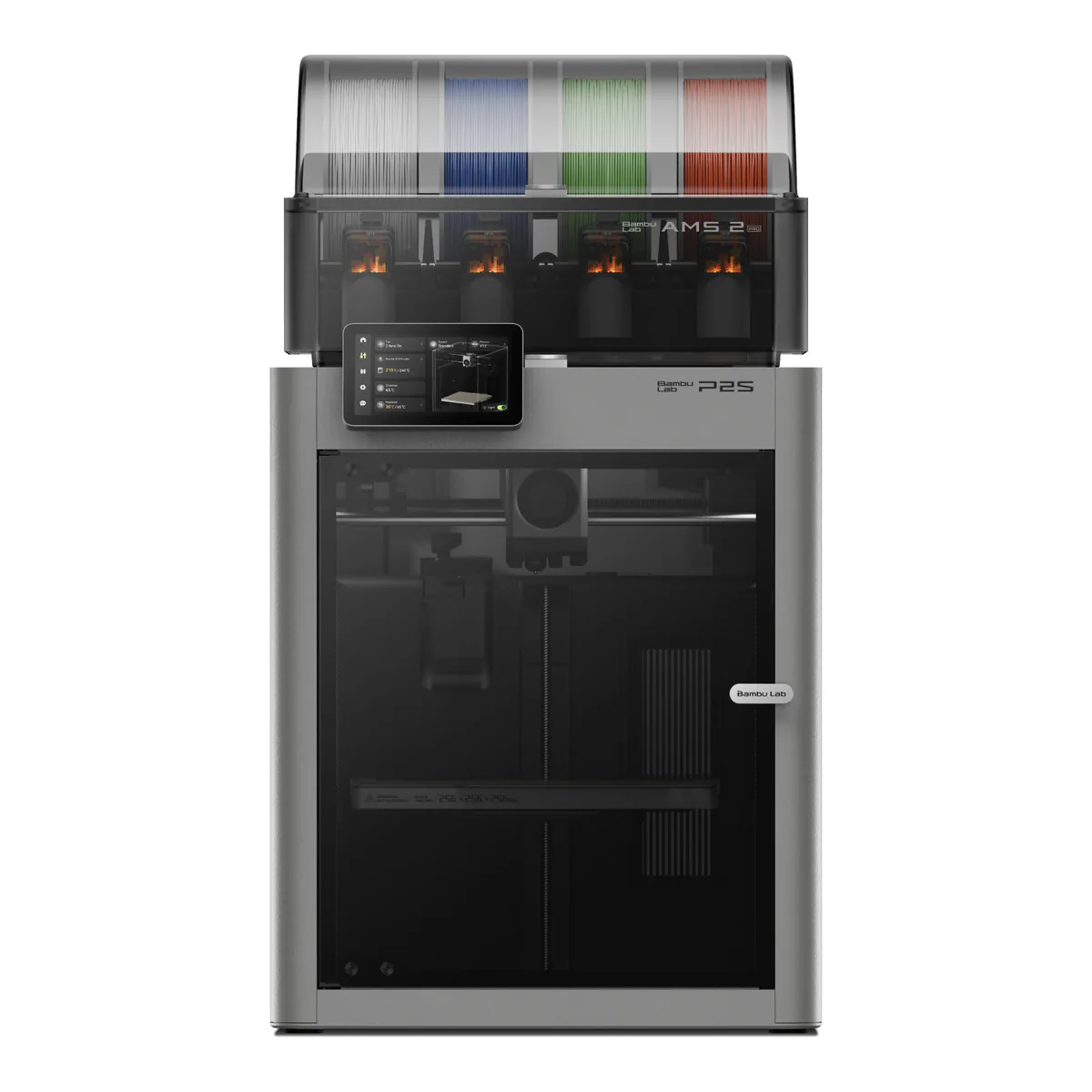
Best 3D printer overall
Bambu Lab P2S Combo
A fully enclosed CoreXY with a hardened steel nozzle, a 110°C bed and the four slot AMS 2 Pro in the box.
- Build volume 256 x 256 x 256 mm
- CoreXY motion system, fully enclosed chamber
- Hardened steel nozzle and extruder gear, up to 300°C
Skip it if you need Ethernet, or print mostly ASA and want the chamber heated for you.
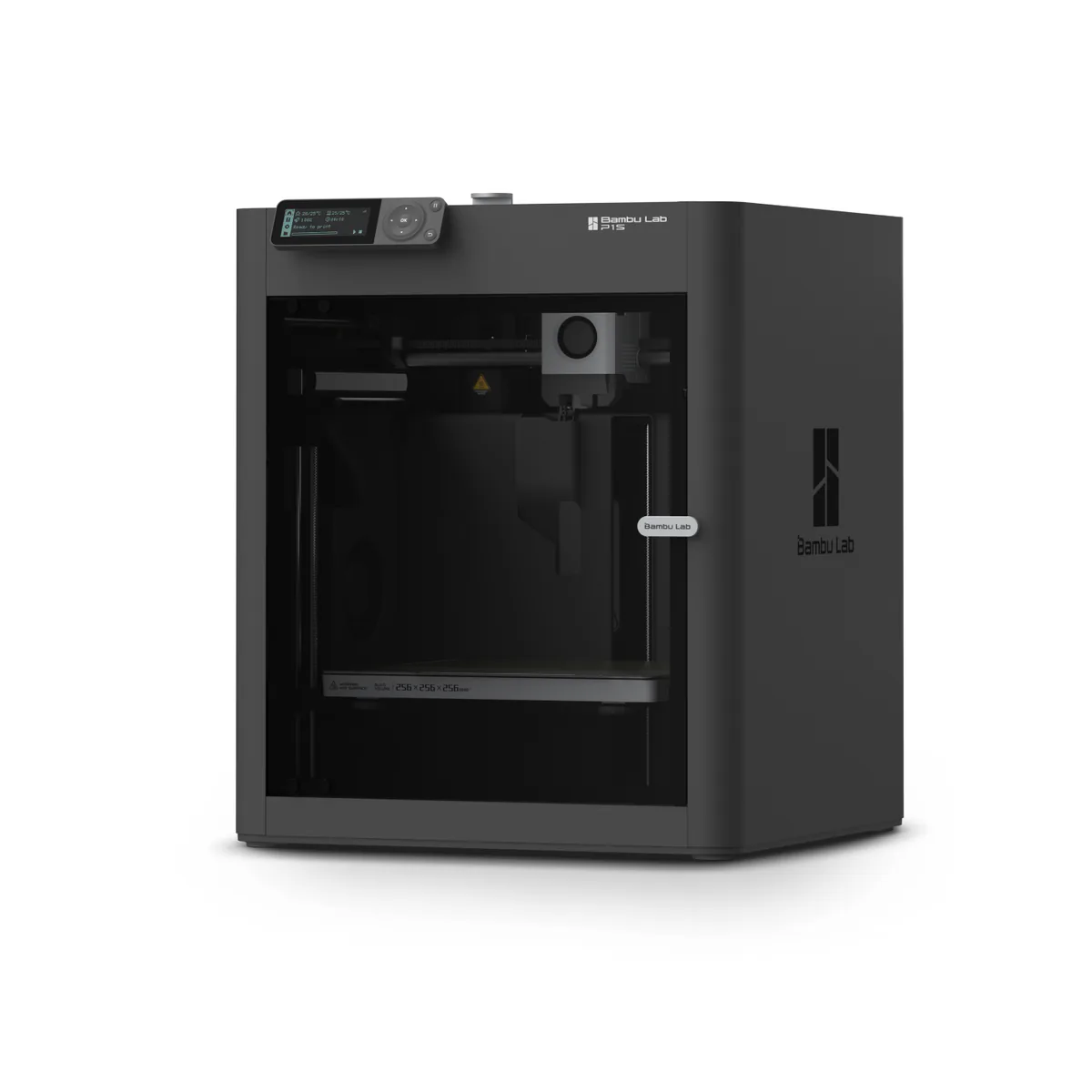
Best 3D printer for beginners
Bambu Lab P1S
The same 256 mm enclosed CoreXY idea with one filament and fewer parts, and still in production beside its successor.
- Build volume 256 x 256 x 256 mm
- Fully enclosed CoreXY, up to 20000 mm/s² acceleration
- All-metal hot end up to 300°C, direct-drive extruder, 0.4 mm stainless steel nozzle
Skip it if you already know you want multicolor on day one.
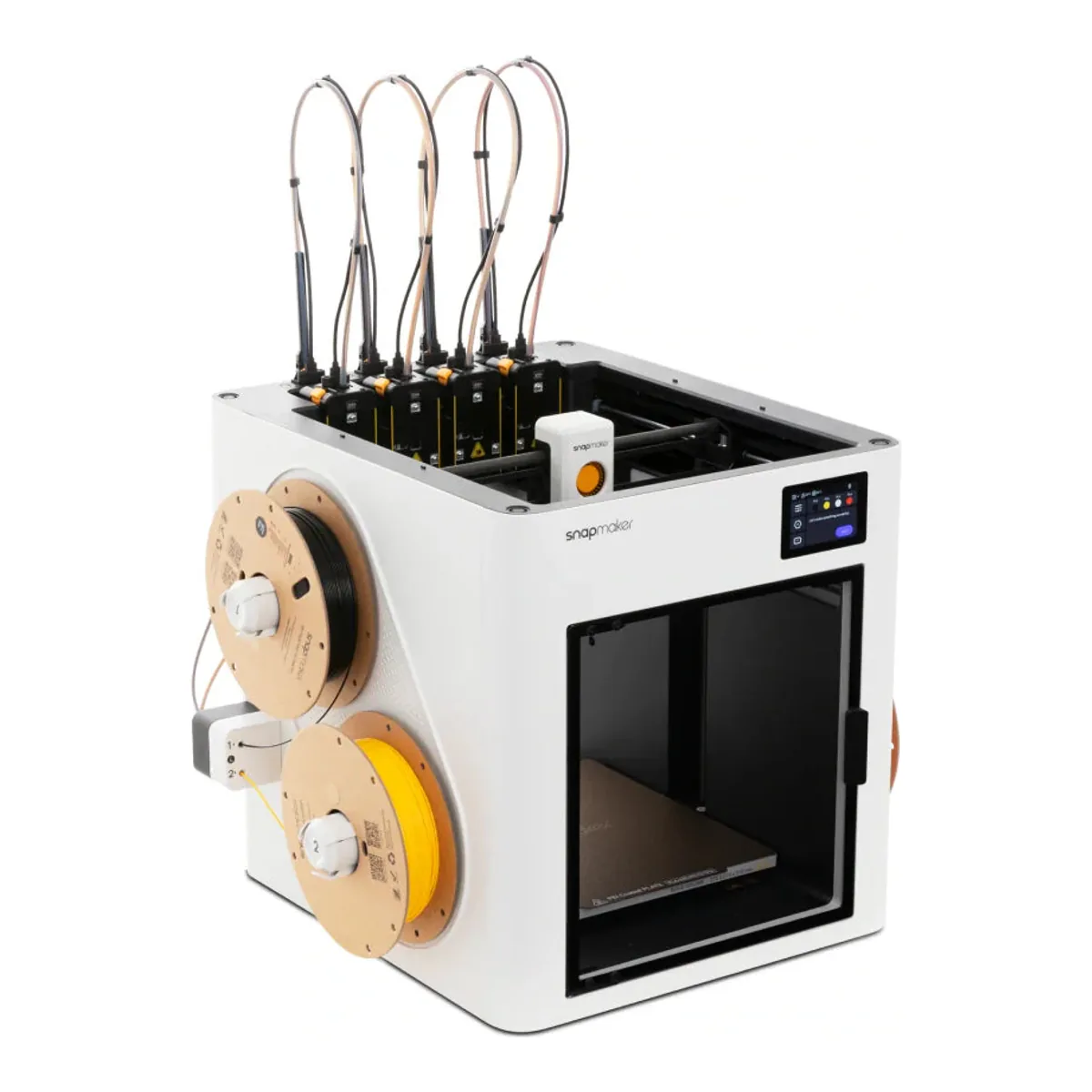
Best multicolor 3D printer
Snapmaker U1
Four complete toolheads that swap in seconds, so a color change parks a head with no nozzle purge.
- Build volume 270 x 270 x 270 mm
- Four toolheads included, one filament each, on a CoreXY frame
- Max nozzle temperature 300°C, 0.4 mm nozzle, direct drive
Skip it if you print ABS or ASA and do not want to buy the top cover.
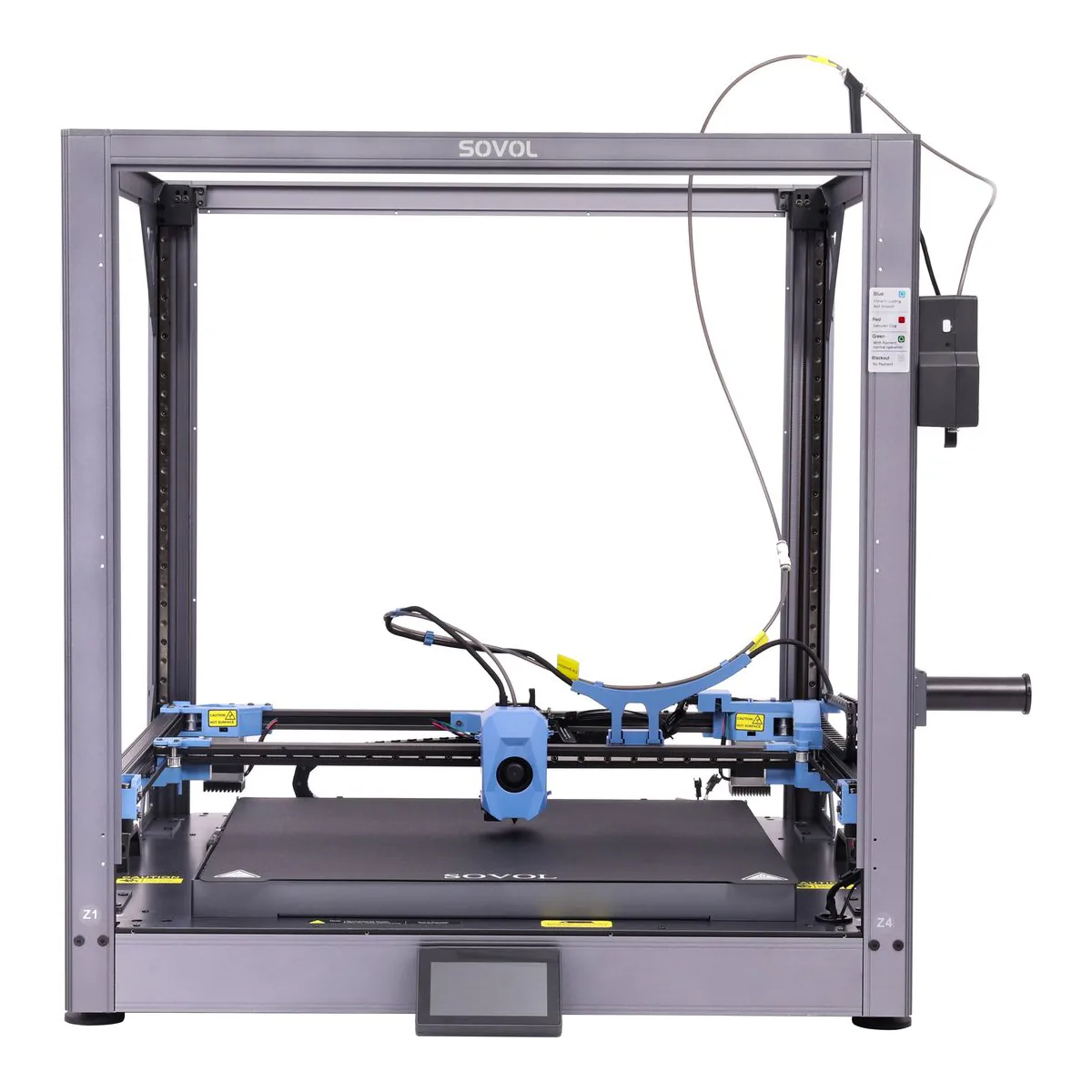
Best large format 3D printer
Sovol SV08 Max
A 500 mm cube of print volume on a Klipper CoreXY, for parts you would otherwise cut and glue.
- Build volume 500 x 500 x 500 mm, or 500 x 500 x 450 mm with the enclosure kit fitted
- CoreXY kinematics with linear rails on X, Y and Z, on an aluminum alloy frame
- Up to 700 mm/s print speed, 40,000 mm/s² acceleration and a 50 mm³/s max flow rate
Skip it if this is your first printer.
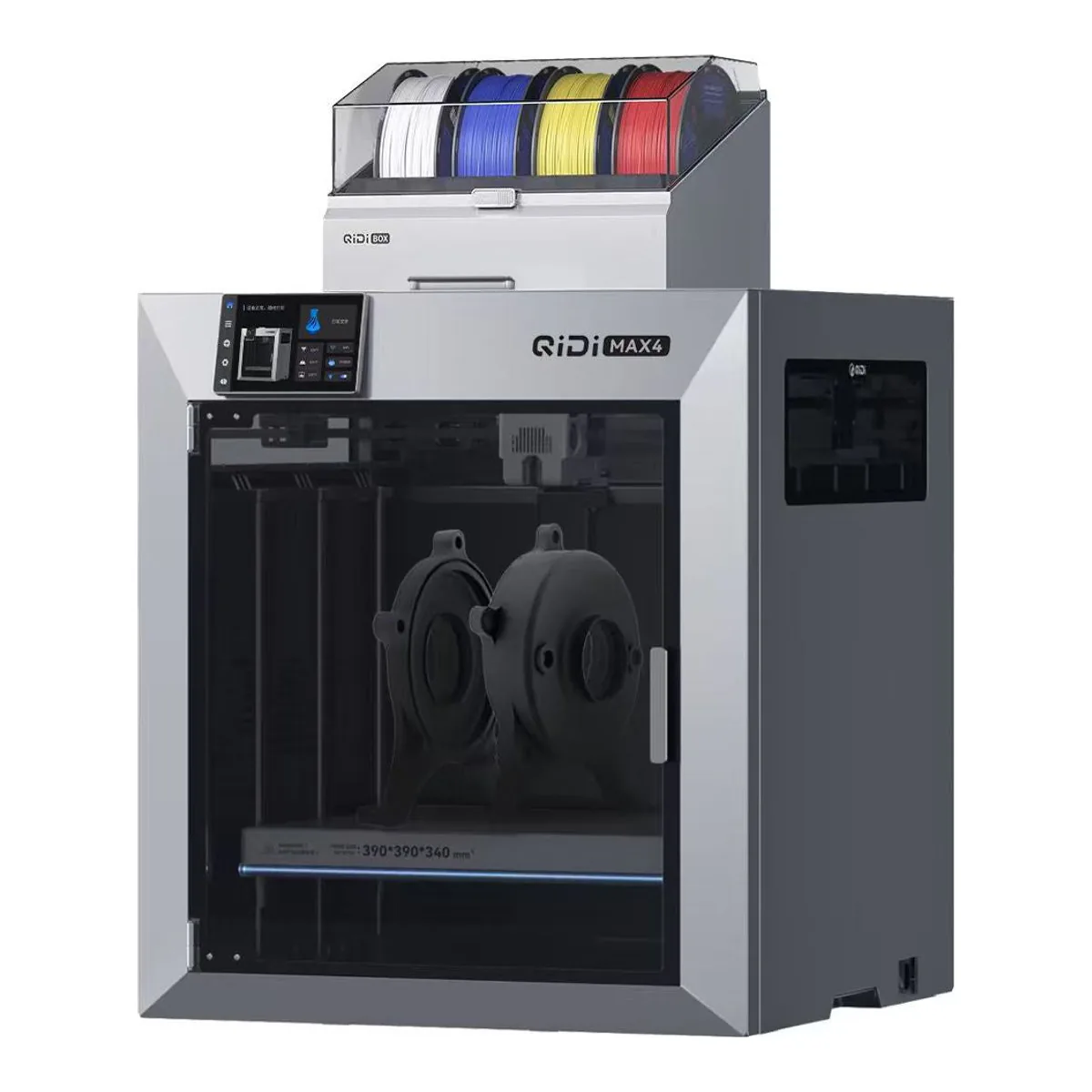
Best enclosed 3D printer for ABS and ASA
QIDI Max4 Combo
Active chamber heating to 65°C, a 370°C hotend and a 390 x 390 x 340 mm bed, with a four spool QIDI Box.
- Print size 390 x 390 x 340 mm
- CoreXY with closed-loop stepper motors
- Up to 65° C independent chamber heating
Skip it if you print mostly PLA.
Settle what you will print in before you settle what to print. PLA and PETG are happy on almost any machine, and ABS, ASA and nylon want a warm, closed chamber. That line sorts this shelf. The best 3D printer for a first timer printing PLA toys is not the best one for somebody printing ASA brackets for a car, and only one machine here heats its chamber as it ships.
So the five awards are five buyers. There is a best 3D printer for beginners, a best multicolor 3D printer that changes whole toolheads instead of purging one nozzle, a large format 3D printer for parts too big to split, and an enclosed 3D printer with a heater in the chamber for engineering filaments. All five are FDM, meaning filament melted through a nozzle, and all five are CoreXY.
What the picks rest on
Each maker's own specification pages, wikis and datasheets, and hands-on reviews from Tom's Hardware (the P2S, the P1S, the U1 and the SV08 Max), PCMag, TechRadar and WIRED (the P2S), AppleInsider (the P1S and the Max4), FauxHammer, TechRadar, 3Dnatives and Make: (the U1), and androidpctv and nikktech (the Max4). The owner counts come from YouTube comments, nearly all under videos that name each machine, with every commenter read individually: 58 commenters own a P2S, 29 a P1S, 62 a U1, 27 a Max4, and 16 the SV08 Max. The U1 count comes from a second, fuller read of its comments. Tom's Hardware, CNET, PCMag, TechRadar and All3DP had published no hands-on Max4 review that we could find, so its evidence is thinner than the rest. Here is how the awards work.
Five FDM 3D printers, one row each
| Spec | Bambu Lab P2S Combo | Bambu Lab P1S | Snapmaker U1 | Sovol SV08 Max | QIDI Max4 Combo |
|---|---|---|---|---|---|
| Build volume | 256 x 256 x 256 mm | 256 x 256 x 256 mm | 270 x 270 x 270 mm | 500 x 500 x 500 mm | 390 x 390 x 340 mm |
| Hotend max | 300°C, hardened steel nozzle | 300°C, stainless steel nozzle | 300°C, four toolheads | 300°C | 370°C, bimetal nozzle |
| Bed max | 110°C | 100°C | 100°C | 100°C | 120°C |
| Multi-material | AMS 2 Pro, four slots, in the box | One filament; AMS sold separately | Four toolheads, one filament each | One filament | QIDI Box, four spools, in the box |
| Chamber | Fully enclosed, no heater | Fully enclosed, no heater | Panels and door; Top Cover sold separately | Open frame; enclosure kit optional | Fully enclosed, heated up to 65°C |
Basis: manufacturer documentation. The Max4's build volume is 340 mm tall where the other four are cubes, and the SV08 Max loses 50 mm of height with its enclosure kit fitted.
Best 3D printer overall: Bambu Lab P2S Combo
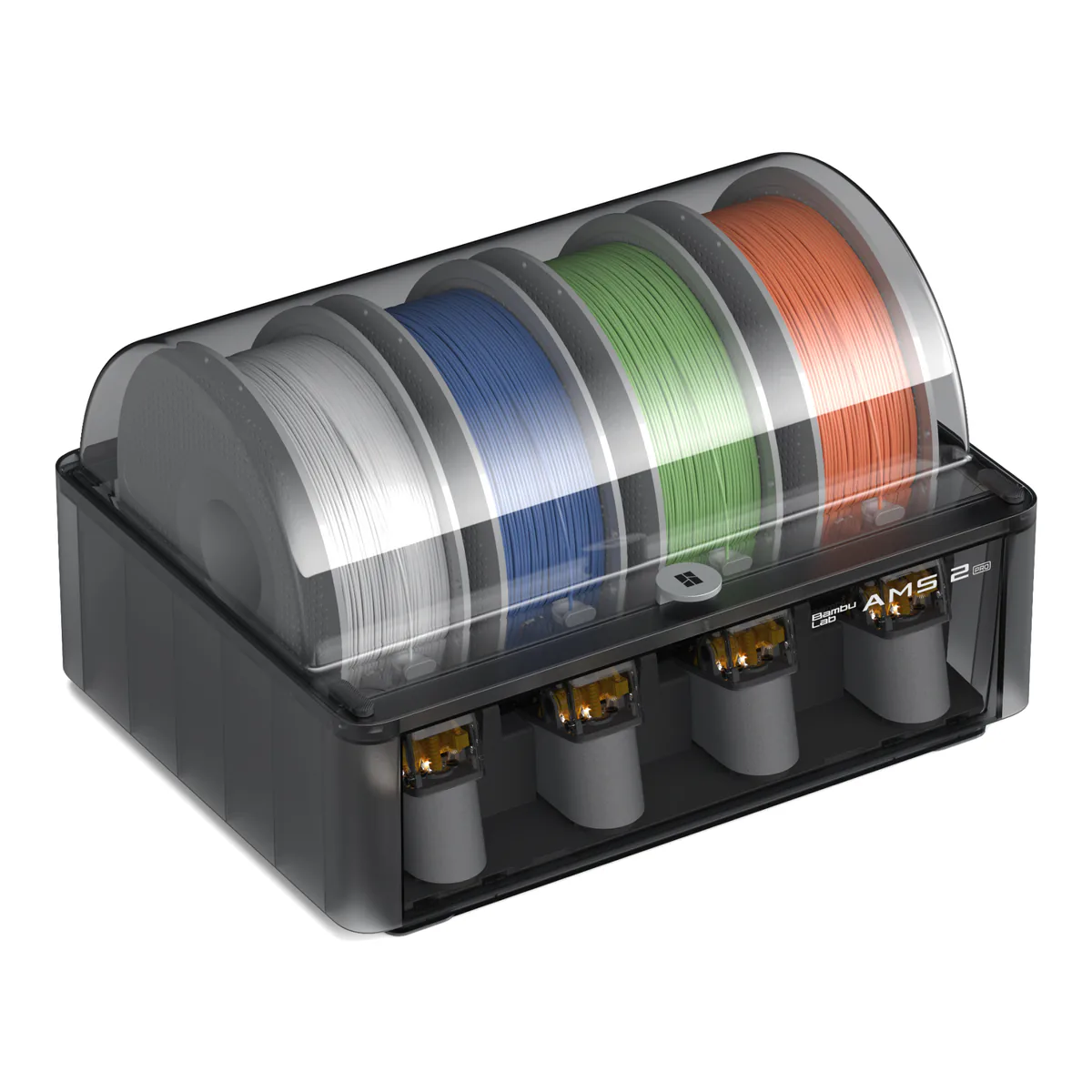
The one to buy if you can only buy one. Bambu gives it a 256 mm cube of build volume inside a fully enclosed chamber, a hardened steel nozzle and extruder gear rated to 300°C, a 110°C bed, and a top toolhead speed of 600 mm/s. The Combo adds the AMS 2 Pro, which holds four spools under a sealed lid and dries them at up to 65°C between prints, since drying pauses printing. PCMag found "the P2S offers a remarkably gentle learning curve", and Tom's Hardware's verdict is "an excellent first printer for a newbie or the 10th printer for a farm".
Among the 58 owners, ten report between 80 and 1,500 hours and eight of those name few or no problems, one of them a first-timer 721 hours in. Six name a clog, a jam or an extruder error, and five write it off, one in the words "I have a same printer and nothing but problems." Our P2S review breaks the 58 down.
Two things it does not do. The chamber is passive: Bambu says the P2S has no active chamber heating function, and TechRadar counts that against it for ASA and ABS, though Tom's ran ABS without issue. And every color change through the AMS purges the nozzle, so Tom's lists the filament the AMS wastes as its one con. WIRED adds that at speed it shook its table loose, so give it a solid bench.
Skip it if you need Ethernet, which the spec sheet lists as not available, or if you print mostly ASA and want the chamber warmed for you. The Max4 below does that.
Best 3D printer for beginners: Bambu Lab P1S
The P2S's predecessor, and the one Bambu is still making. When it ended the P1P, Bambu wrote that it will keep making and selling the P1S, with no plan to retire it any time soon. It has the same 256 mm cube, a direct drive all-metal hotend to 300°C, a 100°C bed and a fully enclosed body, and this listing is the printer alone. Add an AMS later if multicolor turns out to matter.
Tom's Hardware: "Its simple set up and ease of use makes it an excellent first printer for people with a bigger than Ender sized budget." Three of 29 owners say it was their first printer and all three are happy, one of them 72 and in the words "I had never seen a 3d printer other than on youtube". Four report a fault, from a unit defective on arrival to a cutter and hall sensor failing after 13 hours.
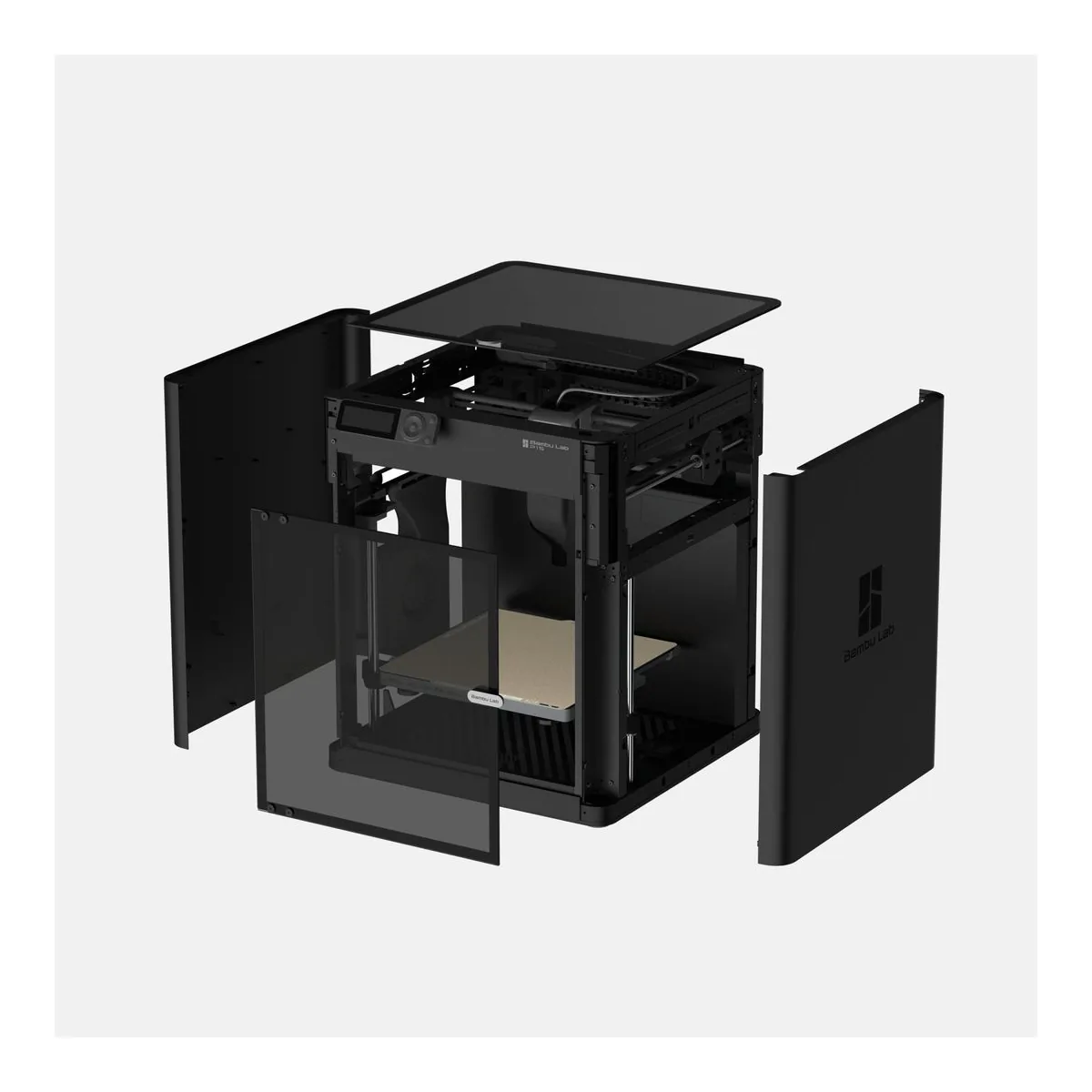
The catch is PLA, of all things. On the stock textured plate Bambu's own wiki recommends printing with the front door open, the top cover removed, or both, because an enclosed chamber gets too warm for it. Only the P1S needs that: Bambu says the P2S's airflow system lets you print low temperature filaments with the enclosure shut, and PCMag printed PLA that way. Tom's lists noise among its cons, found loading filament without an AMS "tedious at best", and notes that a worn nozzle means replacing the whole hotend.
Skip it if you already know you want multicolor on day one. The P2S Combo above ships with the AMS, and the P2S is where Bambu put the touchscreen and the hardened nozzle.
Best multicolor 3D printer: Snapmaker U1
Four toolheads instead of one nozzle. Every other multicolor printer here feeds several filaments through a single hotend and purges the old color on each change. The U1 parks one complete head and picks up another, and Snapmaker claims "up to 85% less filament than printers using shared-nozzle filament switching". Snapmaker's own lab figure for a swap is 5 seconds. Tom's Hardware, on a beta unit, found "it only takes the U1 about 10-12 seconds to change colors, while a Bambu Lab machine can take 90 seconds", and FauxHammer found that "In heavy use, the purge bucket still did not need emptying once." It prints a 270 mm cube, each head to 300°C.
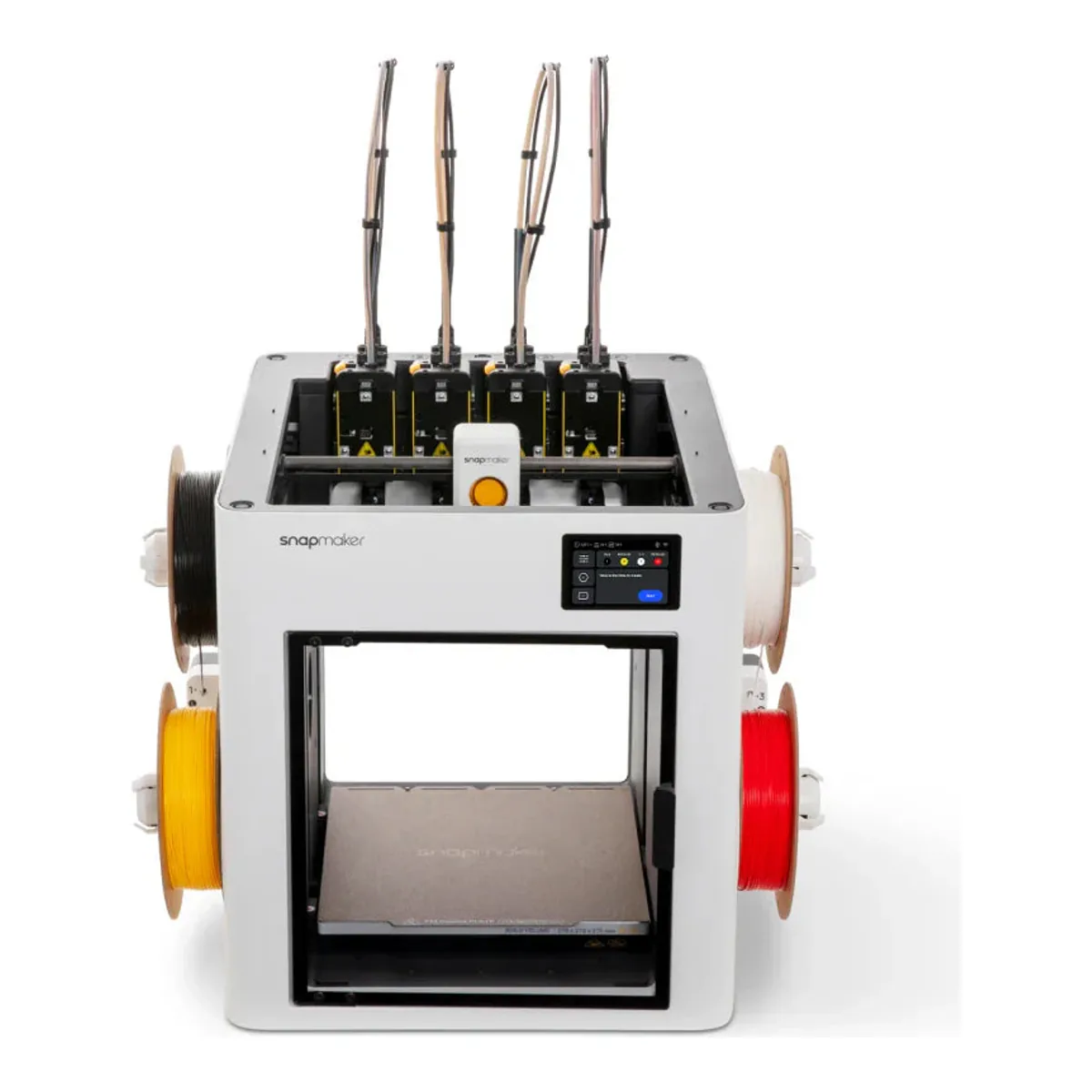
Owners' waste figures vary. One of the 62 writes: "Back to back 7 hour prints with over 700 material changes and only 35g of waste in the tower." Another found the tower outweighed the model it printed, and two owners say they shrink the tower from its default. Nine describe a fault on their own machine, among them toolhead parking that stopped the first calibration, wavy layers after 900 hours, and pogo pin trouble with a cooling fan. The software is the weaker half. FauxHammer lists "Constant logouts from the slicer and app", and 3Dnatives calls the fan "particularly loud at high speeds".
Skip it if you print ABS or ASA without buying more. The stock machine has panels, a door and a rear cover but no top, and Snapmaker's own material list without its Top Cover stops at PLA, PETG, TPU, PVA and PCTG. The spools also hang in the open on the sides, with no dryer.
Best large format 3D printer: Sovol SV08 Max
The biggest machine here by a distance. Sovol rates it at 500 x 500 x 500 mm on a CoreXY frame with linear rails on every axis, running stock Klipper, and the case for it is every part you no longer print in pieces and glue. It is also 700 x 710 x 750 mm without the spool holder, and Tom's Hardware, who built one in a living room, puts it at 65 pounds bare. Our SV08 Max review has the doorway problem in full.
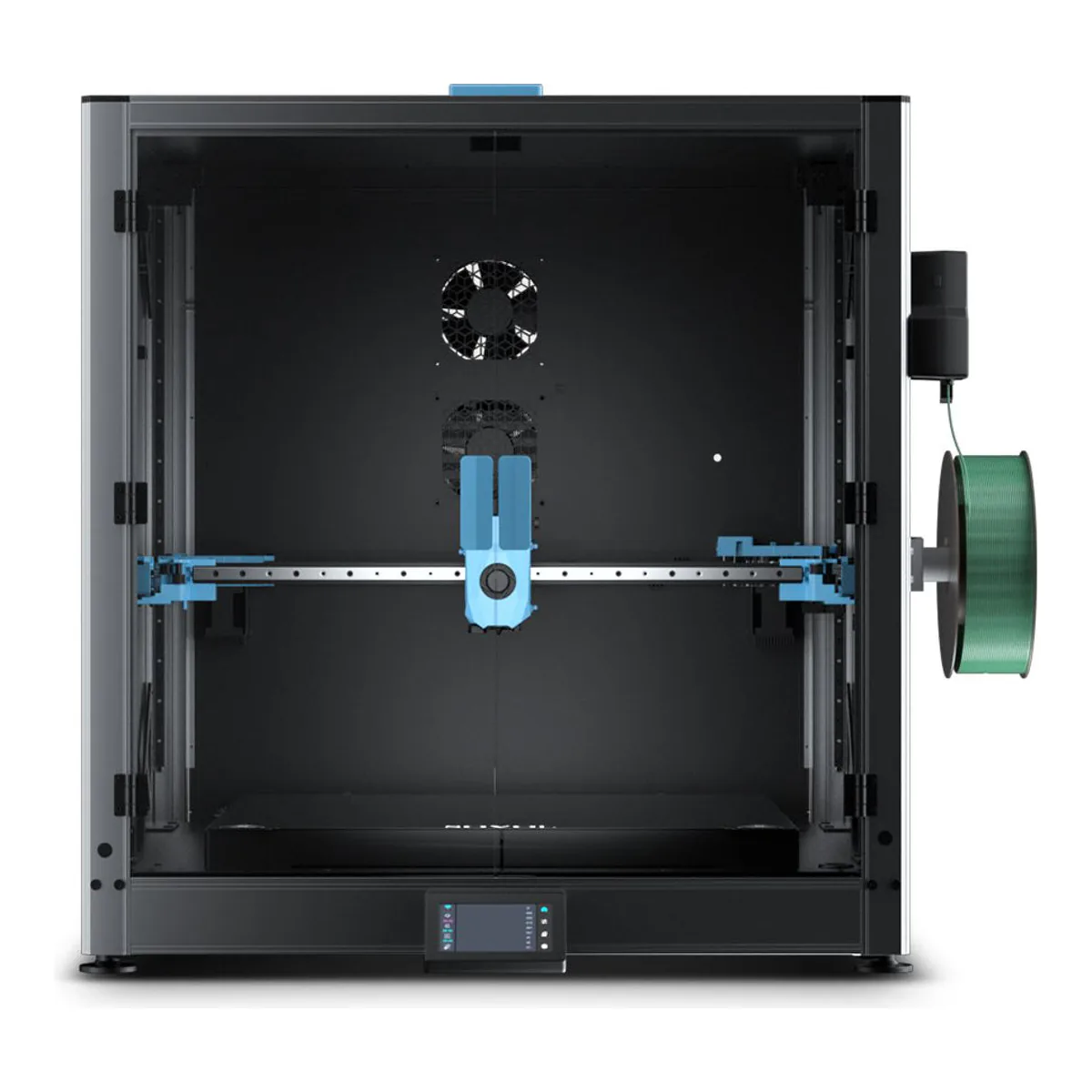
Among the 16 owners, six describe a workhorse and four describe constant faults or a printer they cannot get working. Five raise the auxiliary feeder that pushes filament down nearly five feet of tube, and Tom's lost five attempts and half a spool to a fussy Z offset on one bed filling print.
Skip it for a first printer. This listing is the open frame, the enclosure kit is separate and costs 50 mm of height, and it feeds one filament.
Best enclosed 3D printer for ABS and ASA: QIDI Max4 Combo
The only one of the five that heats its chamber as sold, and this award exists for that: both Bambu Labs are enclosed too, and neither has a heater. QIDI specifies independent chamber heating up to 65° C, a hotend to 370°C and a 120°C bed, and a material list that runs from PLA to PA, PC and carbon and glass fiber blends. That heater is what ABS, ASA and nylon want, on a 390 x 390 x 340 mm bed, the second largest here. The Combo adds one QIDI Box, which holds four spools and dries them at up to 65℃ while it prints.
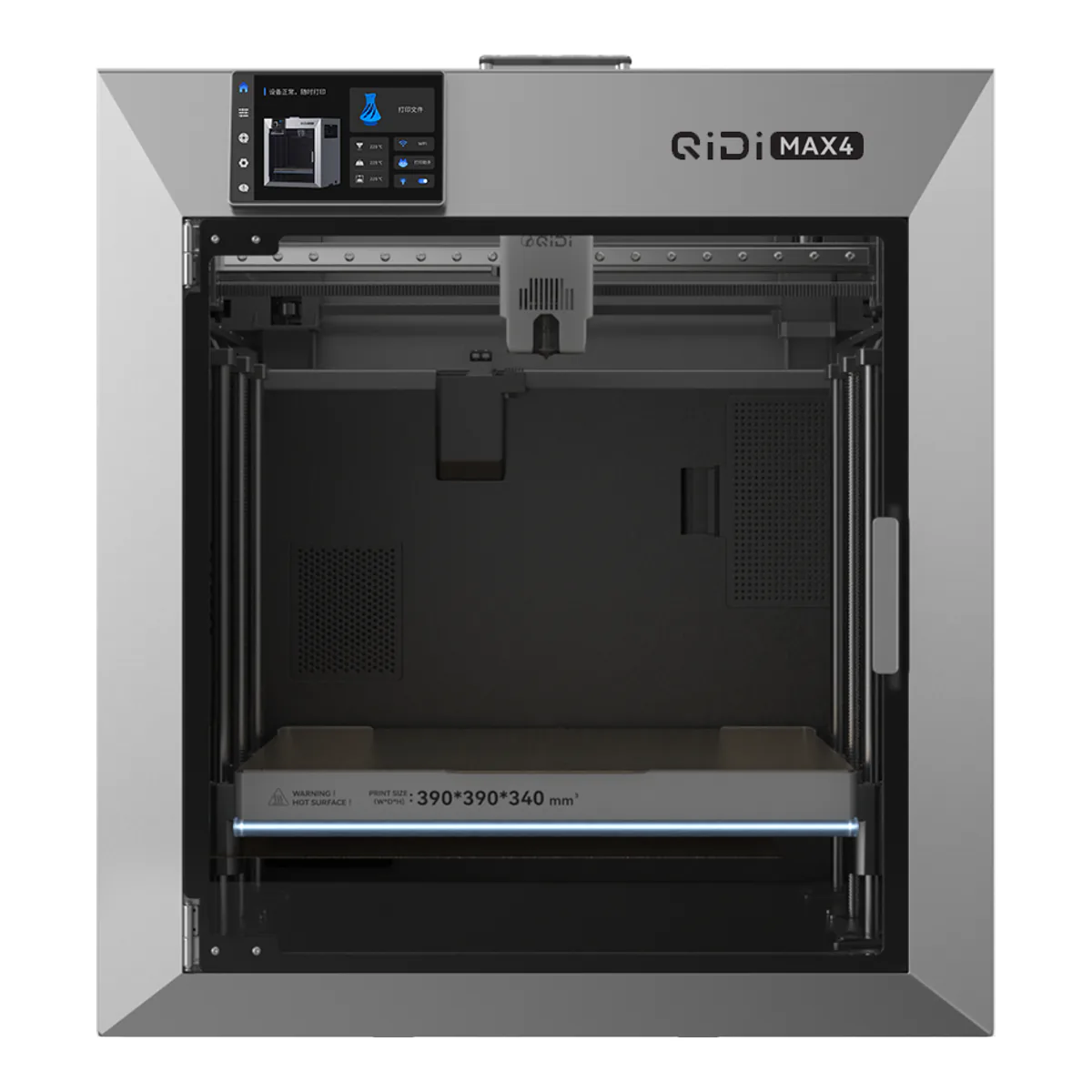
The owner reports read like an early production run. Among the 27, one calls it a workhorse three months in, and three say QIDI replaced a part or was shipping one: an extruder stepper, an adapter board and print head cable, and a bed with its control board. One unit arrived with its door broken and its polar cooler missing. Six owners report trouble with the QIDI Box, from connection errors to failed color changes, and the software gets the same verdict in the reviews, with androidpctv listing "Firmware and software still undergoing improvements" and nikktech "Software bugs in relation to the slicer and firmware".
Noise climbs with the add-ons. AppleInsider found it relatively quiet without the Polar Cooler and, with it, "like having an angry Roomba in the room with you", and androidpctv measured 56 dB during normal use, 62 dB with the Polar Cooler, and 65 dB with the Box.
Skip it if you print mostly PLA. For PLA, QIDI's own FAQ caps the chamber at 45°C, with the Polar Cooler installed, and the Amazon listing sells that cooler separately, so you pay for heat above 45°C you will not use plus a part to use any of it.
Heated, enclosed or open
Three kinds of chamber show up across these five, and the filament decides which one you need.
An open frame like the SV08 Max is where Tom's Hardware draws the line at PLA, PETG and TPU, though Sovol lists ABS and ASA for it too. A closed but unheated box like both Bambu Labs keeps drafts off ABS and ASA and holds some of the bed's heat. That heat is why Bambu tells P1S owners to open the door for PLA, and why it gave the P2S an airflow system so they do not have to. A heated chamber like the Max4's holds the air at a set temperature, and a set temperature stops a large ASA or nylon part warping and splitting as it cools. The U1 sits between the first two, with a Snapmaker Top Cover that passively holds the chamber at up to 50 °C.
Fumes are the other half, and the tests disagree. WIRED found the fumes from ASA "overwhelming" in a fully enclosed P2S, while PCMag's handheld meter showed negligible VOCs escaping on ABS. Plan the room around the filament, and the full shelf sits on the FDM 3D printers page.