Bambu Lab 3D Printers Compared (A1 mini, A1, P1S, P2S, X2D)
Most people should stop at the A1. It prints the same 256 x 256 x 256 mm volume as the P1S, P2S and X2D, and for PLA, PETG and TPU the enclosure and hardened nozzle above it add nothing you need; the A1 runs half their acceleration. Move to the P2S the day you want ABS, ASA or carbon fiber blends: Bambu lists all three as not recommended on both A1 models, and the P2S adds the enclosure and the hardened steel nozzle they need. The X2D is for two materials in one print and a heated chamber, and Bambu sells it through its own store.
We earn a commission on qualifying purchases through the links here, at no cost to you. It never decides what makes the list.
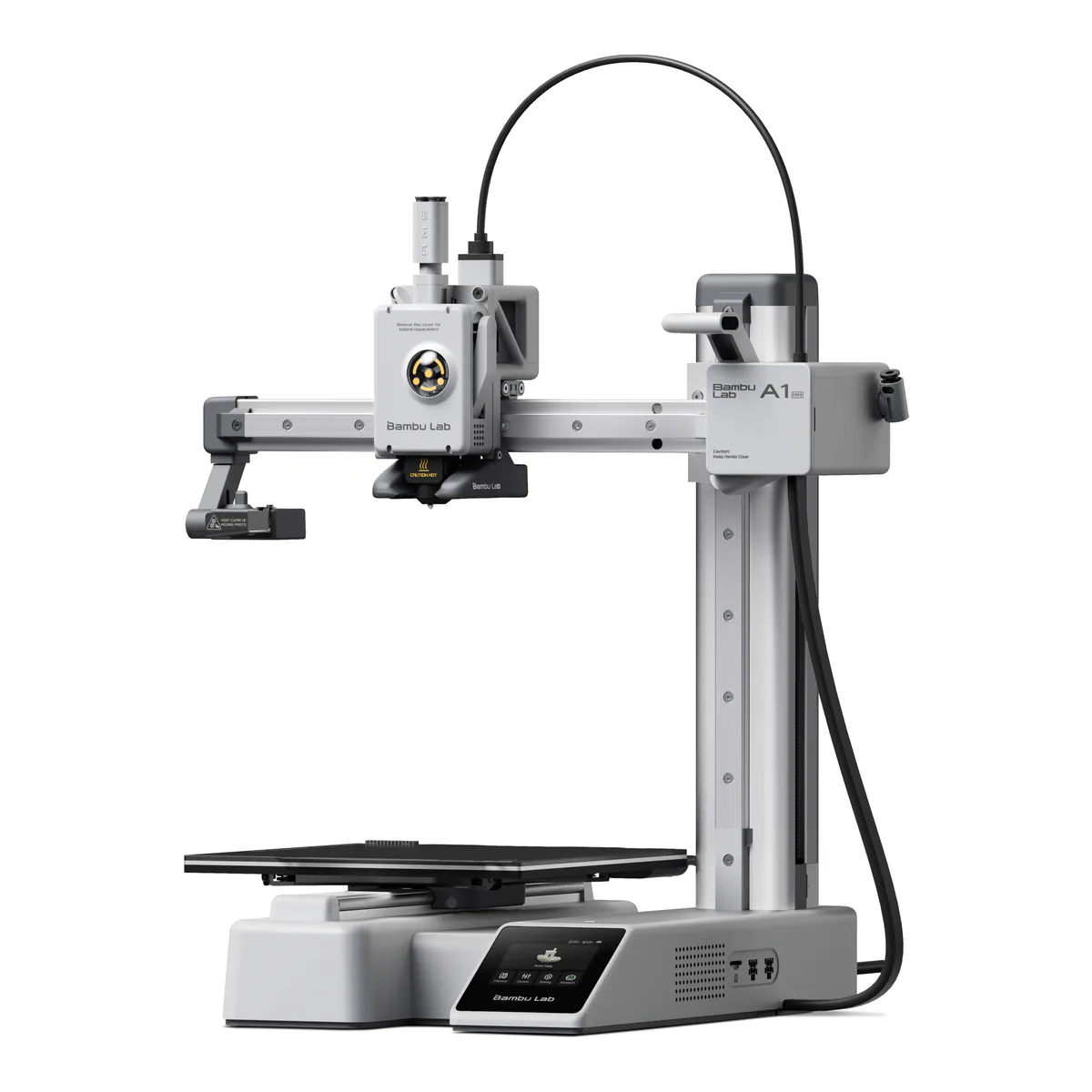
Bambu Lab A1 mini with LED Lamp Kit
Stop here if a desk with no room for anything larger, printing PLA and PETG parts that fit inside 180 mm. Amazon sells it with an LED Lamp Kit in the box.
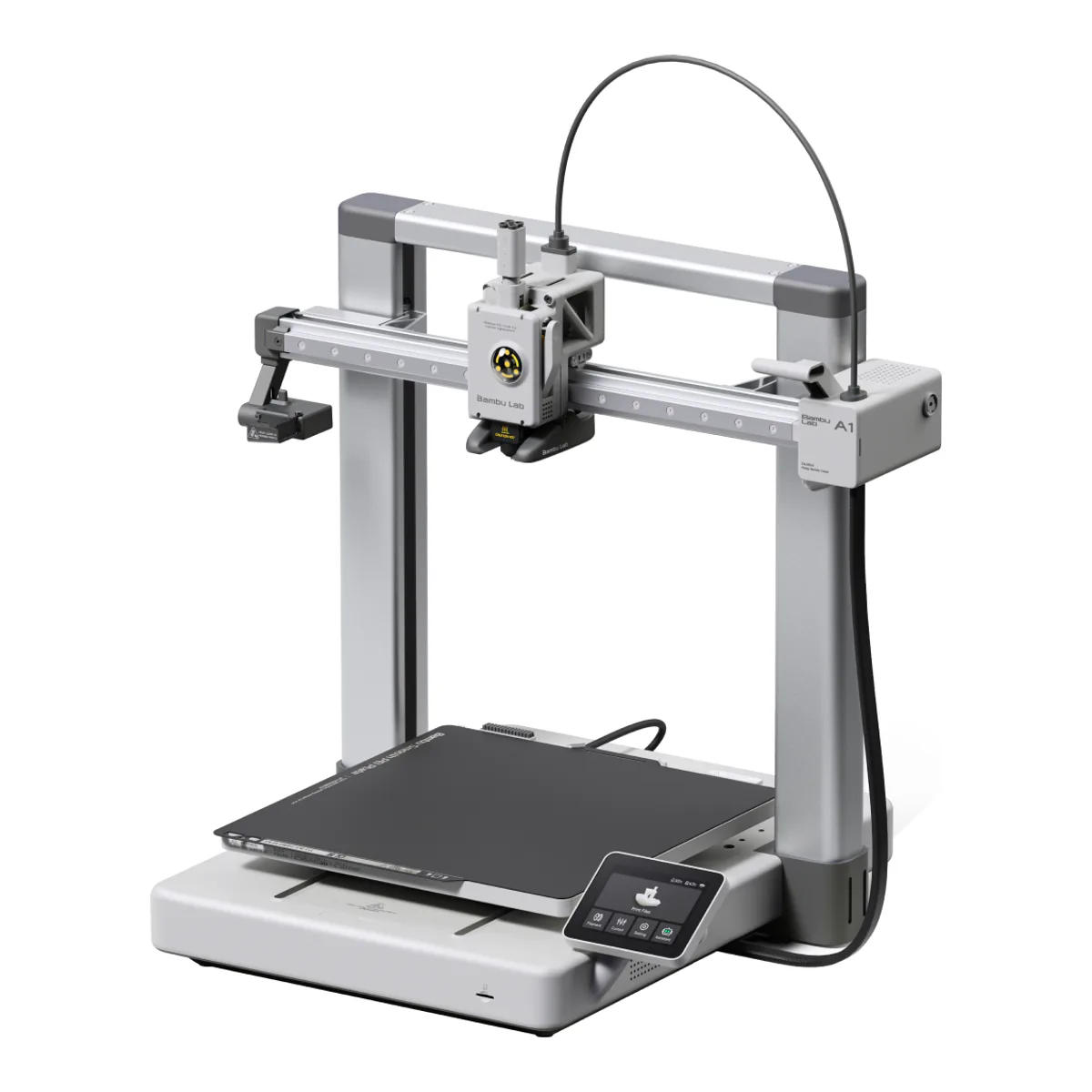
Bambu Lab A1
Stop here if most first-time buyers who print PLA, PETG or TPU and want parts as large as a P2S makes. It is where we would stop.
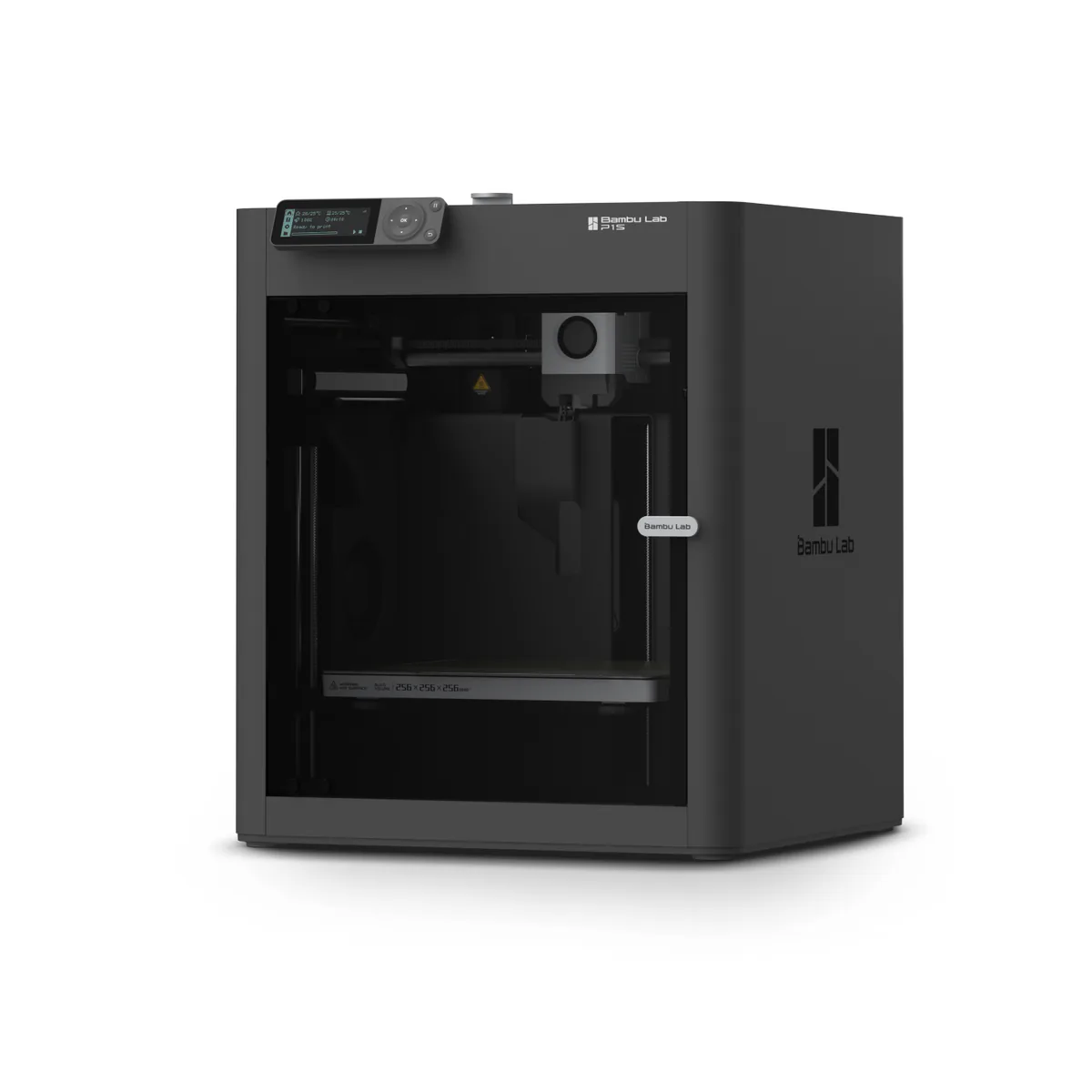
Bambu Lab P1S
Stop here if ABS and ASA parts in an enclosure, for an owner who will open the door or lift the top cover when printing PLA on the textured plate, as Bambu's wiki advises.
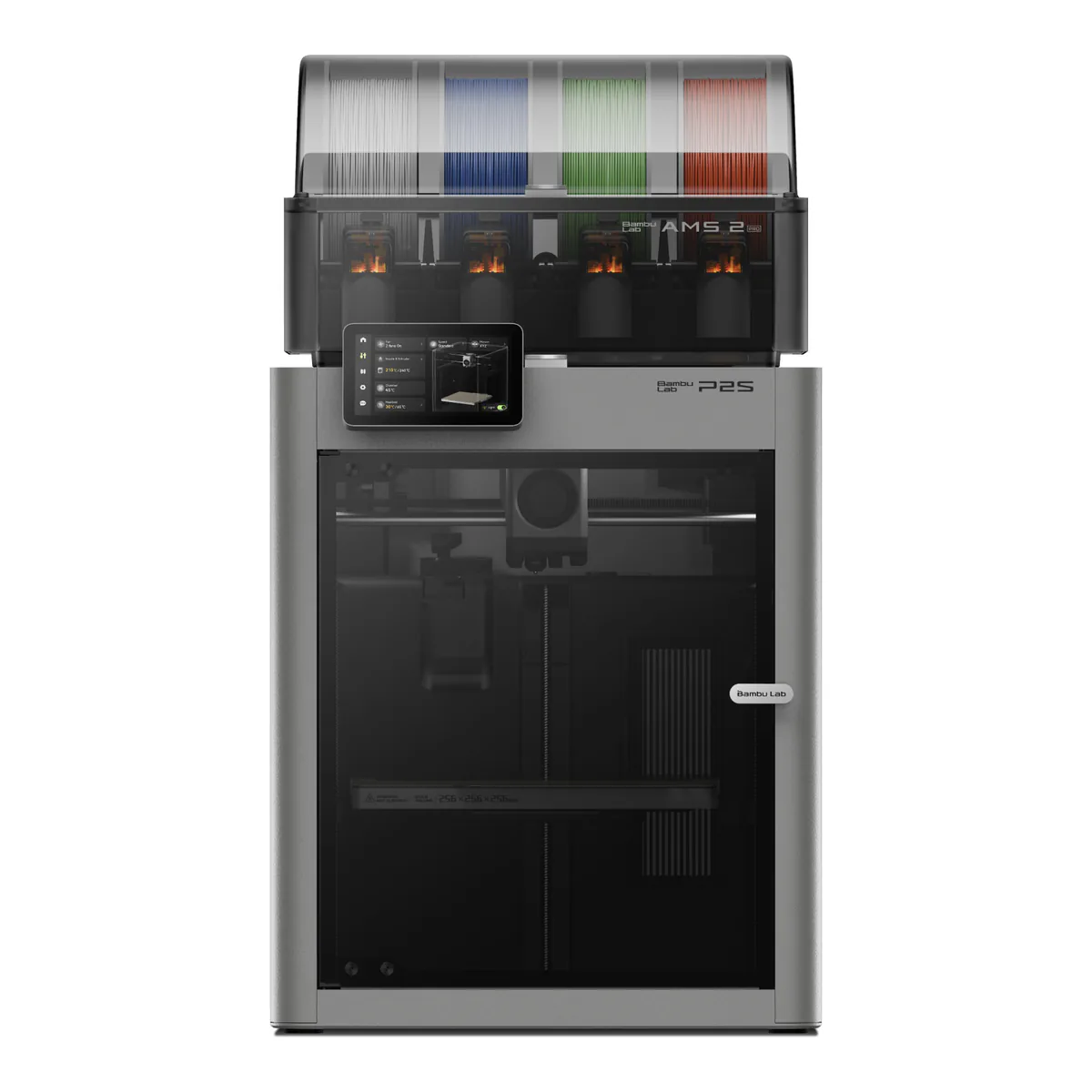
Bambu Lab P2S Combo
Stop here if the enclosed Bambu most people should buy: ABS, ASA and carbon fiber blends, PLA with the door shut, and the AMS 2 Pro in the Combo Amazon sells.
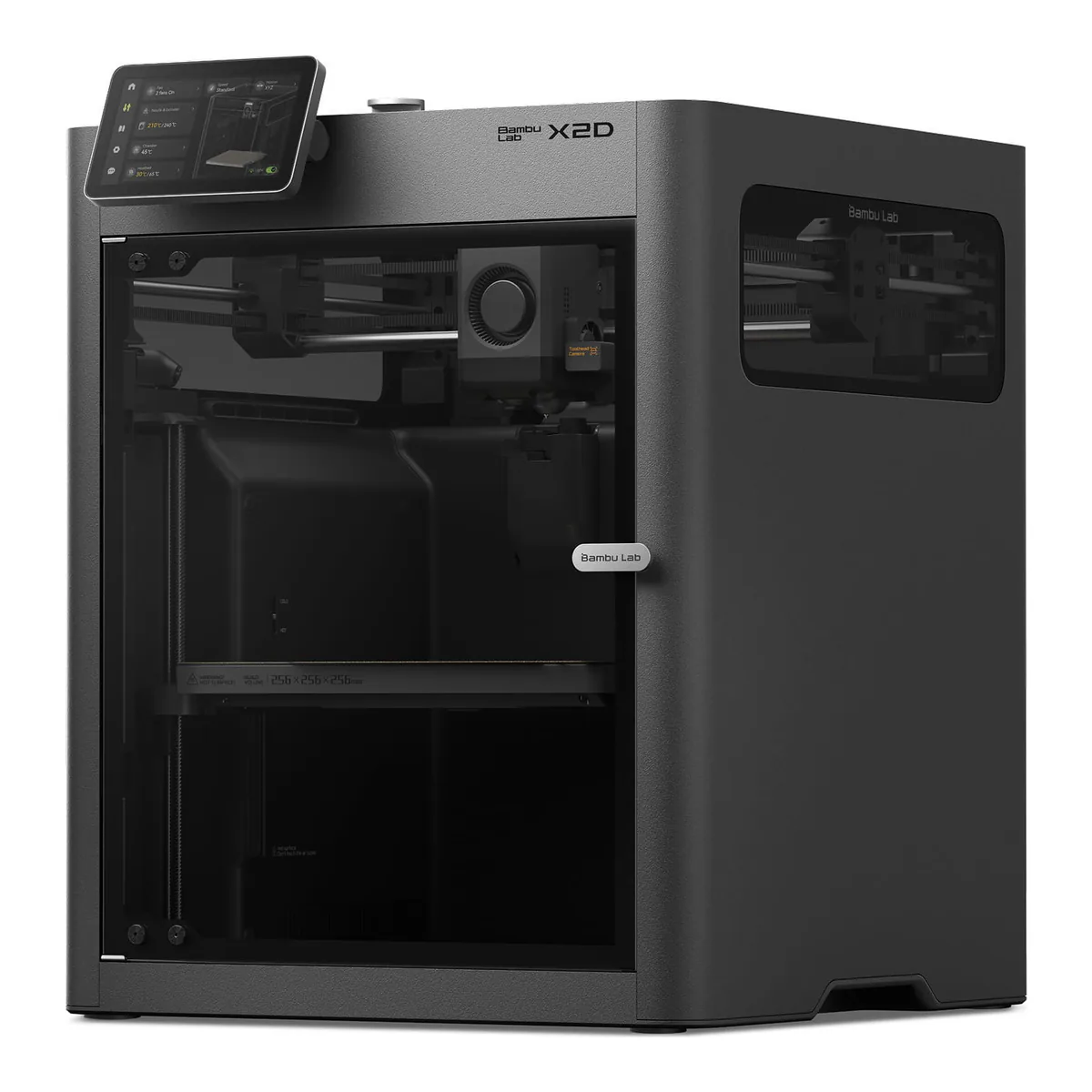
Bambu Lab X2D
Stop here if two-material prints, supports that peel away, and nylon or ASA parts that want a warm chamber, bought from Bambu's store.
No US listing to link. Named here because it is part of the maker's own ladder.
| Build volume | Frame | Max bed | Toolhead | Nozzle | ABS and ASA | Carbon fiber blends | Camera | |
|---|---|---|---|---|---|---|---|---|
| Bambu Lab A1 mini with LED Lamp Kit | 180 x 180 x 180 mm | Bed slinger, open | 80°C | 500 mm/s, 10,000 mm/s² | Stainless steel, 300 °C | Not recommended | Not recommended | Up to 1080P, low frame rate |
| Bambu Lab A1 | 256 x 256 x 256 mm | Bed slinger, open | 100°C | 500 mm/s, 10,000 mm/s² | Stainless steel, 300 °C | Not recommended | Not recommended | Up to 1080P, low frame rate |
| Bambu Lab P1S | 256 x 256 x 256 mm | CoreXY, enclosed | 100°C | 500 mm/s, 20,000 mm/s² | Stainless steel, 300 °C | On the list, graded ideal | Not recommended | 1280 x 720, 0.5fps |
| Bambu Lab P2S Combo | 256 x 256 x 256 mm | CoreXY, enclosed | 110°C | 600 mm/s, 20,000 mm/s² | Hardened steel, 300 °C | On the supported list | On the supported list | 1920 x 1080, 30 fps |
| Bambu Lab X2D | 256 x 256 x 260 mm main nozzle, 235.5 x 256 x 256 mm with both | CoreXY, enclosed, heated to 65 °C | 120 °C | 1000 mm/s, 20,000 mm/s² | Two, hardened steel, 300 °C | On the supported list | On the supported list | 1920 x 1080 live view, plus toolhead camera |
Four of these five Bambu Lab 3D printers print the same 256 mm cube. Only the A1 mini is smaller. So climbing from the A1 to the P1S, P2S or X2D never buys you a bigger part. It buys a box around the part, a harder nozzle, and the filaments those two make possible, and that is the axis to sort them on.
Amazon US sells four of them: the A1 mini (the listing we link bundles Bambu's LED Lamp Kit), the A1, the P1S and the P2S Combo. The X2D, which took the place of the retired X1 Carbon, sells through Bambu's own store, and Amazon's catalog search turned up no listing for it. Where the P2S and P1S stand against Creality, QIDI and Snapmaker is on our 3D printer picks.
Bambu Lab 3D printers with no enclosure: A1 mini or A1
Bed size and bed heat. An A1 mini prints in 180 x 180 x 180 mm on a bed that reaches 80°C, and an A1 goes to 256 x 256 x 256 mm and 100°C. Everything else is shared: an all-metal hotend to 300 °C, 500 mm/s, 10,000 mm/s² of acceleration, and a nozzle that probes the bed so you never set a Z-offset. Tom's Hardware clocked a 19 minute 15 second Benchy on each and called both the fastest Cartesian printer it had reviewed.
Both spec sheets list ABS, ASA, PC, PA, PET and fiber reinforced filament as not recommended.
That one line sends a buyer up the ladder. If you print PLA, PETG and TPU, an enclosure and a hardened nozzle add nothing you need. What the A1 does give up is acceleration, 10,000 mm/s² against 20,000 on every enclosed rung, which Tom's Hardware says you will be hard-pressed to spot in normal printing. It also found the A1 quiet enough to sit next to a desk without annoyance.
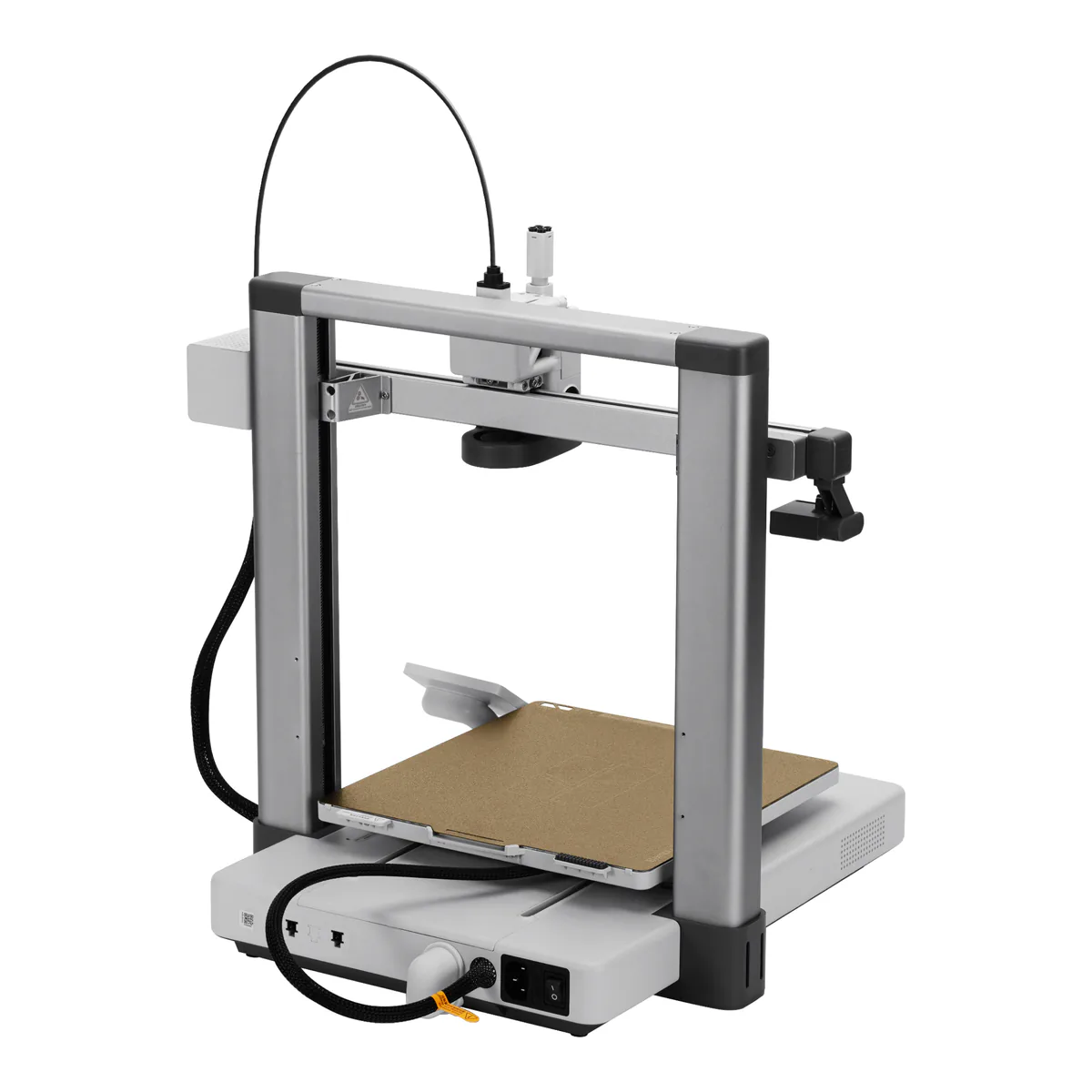
It has a history. Bambu's store FAQ refers to a batch of A1 printers recalled in January 2024 over the heatbed cable, and says units sold after January 30, 2024 are not from that batch and carry the fixes. Today's cable has Kevlar reinforcement, thicker insulation and nylon sleeving. Shopping used? Ask for the date of purchase first.
Color on either one comes from the AMS lite: four spools on their own Bowden tubes beside the printer. Tom's Hardware found it easier to unjam than the original AMS, and hungry. A four-color pair of fire trucks on the A1 mini flushed 115 grams after tuning, down from 200, and took 22 hours 25 minutes against 4 hours 19 minutes in one color. Both A1 models can also run the enclosed AMS or AMS 2 Pro through Bambu's AMS HUB (SA013) accessory.
P1S or P2S: what the second generation adds
Both are an enclosed CoreXY at 256 mm with 20,000 mm/s² of acceleration, and the P1S is still on sale beside its successor. Almost everything else on the P2S answers a P1S limit.
Its nozzle and extruder gear are hardened steel, which is why the P2S lists PLA-CF, PA6-CF and the other fiber blends as supported where the P1S says not recommended. A 2.7-inch 192x64 button screen becomes a 5-inch 854480 touchscreen, while the camera goes from 1280 x 720 at 0.5fps to 19201080 at 30 fps, the bed from 100°C to 110°C, and the toolhead from 500 mm/s to 600 mm/s, so a P1S owner trading up notices the screen on day one and the camera the first time a print fails remotely.
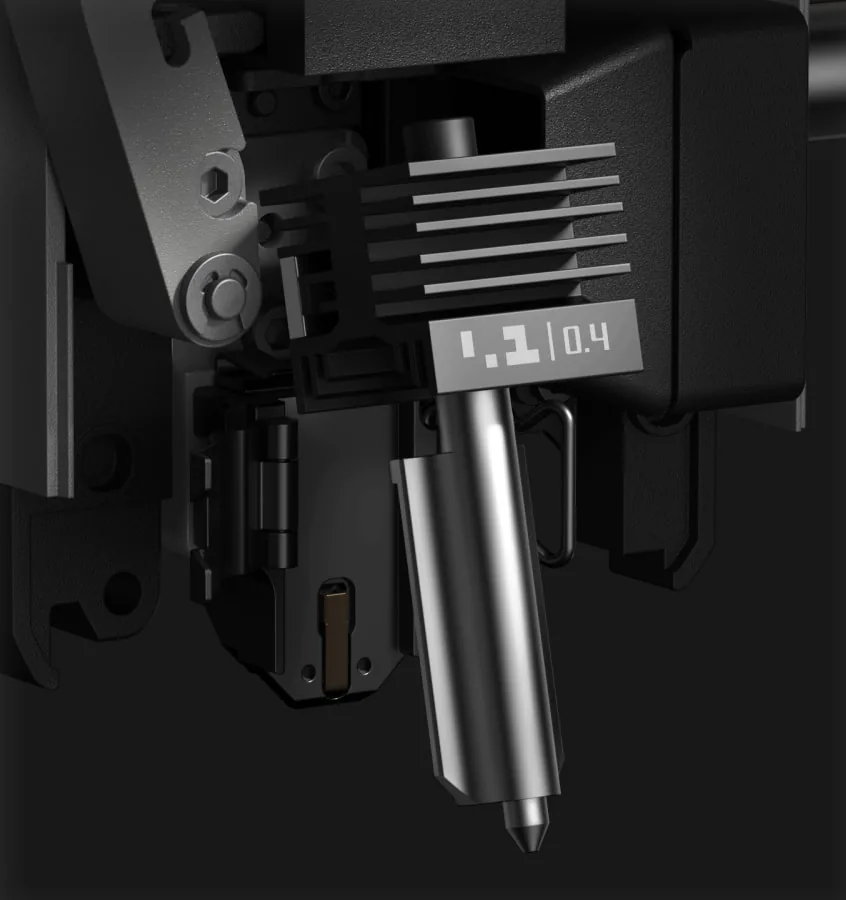
The difference you live with is PLA. Bambu's wiki tells P1S owners printing PLA on the default textured plate to open the front door or remove the top cover, to keep the chamber cool and head off a clog. Bambu's P2S page claims the opposite: better cooling, so PLA prints with the door shut.
Buy the P1S if you want ABS and ASA under a lid and do not mind that ritual. Both go head to head in P1S vs P2S, and the P2S Combo review covers the AMS 2 Pro it ships with.
Bambu Lab X2D: two nozzles and a heated chamber
The X2D keeps the footprint, 256mm256mm260mm on its main nozzle, and adds what the P line lacks. Print with both nozzles and the width drops to 235.5mm256mm256mm, the one exception to the shared cube. Bambu's spec page lists active chamber heating to 65 °C, a G3 prefilter and H12 HEPA filter plus coconut shell carbon, a 120 °C bed and 1000 mm/s. In PLA it runs cool instead: Tom's Hardware saw the chamber hover around 32 °C during testing, with no clogs.
You pay for the second nozzle. The main one is direct drive, while the auxiliary on the right is fed by a Bowden extruder screwed to the back of the printer, which keeps the toolhead light and costs the second nozzle speed. Tom's Hardware printed a calibration cube in 20 minutes 35 seconds on the main nozzle and 41 minutes 59 seconds on the auxiliary, with a very subtle waviness on its walls. Bambu pitches the auxiliary for supports in a material that will not bond to the part. On two colors it paid off: a herd of 15 minis wasted 11.5 grams in the prime tower, and the reviewer saved 101 grams against printing on one nozzle.
Flexible filament goes on the main nozzle. Bambu markets PLA and TPU in one print, but it does not list regular TPU for the auxiliary, and Tom's Hardware advises against pushing soft TPU through the Bowden side; soft TPU on the main nozzle wants a top-mounted spool, or the TPU assist module CNC Kitchen used. Skip the X2D if you need both nozzles at full speed: CNC Kitchen found the auxiliary slower, stringier, and without jam or clog detection.
Anything bigger than a 256 mm cube means the H2 series, which is not on this ladder: the H2C's two nozzles together cover 330mm320mm320mm on a printer weighing 32.5 kg.
Worth buying used: the X1 Carbon, on a clock
Bambu ended manufacturing of the X1, X1 Carbon and X1E on March 31, 2026. Its end-of-life post commits to firmware bug fixes and feature updates until May 31, 2027, security patches until May 31, 2029, and spare parts until March 31, 2031.
A used X1 Carbon brings a hardened steel nozzle, a micro lidar and a 1080p camera, three things the P1S lacks. A new P2S now has the first and the last. Buy the X1 Carbon used only at a figure that pays you for its feature updates ending in mid 2027.