Bambu Lab P1S vs P2S: what the hotend changes
Buy the P2S if you print fiber filled filament, want PLA with the door shut on the stock plate, or want to change a nozzle in a minute: it adds a hardened steel nozzle, a one clip hotend, a 110°C bed, a touchscreen and a reworked airflow system. Buy the P1S if you print PETG, ABS and some PLA one color at a time and do not mind an open door or a Cool Plate for the PLA, since the build volume and the passive, unheated chamber are the same.
What decides it: The hotend, and what printing PLA costs you.
We earn a commission on qualifying purchases through the links here, at no cost to you. It never decides what makes the list.
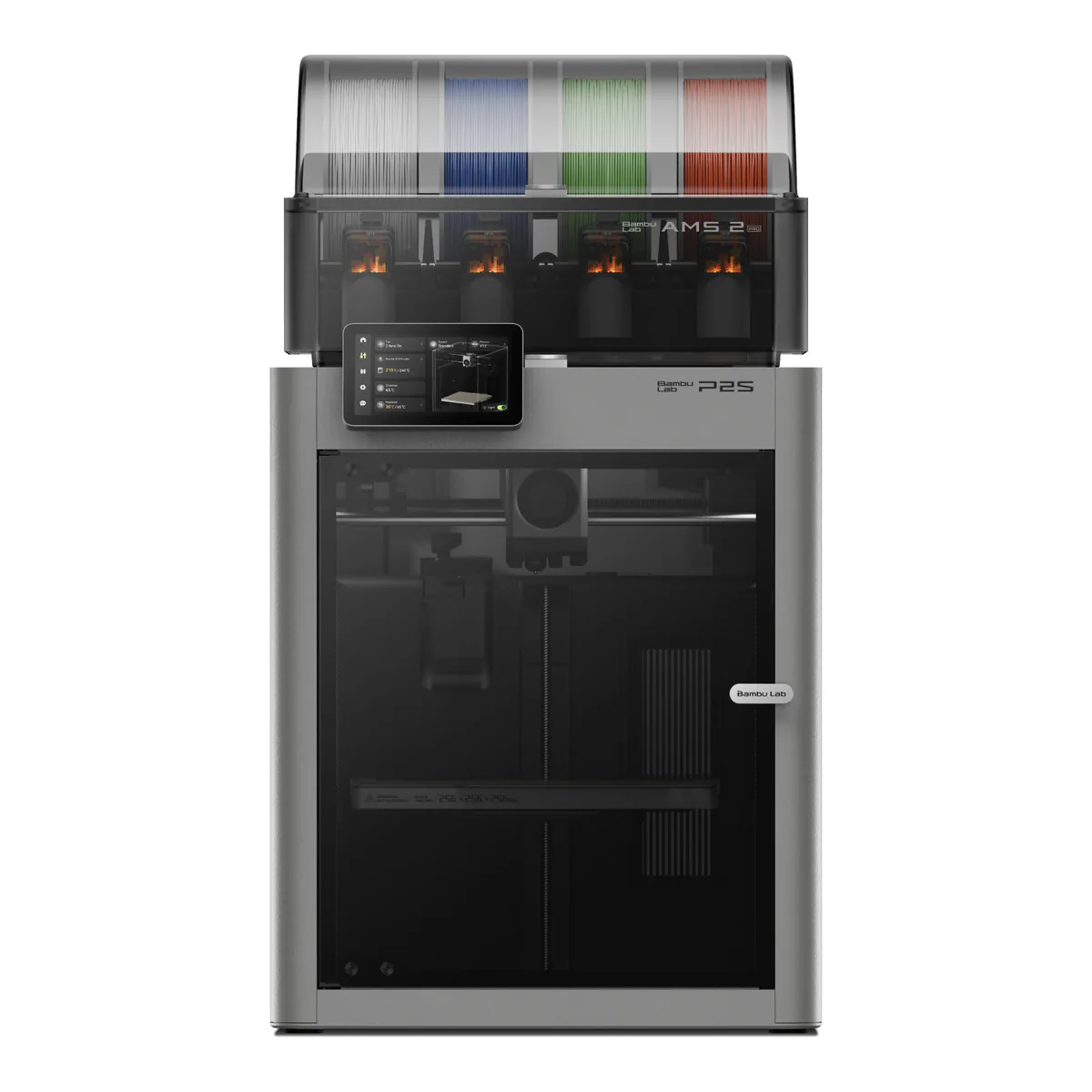
Bambu Lab P2S Combo
Pick this if fiber filled filament on the stock hardened hotend, PLA with the door closed, nozzle changes without a screwdriver, and four colors from the AMS 2 Pro in the box.
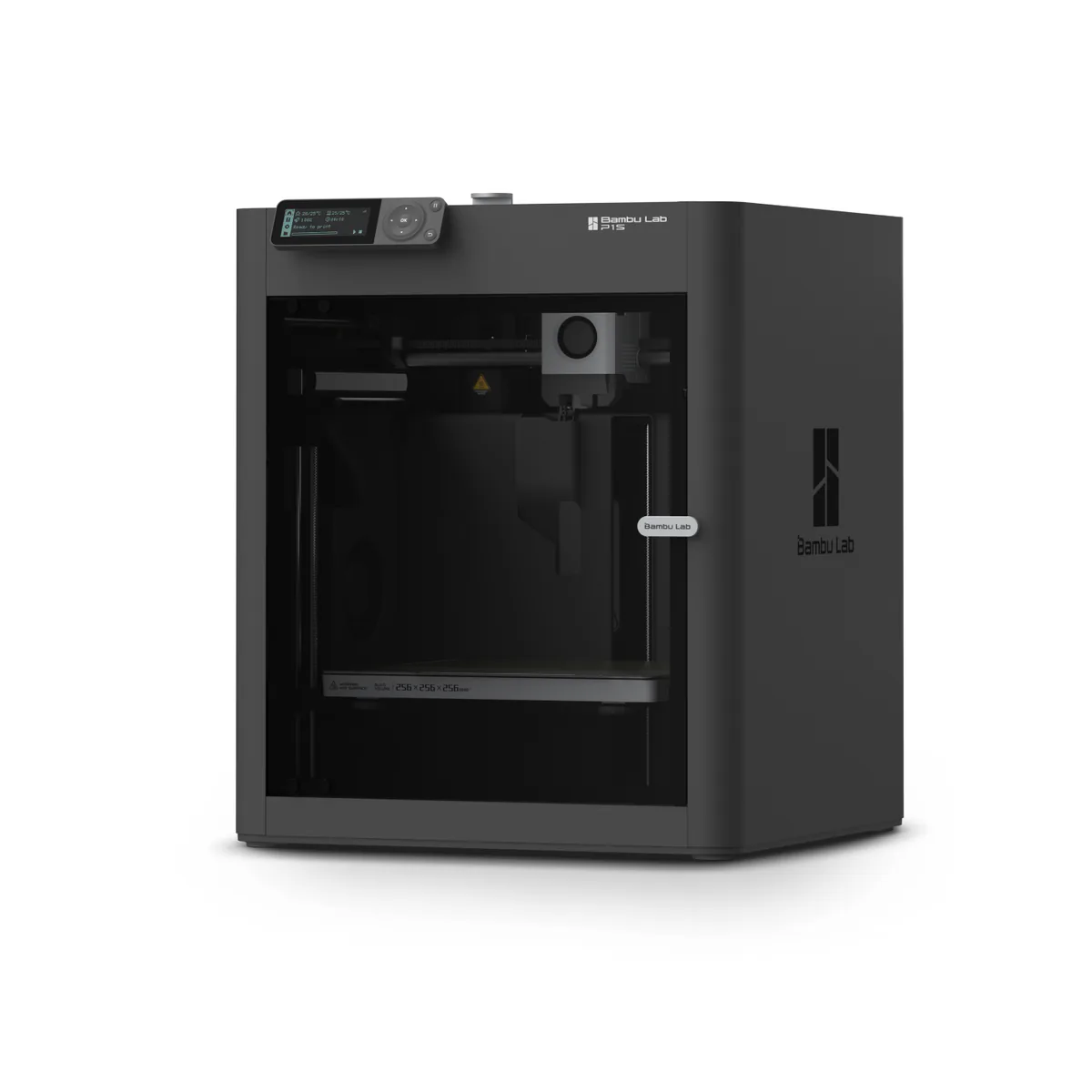
Bambu Lab P1S
Pick this if a first enclosed printer for PLA, PETG and ABS, one color at a time, bought as the printer alone with an AMS added later if multicolor turns out to matter.
| Bambu Lab P2S Combo | Bambu Lab P1S | |
|---|---|---|
| Build volume | 256 x 256 x 256 mm | 256 x 256 x 256 mm |
| Motion system | CoreXY | CoreXY |
| Hotend and max temp | Up to 300°C, hardened steel nozzle | Direct drive, all-metal, up to 300°C |
| Heated bed max | 110°C, textured PEI | 100°C, textured PEI |
| Multi-material | AMS 2 Pro, four slots, drying to 65°C | Single filament; AMS sold separately |
| Enclosed | Fully enclosed, no active chamber heating | Fully enclosed, no chamber heater |
| Materials it runs | PLA, PETG, ABS, ASA, TPU, PET, PA, PC, PVA, CF and GF blends | PLA, PETG, TPU, ABS, ASA, PVA, PET; PA and PC capable |
Bambu will not sell you a kit that turns one of these into the other. Its P2S FAQ says the P1S does not currently support upgrading to the P2S, and calls the newer printer a comprehensive iteration of the core hardware. So the Bambu Lab P1S vs P2S choice is a new purchase either way, and the older machine is not on its way out: Bambu wrote, when it ended the P1P, that the P1S will continue to be manufactured and sold.
Plenty carries over. Both print in a 256 x 256 x 256 mm cube on a CoreXY frame, both are fully enclosed with an activated carbon filter, both run the nozzle to 300°C, and both accelerate at up to 20,000 mm/s². Neither heats its chamber. Bambu says the P2S has no active chamber heating function, and the P1S datasheet lists a regulator fan where a heater would go. Our P1S review counts 29 owners and the P2S review counts 58.
Bambu Lab P1S vs P2S: the hotend
Most of the gap sits in one assembly. The P1S ships a stainless steel nozzle and steel extruder gears, and its datasheet marks carbon and glass fiber reinforced filament not recommended; Bambu's P1 page adds that you should not print it before an extruder and hotend upgrade. Its successor has a hardened steel nozzle and a hardened steel extruder gear by default, and its spec page lists PLA-CF, PETG-CF, PA6-GF and PAHT-CF among the filaments it supports.
Changing a nozzle is the other half. On the P1S, Tom's Hardware found the nozzle is not replaceable on its own: you swap the entire hotend, with several screws, plugs and delicate thermistor wires to undo. On the P2S, one clip releases the nozzle and heatsink together with no wiring disconnection required.
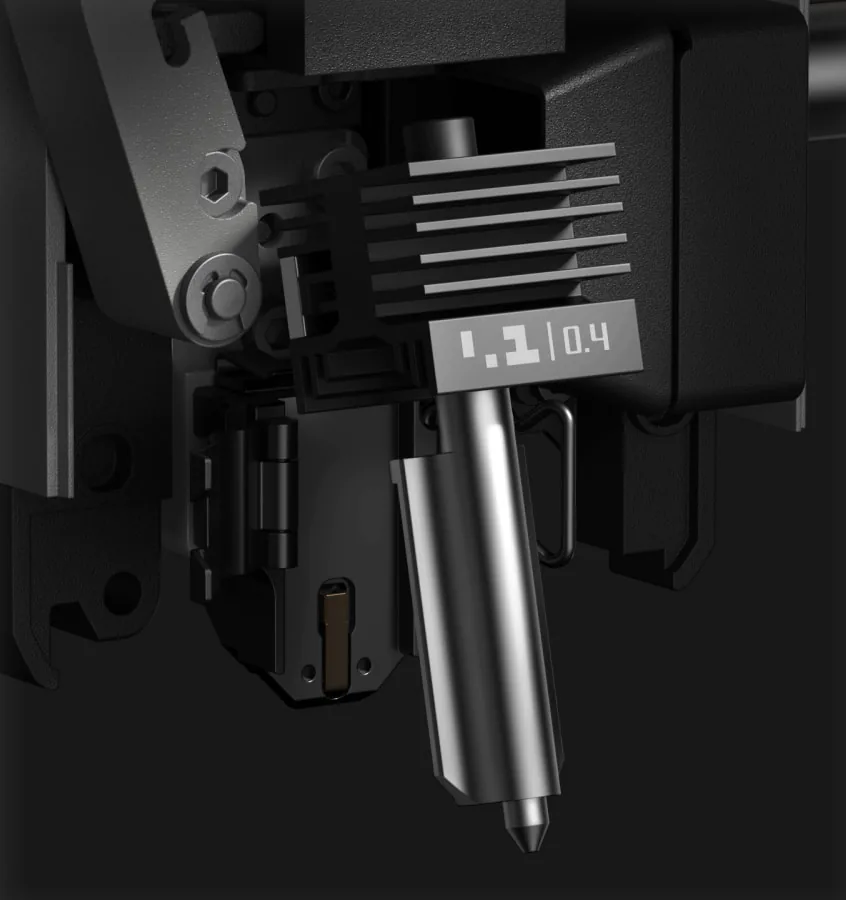
Bambu also rates the P2S extruder at up to 8.5 kg of force, 70% more than its predecessor, and the hotend at 40 mm³/s of flow against the P1S's 32 mm³/s, though each figure comes from a different test model.
PLA with the door shut
Here is the strange one. Bambu's wiki tells P1S owners to print PLA on the stock textured plate with the front door open or the top cover removed, and the bed at 55C, because the sealed chamber holds enough heat to cause heat creep. The same page offers a way round it: keep the door and top cover on and switch to the Cool Plate, an optional plate that runs the bed at 35C.
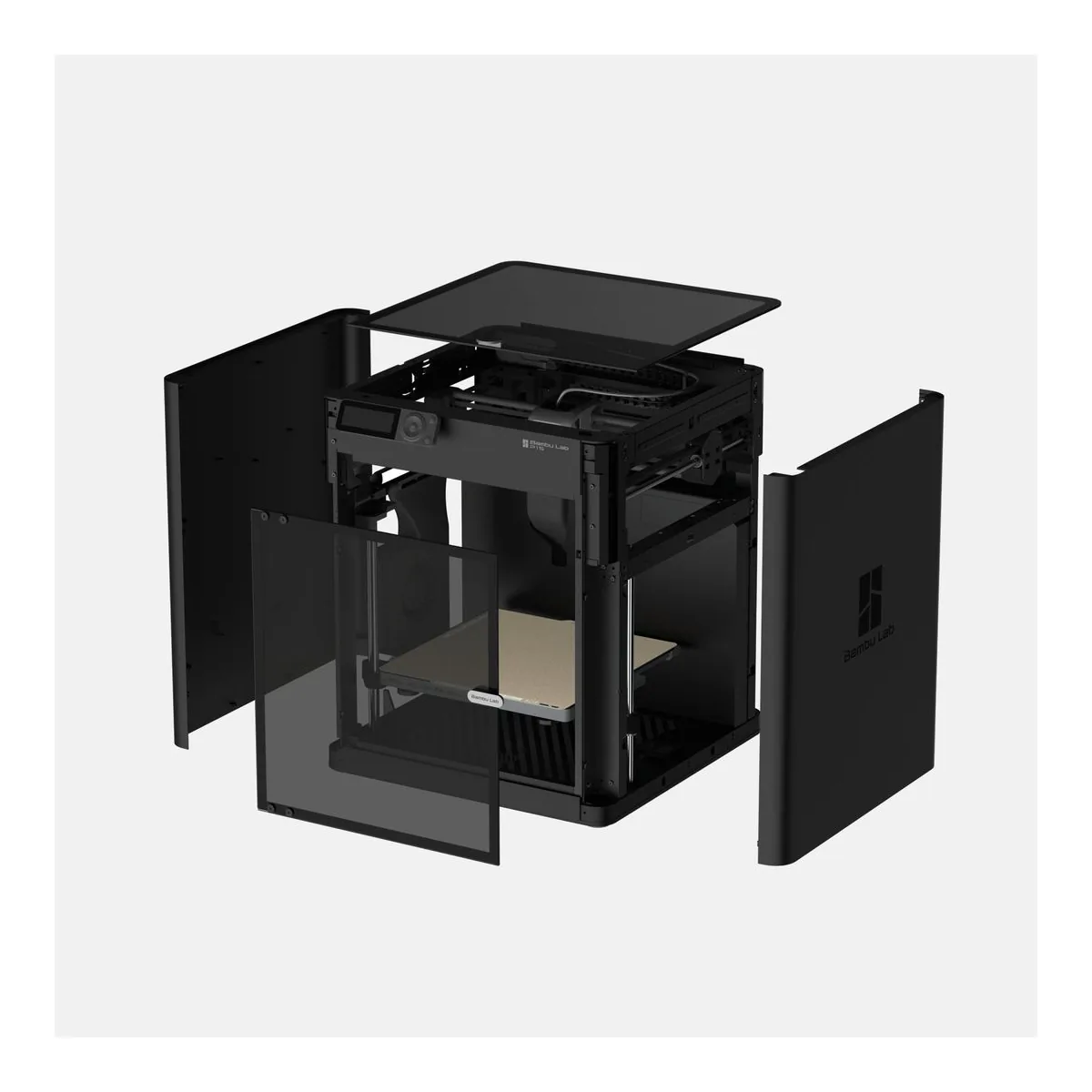
On the P2S, cool air comes in from outside the chamber, and Bambu says that lets you print low temperature filaments with the door closed. Its FAQ adds the condition: a room below 30℃. PCMag puts it from the other side: where the P1S occasionally struggled with cooling and noise, the P2S addresses both.
If PLA is most of what you print, that one change matters more than the speed figures, unless you are happy to buy a second plate for the older printer.
Screen, camera, speed and bed
You drive the P1S from a 2.7-inch 192x64 screen and a D-pad. The P2S has a 5-inch 854480 touchscreen. Going up a model moves the camera from 1280 x 720 at 0.5fps to 19201080 at 30 fps, the bed from 100°C to 110°C, and the rated toolhead speed from 500 mm/s to 600 mm/s. Basis: manufacturer documentation.
One catch on the newer printer: Bambu says the P2S includes no USB drive, and without one, recording and time-lapse are not enabled. A 32 GB MicroSD card lives inside the P1S. Neither is a wired network printer: the P2S spec page lists Ethernet as not available, and the P1S datasheet lists Wi-Fi, Bluetooth and Bambu-Bus.
Noise
PCMag measured an average of 48 decibels on the P2S, several points quieter than the P1S was when it tested one. The only P1S figure in our sources is AppleInsider's, which never saw its own unit exceed 55 decibels, a peak on another bench, so the two numbers do not line up as a pair. Tom's Hardware lists noise among the P1S's cons.
What is in the box: P1S alone, P2S Combo
Our two listings are not like for like. The P1S is the printer alone; Bambu sells the P1S AMS Combo and a P1S AMS 2 Pro Combo as separate options. Each AMS adds four colors, and four chained units take it to 16. The Bambu P2S Combo ships with the AMS 2 Pro and its filament buffer already fitted, four slots that dry spools at up to 65°C when the room is above 25°C. Powered from the P2S, that drying happens in standby, so printing pauses while it runs. Buy the standalone P2S and you get no buffer at all.
P1S or P2S, from people who own both
Four of the 58 P2S owners we counted also own or owned a P1S. One traded the P1S in. Another writes that "the P2S wins hands down". A third kept both and prefers the newer screen and detection. And the fourth gets more bad prints from the P2S, suspects the filament, and finds the P1S "a tad bit faster".
Faults show up on both. Four of the 29 P1S owners report a fault, from a unit defective on arrival to a cutter and hall sensor that failed after 13 hours. On the newer printer, six of the 58 owners describe an extruder or nozzle that clogged, jammed or threw errors. Those are counts from comment threads, and two different denominators, so read neither as a failure rate.
When neither is right
If most of your prints are four color models, both of these feed every color through a single nozzle, and the Snapmaker U1 swaps between four toolheads instead.
If the job is large ASA parts, the passive chamber is the problem on both. The QIDI Max4 Combo heats its chamber to 65°C, and for parts bigger than a 256 mm cube, the Sovol SV08 Max is built for them. Every other pick sits on our 3D printer picks.