Hisense PX3-PRO review: a dark room UST
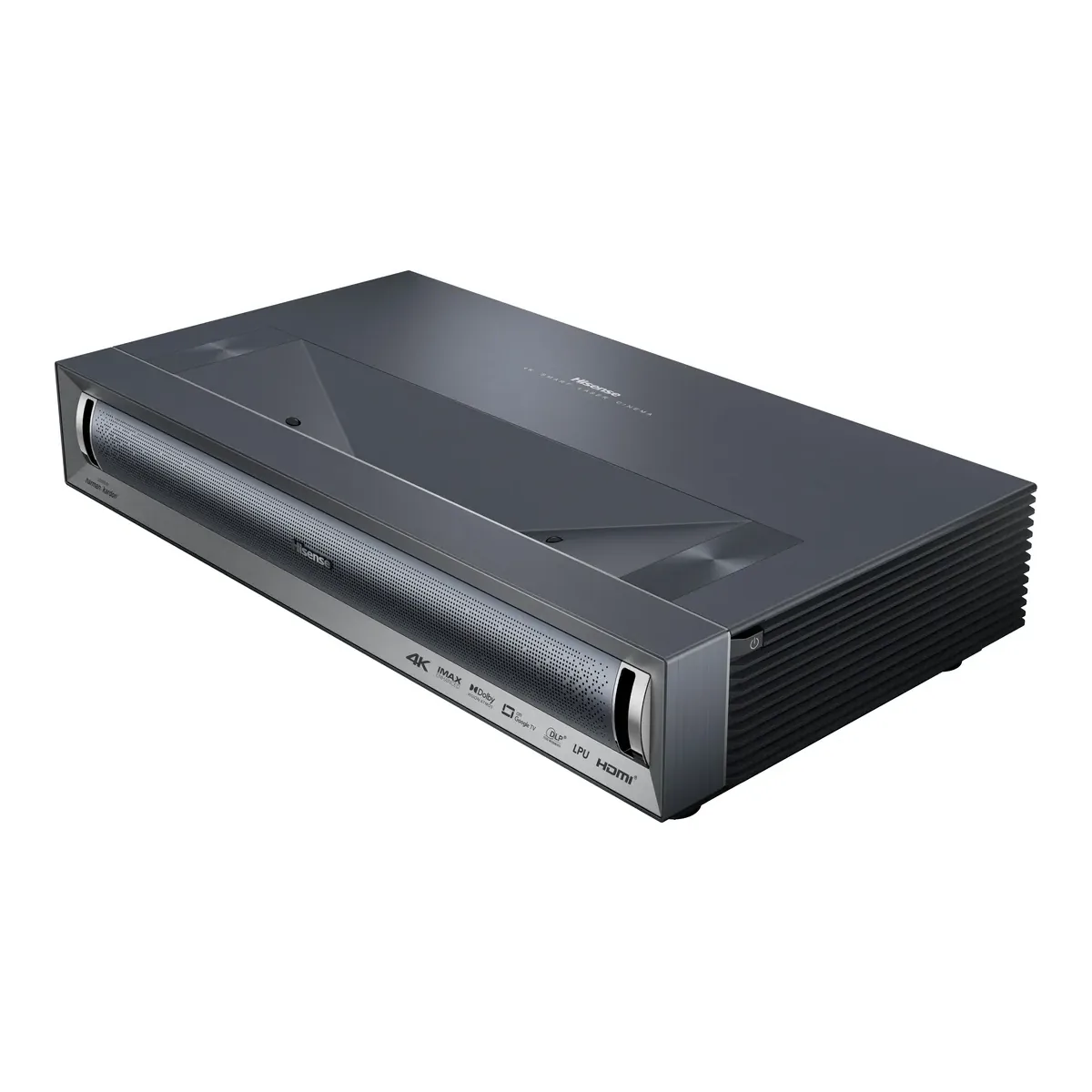
A triple laser UST for a room you can darken: it measured past its own contrast rating and needed little correction in Theater mode. Skip it if a console at 60Hz is the main source, because it has no VRR and its successor does.
- Red + Green + Blue Trichroma Laser light source
- 3000 ANSI Lumen brightness and 3000:1 native contrast
- 0.22:1 throw ratio, 80 to 150 inch image
- 2x HDMI 2.1 (ALLM) plus 1x HDMI 2.0 with eARC
- 50W Harman Kardon speakers with Dolby Atmos
- Dolby Vision, HDR10+, HDR10 and HLG
We earn a commission on qualifying purchases through the links here, at no cost to you. It never decides what makes the list.
If you want a 120 inch picture mainly for a PlayStation or an Xbox, close this tab and read the PX4-PRO section near the bottom. The Hisense PX3-PRO has no VRR, and RTINGS found its lag at 60Hz disappointing. Everyone else should keep reading, because in a room with the lights off it measured, in 2024, with the best UST projectors ProjectorCentral had reviewed.
Our ultra short throw projector picks give it the home theater award, and the reason is contrast. Hisense rates it at 3,000:1 native, and ProjectorCentral measured just over 4,000:1. The verdict here stands on Hisense's spec sheet and manual, ProjectorCentral's instrumented review, RTINGS, and 16 owners we counted in YouTube comment threads (how we count).
PX3-PRO throw distance and screen size
The throw ratio is 0.22, and Hisense rates the image from 80 to 150 inches. Hisense's chart puts the back of the projector this far from the picture's surface, which is the wall itself only when you project onto bare paint:
| Image | Projector back to screen surface | Console top to image bottom |
|---|---|---|
| 80 in | 4.7 in | 12.8 in |
| 100 in | 8.5 in | 15.3 in |
| 120 in | 12.3 in | 17.8 in |
| 150 in | 18.1 in | 21.5 in |
Basis: manufacturer documentation, the PX3-PRO spec sheet's throw distance chart, which allows a 5% deviation. On a screen, add the screen's own depth to reach the wall.
People forget the second column. At 100 inches the bottom of the picture sits 15.3 inches above the surface the projector stands on, so the console height plus that figure is where your screen starts. We worked through the wall side of that geometry in how far a UST projector sits from the wall.
Going bigger costs light, and ProjectorCentral lists among its cons that the PX3-PRO "May lack sufficient brightness for images above 120 inches."
Which screen does the PX3-PRO need?
A 100 to 120 inch ambient light rejecting screen, and Hisense does not put one in the box. Its own store sells the projector alone or bundled with a Hisense ALR screen at 100, 110, 120, 139 or 150 inches, and says the picture is at its best on that screen.
ProjectorCentral calibrated on an Elite Screens Aeon CLR at 103 inches, a lenticular ALR surface with 0.6 gain. Its reviewer suggests that at 150 inches the PX3-PRO wants a positive gain screen to make up for the light. RTINGS found it bright enough for a 100 inch screen in a living room. Read together: up to 120 inches on any good UST screen, and past that, the gain matters more than the brand on it.
Brightness and contrast
Hisense rates 3,000 ANSI lumens. ProjectorCentral's brightest reading was 2,669, in HDR Vivid, 11% under the rating and inside the tolerance ISO21118 allows. The modes you will actually watch in measured lower: 1,975 in Theater and 2,002 in Filmmaker Mode. Plan on about two thirds of the box number once the picture is accurate.
Contrast is the case for it. Over 4,000:1 native is rare for a UST, and the ProjectorCentral reviewer could not think of a UST projector they had reviewed that beat it. RTINGS agrees about dark scenes, calling the depth remarkable, and adds the catch: in very bright scenes blacks lift toward gray and the picture flattens. A dark room hides that. A sunny one shows it.
Hisense PX3-PRO settings to change first
Start in Theater. ProjectorCentral measured its grayscale at an average of 0.8dE before calibration, below the 2.3 its article treats as hard to see, with a slight blue bias. Its suggestion is Warm 1 color temperature and a small cut to Blue Gain. RTINGS found its sample warm by default and does not say which mode it measured, so look before you cut blue. Leave Brightness Enhancer and Dynamic Color Enhancer off, as ProjectorCentral did in its calibrated settings.
Two controls do less than the menu promises. The 20-point white balance only changed anything between 5% and 70%, and some CMS saturation sliders barely moved the image. Most owners will never touch either.
The setting that matters most is DLP Turbo Mode, which gives the lowest input lag and disables keystone correction and 3D for as long as it stays on.
Gaming on the PX3-PRO
ProjectorCentral's numbers with Turbo on: 21ms at 4K and 60Hz, 25ms at 1080p and 60Hz, 14ms at 120Hz with High Refresh Rate Mode also on, and 7ms at 1080p and 240Hz. A PC that can push 240 frames gets a quick screen. At 60Hz the labs part ways: ProjectorCentral found Tekken 8 at 4K and 60Hz responsive, and RTINGS calls the lag there disappointing for console players. Either way, the 4K at 120Hz signal the HDMI 2.1 ports accept is down-converted to 60Hz on screen, because the DLP chip tops out there.
No VRR, either.
If gaming tips the scale, our Aetherion Max against PX3-PRO comparison lays out what the AWOL gains at 60Hz, VRR included.
Does the PX3-PRO do 3D?
Yes, active 3D, and the glasses are sold separately. ProjectorCentral used active DLP Link 3D glasses and saw no noticeable crosstalk, with a picture a little dark. Two of the owners we counted asked in comments which glasses to buy, so if you want 3D, budget for DLP Link pairs.
One RTINGS commenter bought it for 3D games and found the lag "good and/or passable" at 1080p and 60Hz. They also describe having to "follow some kind of ancient ritual" to find which setting had switched 3D off.
Check DLP Turbo Mode first.
Ports, eARC and the built in sound
Three HDMI inputs: two HDMI 2.1 ports at 48Gbps and one HDMI 2.0 port carrying eARC. A receiver goes on HDMI 3 and two consoles still get the fast ports.
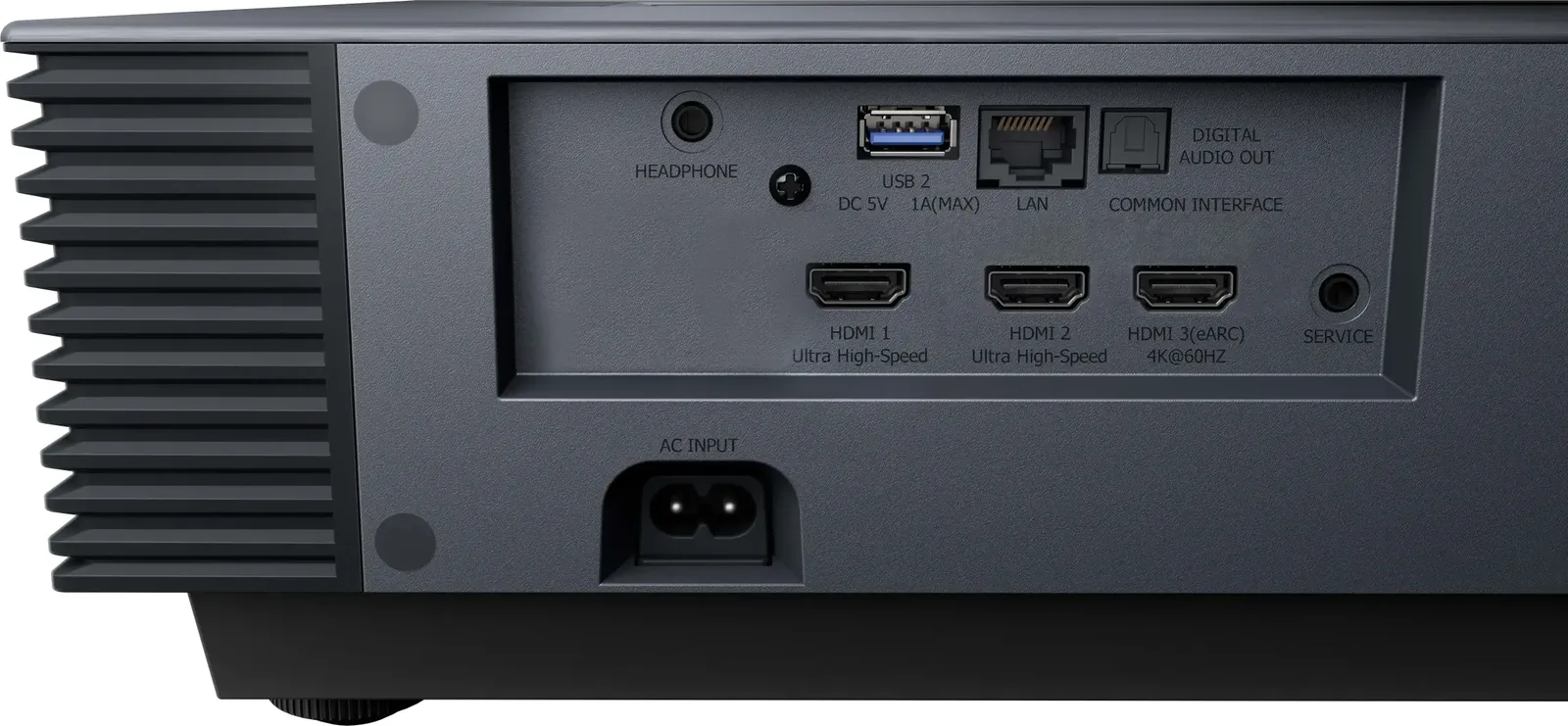
The 50W Harman Kardon speakers fire forward and keep dialogue clear, but ProjectorCentral found the Atmos surround effect minimal. Treat them as a TV's speakers. Under a review of the UK model, which runs VIDAA in place of Google TV, one owner could not get audio into an AV receiver over HDMI ARC, and another could not make a Samsung soundbar answer the projector's remote, so a US unit may behave differently. Test the audio path inside the return window.
Fan noise peaked at 39.1 dB from about three feet on ProjectorCentral's bench, over a room floor of 33.3 dBA, and RTINGS says it can distract anyone sitting close to it.
What owners report
Of the 16 owners we counted, 9 are plainly happy with it. One writes "its an amazing image" a month in, and another, who chose it over the L9Q, says "at night the image quality is pretty striking". The complaints do not repeat. One owner's unit kept switching itself on several times a day and the replacement did the same. One sees "a slight tingling in the image" in light areas, and one cannot get sharp corners. Outside YouTube, a ProjectorCentral reader reports a unit that "Worked fantastic for 5 days", then shut down and came back with a scrambled picture, and found Hisense support difficult to reach. Each is a single report, so treat them as things to check in the first weeks.
PX3-PRO vs PX4-PRO
Hisense announced the PX4-PRO as available on July 21, 2026, and RTINGS now lists the PX3-PRO as replaced by it. The PX4-PRO adds a 7-level iris that Hisense rates at 6,500:1 with it working (its CES announcement said 6000:1), 3,500 ANSI lumens, images to 200 inches, FreeSync Premium and Devialet tuned audio. It also swaps Google TV for Hisense's VIDAA OS.
RTINGS found the PX4-PRO better on input lag, contrast and rainbow handling and otherwise very similar. So the PX4-PRO is the upgrade, and the clear buy for a console or a screen past 150 inches. The PX3-PRO stays the pick if Google TV is what you want. Every rung is laid out in our Hisense UST lineup.
If brightness for a lit room is the real question, the L9Q against PX3-PRO comparison covers the 5,000 lumen model above it.
Before you order: the console
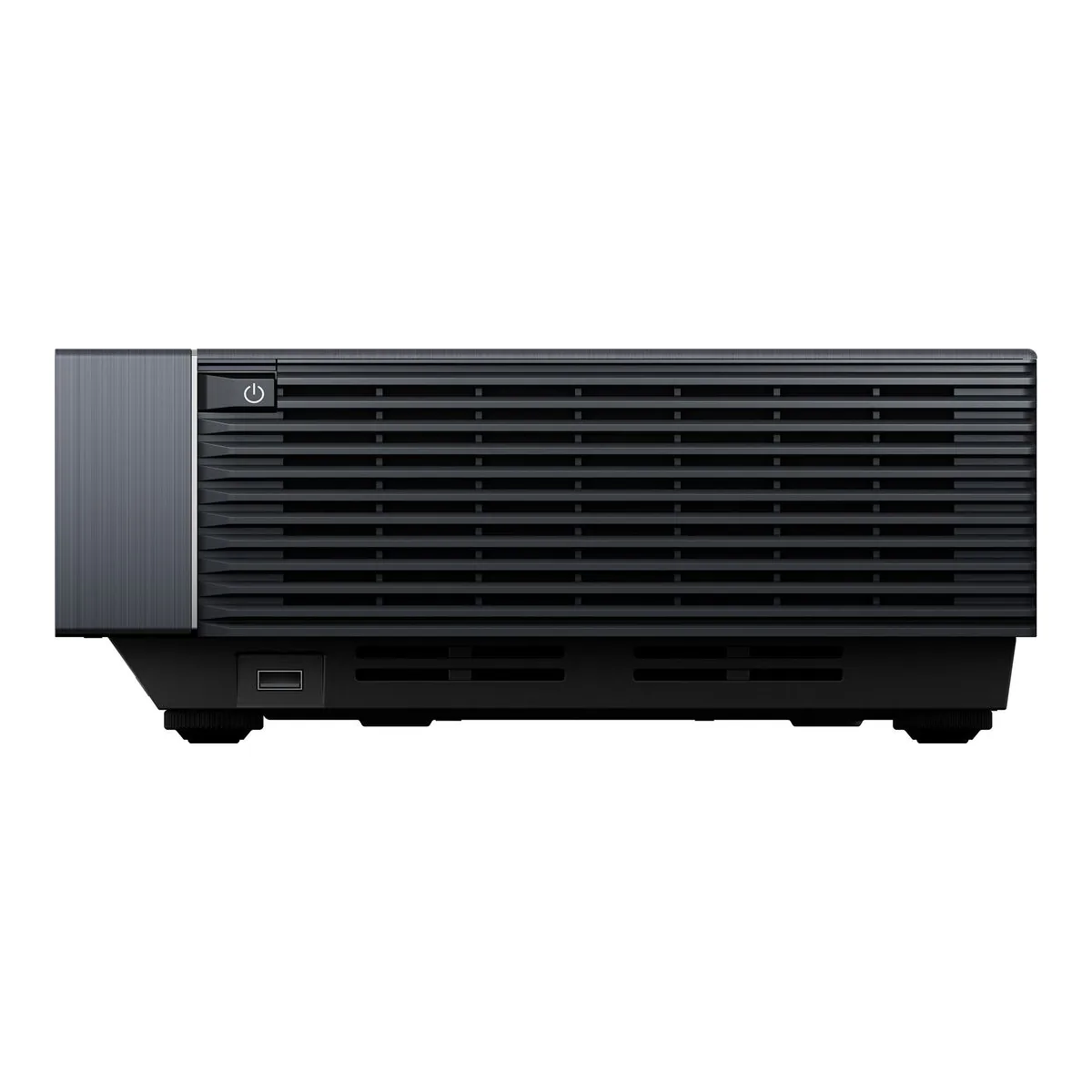
At 150 inches Hisense's chart puts the bottom of the picture 21.5 inches above the console top and the back of the projector 18.1 inches from the screen. One owner found that sitting it low enough for a 150 inch screen made a good entertainment unit impossible to find, and theirs is on the floor. The body is 21.7 by 11.7 inches and weighs 19.8 lb. Measure the console height against the chart for the size you want. Buy the screen last.
A closer look at the Hisense PX3-PRO
Made up your mind?